


Firefox web browser: cursor defaults to address bar not search box

When I open Firefox for the first time or on a new window the cursor automatically is in the address bar. I prefer to have the cursor to default into the search box. I don't want to search with the address bar. It did not used to be this way on my old laptop.
Alla svar (2)
Hello
Of course, this is not the expected answer, nevertheless.
You can use, test Add the Search bar to your Firefox toolbar. https://support.mozilla.org/en-US/kb/add-search-bar-firefox-toolbar
Other case
Take a look at https://connect.mozilla.org/t5/discussions/search-bar/m-p/98586 You can try 1 - Go to Configuration Editor for Firefox https://support.mozilla.org/en-US/kb/about-config-editor-firefox 2 - Enter a search term browser.newtabpage.activity-stream.improvesearch.handoffToAwesomebar You can double-click on the preference to set the value to false
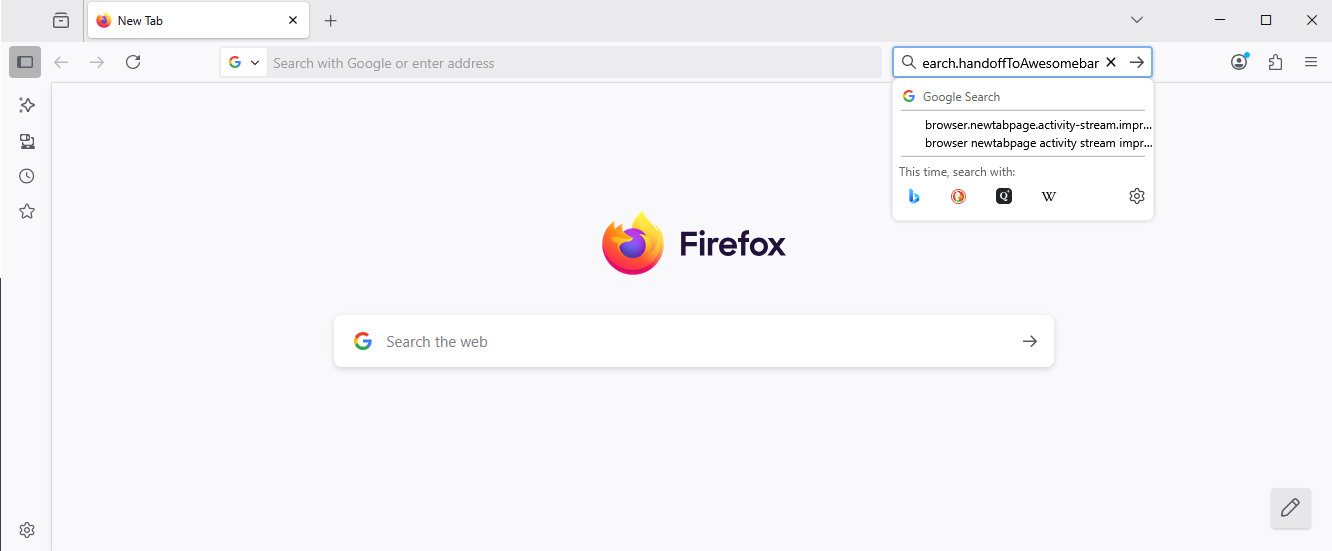
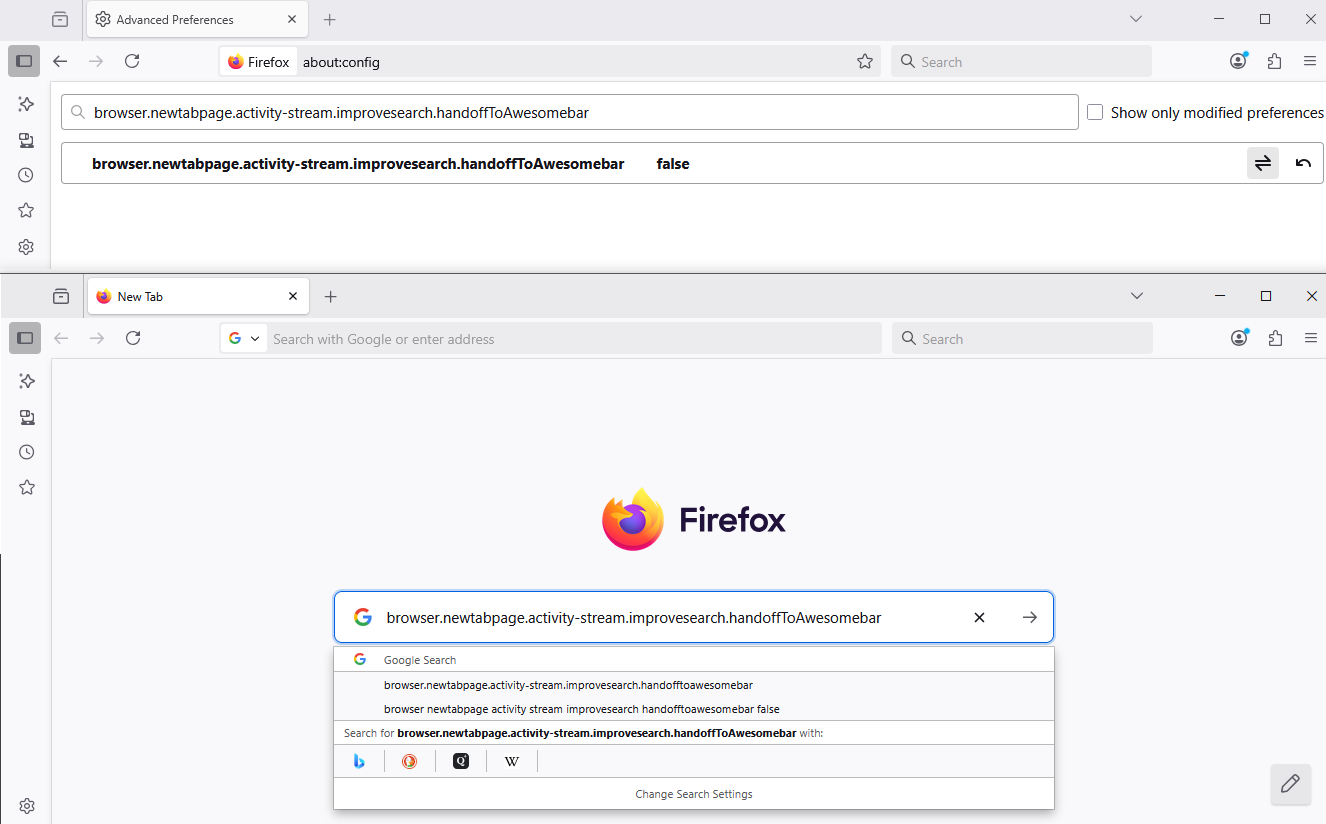
Ändrad av Agent virtuel
Thank you for responding. I tried both options to get the cursor to automatically appear in the search box. It did not work. And when I went to Configuration editor as you described, the value was already false.
1 - Go to Configuration Editor for Firefox https://support.mozilla.org/en-US/kb/about-config-editor-firefox 2 - Enter a search term browser.newtabpage.activity-stream.improvesearch.handoffToAwesomebar You can double-click on the preference to set the value to false
Thank you for trying to help.