


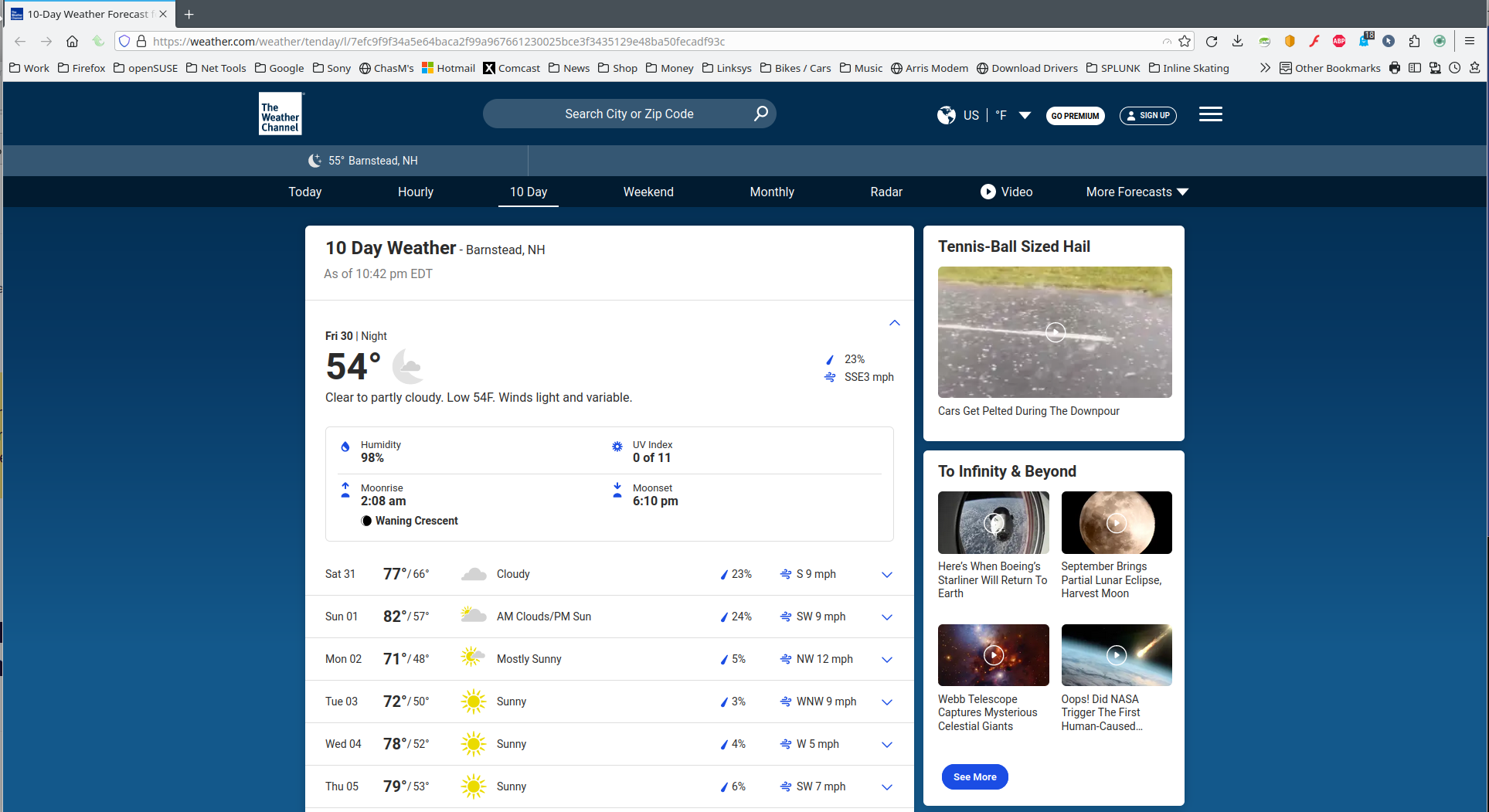
gray box in upper right corner of screen prohibits access to click on commands

gray box in upper right corner of screen prohibits access to click on commands

Vald lösning
What Extensions do you have installed in Firefox as a poster in https://forums.mozillazine.org/viewtopic.php?t=3124430 said it may have been due to Ghostery Tracker & Ad Blocker.
Läs svaret i sitt sammanhang 👍 0Alla svar (6)
Terrible screenshot. ;-)) Can you provide steps and a link to the site?
It appears on most of my screens in both Firefox and Firefox private viewer. The weather channel, Amazon, Fox news, Breezeline. The box is in the upper right hand corner, but it's just a gray area, no specific border to make it visible. Here's two screens where it's quite visible: https://weather.com/weather/tenday/l/7efc9f9f34a5e64baca2f99a967661230025bce3f3435129e48ba50fecadf93c https://www.foxnews.com/
Not seeing it. see screenshots Windows home or pro? Did you try Firefox in Troubleshoot Mode? What security software are you running?

Vald lösning
What Extensions do you have installed in Firefox as a poster in https://forums.mozillazine.org/viewtopic.php?t=3124430 said it may have been due to Ghostery Tracker & Ad Blocker.
The extensions list in the Troubleshooting Information data shows that the OP has Ghostery installed.
{name: Ghostery Tracker & Ad Blocker - Privacy AdBlock, type: extension, version: 10.4.2, isActive: TRUE, id: firefox@ghostery.com}
Thanks to all who replied. I turned off Ghostery and the problem went away.