


Not all the extensions are showing on the toolbar...
Hey guys,
Can you please tell me how to get my extensions to appear on the toolbar? As you can see from the image (titled "forFirefox03"), only one is shown.
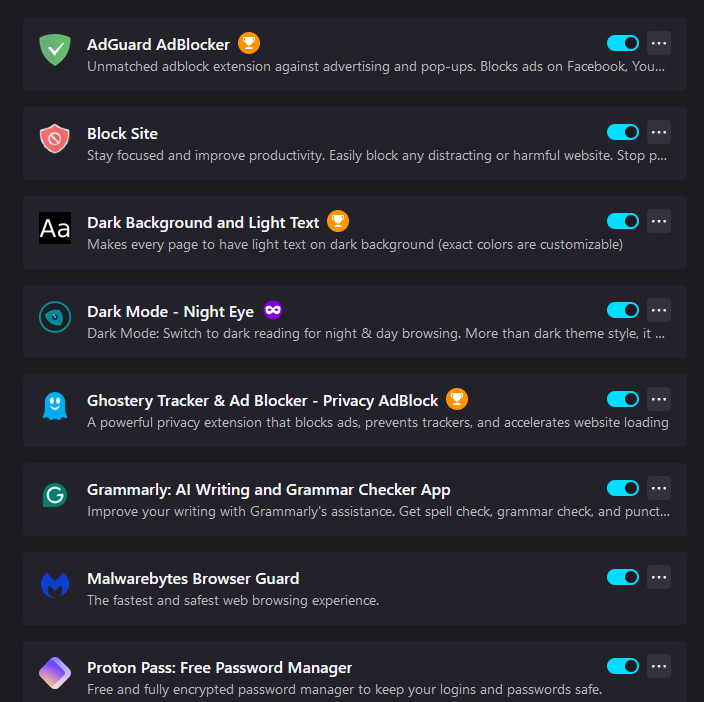
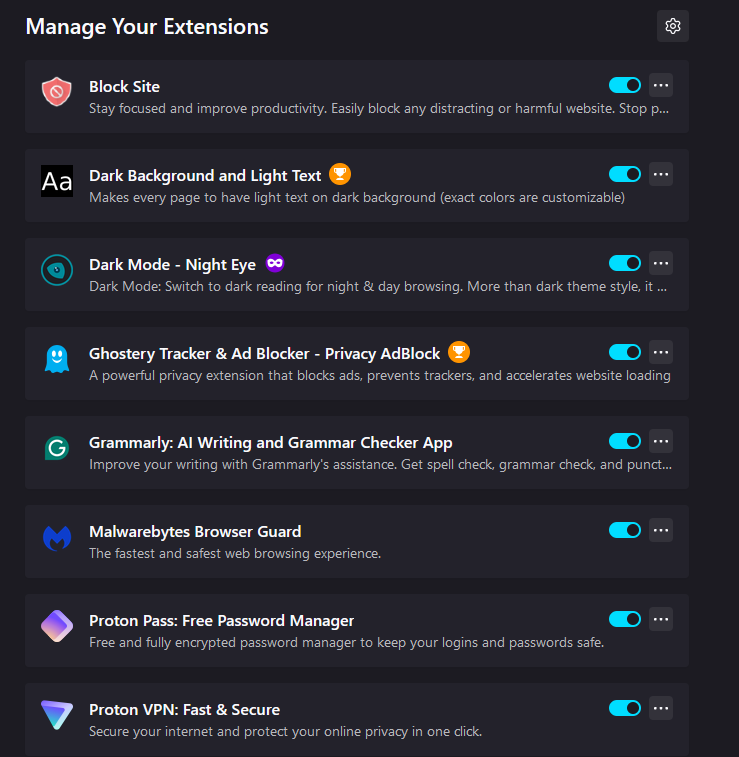
The images (titled "forFirefox01" and "forFirefox02") show all the extensions that I would like to have on the toolbar.
I've included the "About Firefox" (titled "forFirefox04") to show you which browser version I have.
I don't know if I need to show you the title names, but I'm used to Microsoft Answers, where I can put the images between the text, and here, I can't, so I'm assuming I have to show you them as names and images.


Vald lösning
No, but I have just refreshed the browser, and it now works!
Läs svaret i sitt sammanhang 👍 0Alla svar (9)
Click the Jigsaw icon on the toolbar, right-click the extension and select Pin to Toolbar.
I agree that easy access to "About Firefox" would be handy.
A partial solution is to have a bookmark pointing to chrome://browser/content/aboutDialog.xhtml.
If I click on the 'Jigsaw', it goes straight to this page (see the image that's attached)
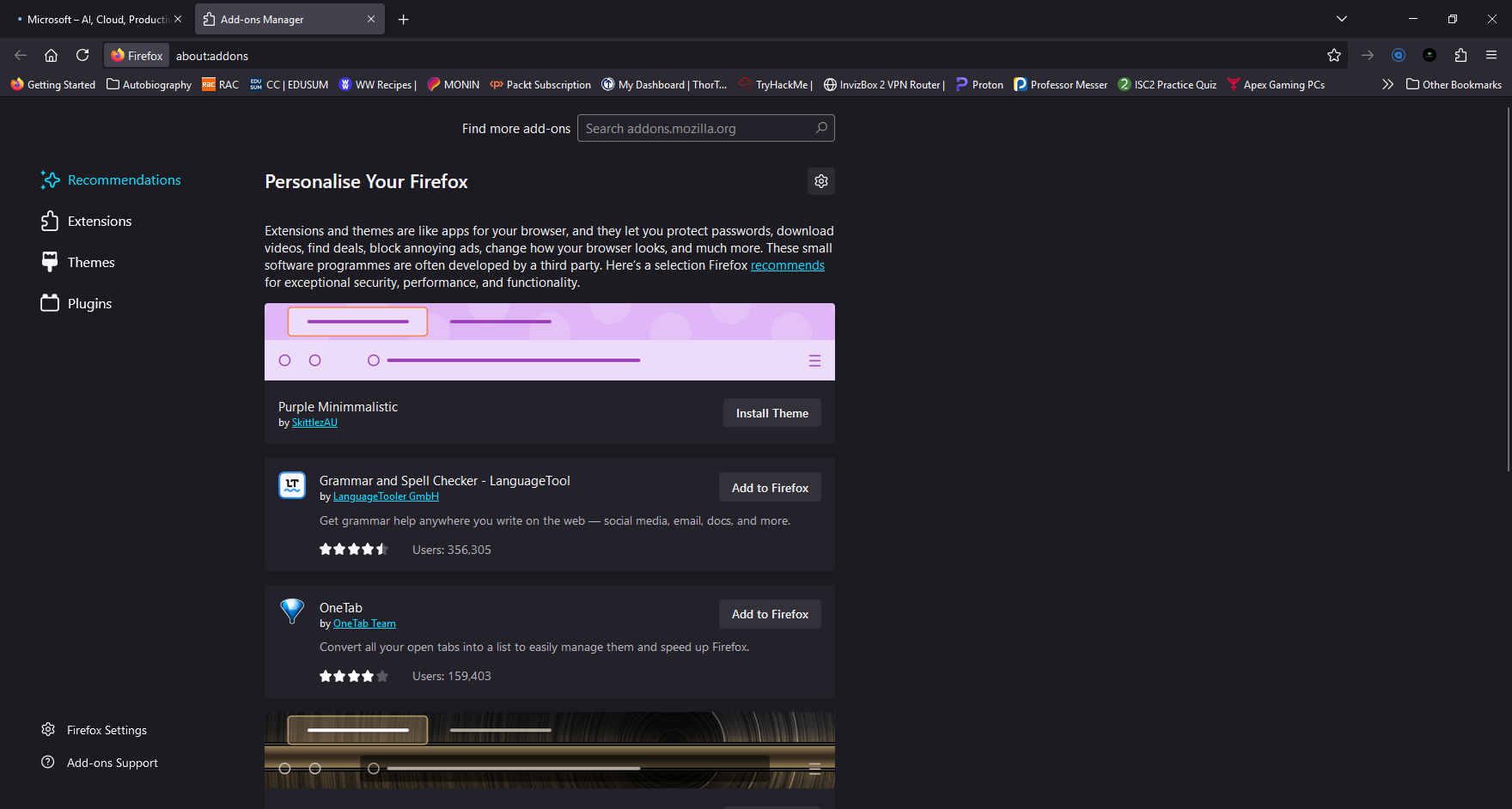
Something is wrong then. Try to disable one extension and enable it again.
Nah, that doesn't work.
You aren't using Private Browsing mode?
Vald lösning
No, but I have just refreshed the browser, and it now works!

So you know what the Refresh does. https://support.mozilla.org/en-US/kb/refresh-firefox-reset-add-ons-and-settings
Yeah, just looked at the article that you showed, and it just confirmed what I thought.