


Bookmarks open on Second Display
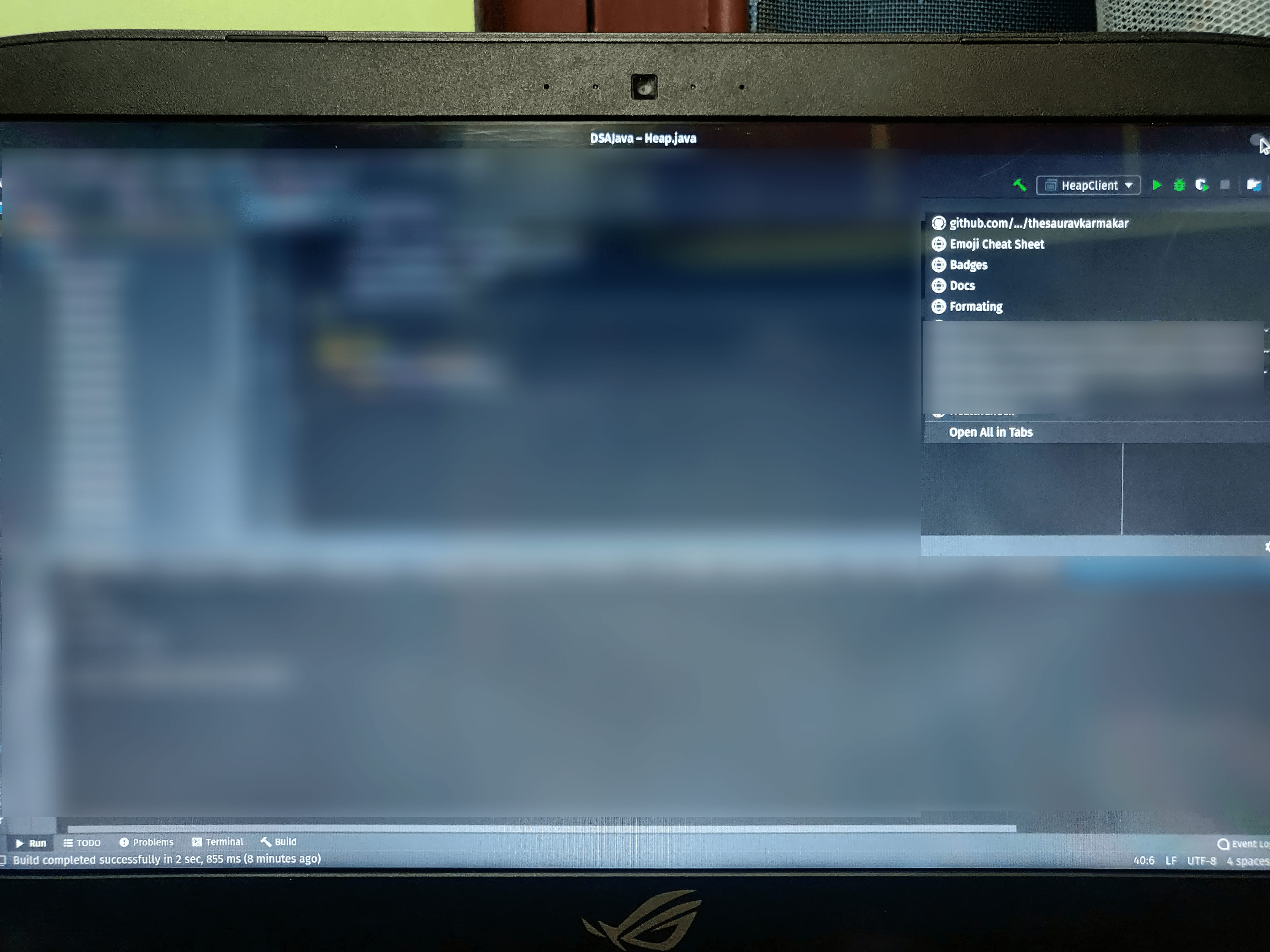
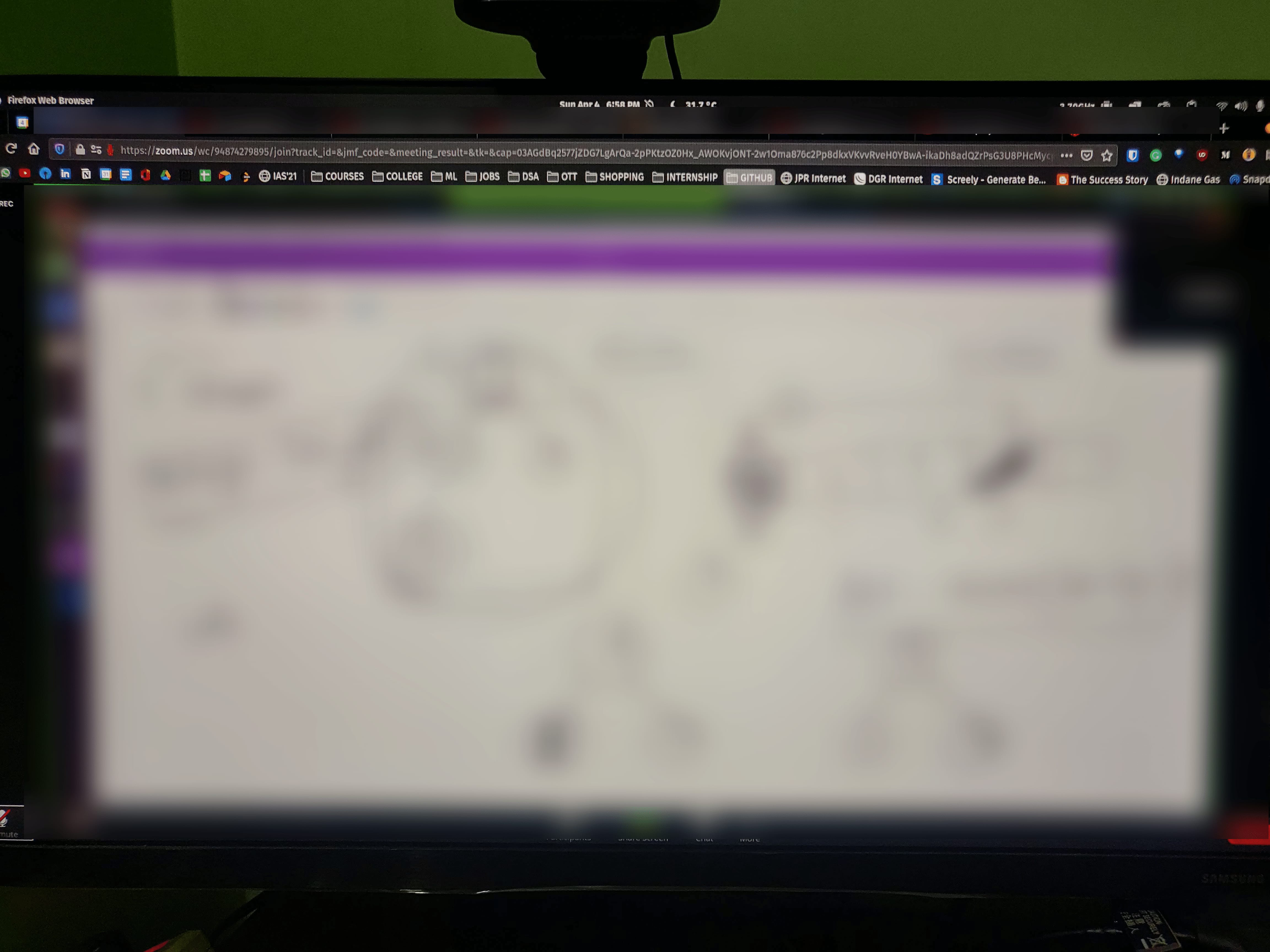
I have a Monitor + Laptop Setup and whenever I open Bookmarks from Bookmark Toolbar it's opens on the second display (Laptop) and not in the primary display (Monitor).
Alla svar (4)
Here are the screenshots:
Ändrad av Saurav

Hello Saurav,
My opinion is:
If windows display settings are set up to use both displays as one large one, then what are seeing is normal; because features are programmed to be displayed to the far-left, far-right, top and or bottom.
~dbben said
Hello Saurav, My opinion is: If windows display settings are set up to use both displays as one large one, then what are seeing is normal; because features are programmed to be displayed to the far-left, far-right, top and or bottom.
Okay! But what's different it doesn't happen for all the Bookmarks Folder which I have on Bookmark Toolbar. I thought first, in which I have long list of Bookmarks that's why happening. But it's just random.
I see. So you are experiencing inconsistency with this FF feature.
Yes, I don't know if there is a user setting to correct this or its a quirk in the FF programming.
But having windows involved with the management of displays and graphics memory, does add an unknown element into this issue.
However, I am interested in seeing your great question answered to. :-)