


F11 isn't working.

I have Windows 10, and when I press F11 or the fullscreen button, the taskbar at the bottom stays there. The top of the screen goes up, but the taskbar stays.
Alla svar (2)
I have Windows 10, and when I press F11 or the fullscreen button, the taskbar at the bottom stays there. The top of the screen goes up, but the taskbar stays.
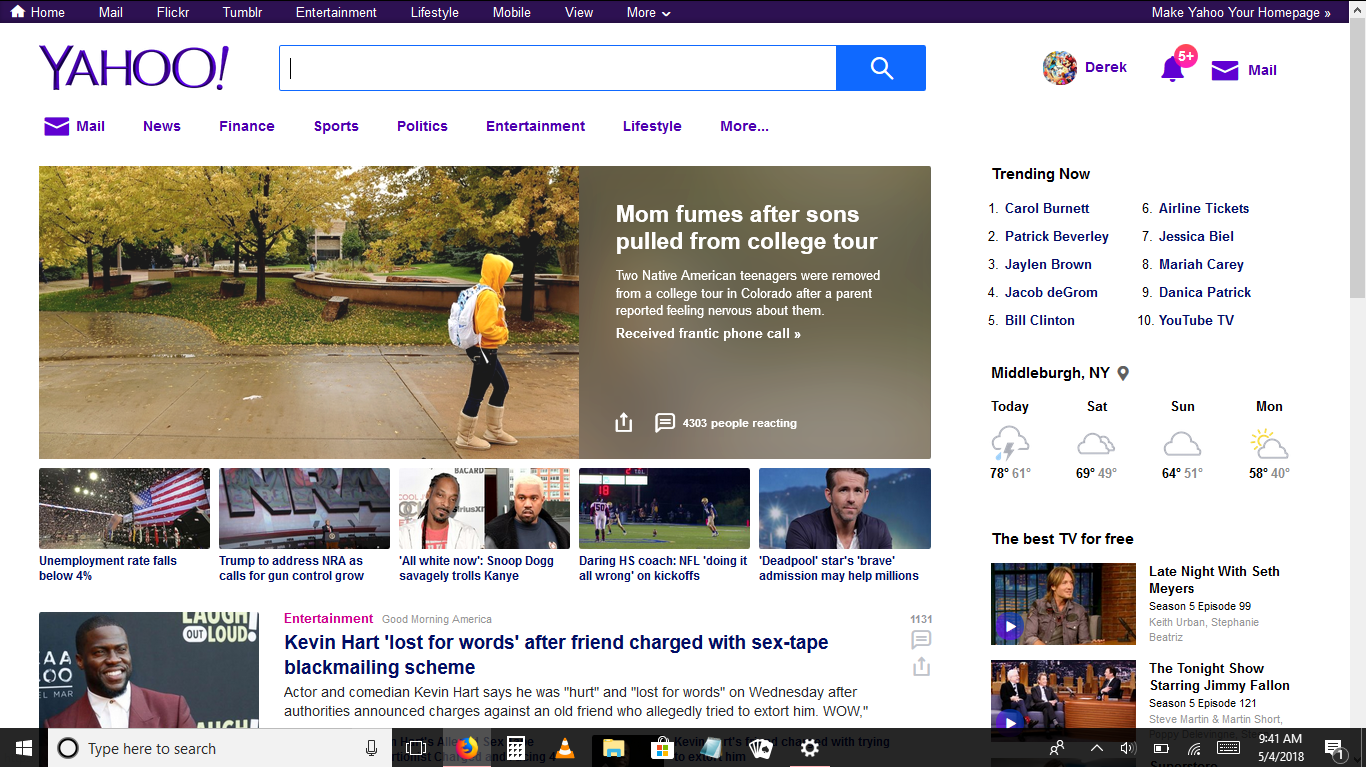
Does it happen even after starting the computer?
I don’t use Windows 10, but it seems to be a Windows issue. See if the general solution works, which is to restart the explorer process (more info). If it does, I think that’s a confirmation. Make sure to apply all Windows updates if applicable.
There have also been reports of Google Chrome or Hangouts affecting the intended behavior. If you have it installed or use it, try removing or disabling it.
Of course you can change the auto-hide settings for both desktop and tablet mode, but I don’t think that should be required.