My pasword in hotmail is not working

I cannot acces my hotmail account because pasword is not working
Krejt Përgjigjet (2)
Did you have Firefox save your password? Perhaps an error was saved. You can clear the saved passwords here:
Firefox > Preferences > Security > "Saved Passwords"
If you did not save the password and are typing it manually, a good "first thing to try" is clearing your Firefox cache and deleting your saved cookies for the site.
1. Clear Firefox's Cache
Firefox > Preferences > Advanced
On the Network mini-tab > Offline Storage : "Clear Now"
2. If needed, delete the site's cookies here
While viewing a page on the site,
Tools > Page Info > Security > "View Cookies"
The search box in the dialog should show live.com (it is unlikely to show hotmail.com any more).
After clearing the cookies, reload the page and try logging in again. Does that help?
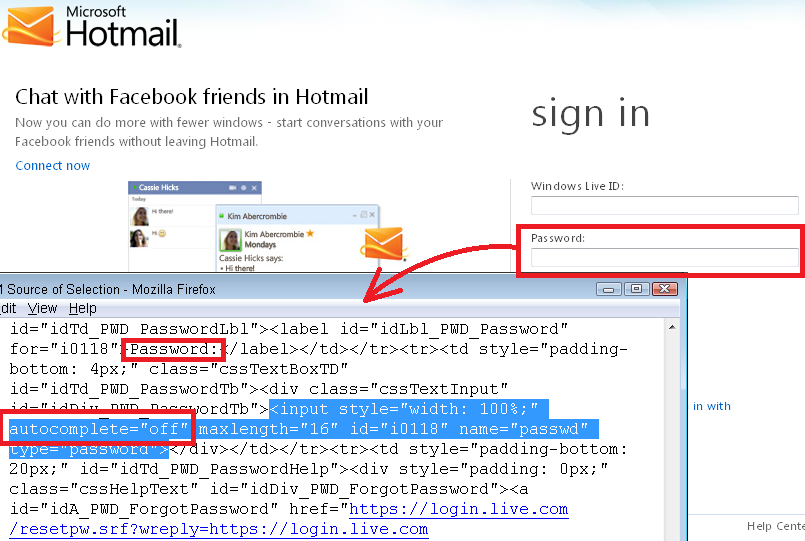
I learned this morning that Microsoft has intentionally blocked form fillers from entering the password for you by adding autocomplete="off" to the password field. This might have been a recent change, with the result that Firefox can fill in your username but not the password. Is that what you're seeing?