How to add 'Messages Filter' icon in toolbar?
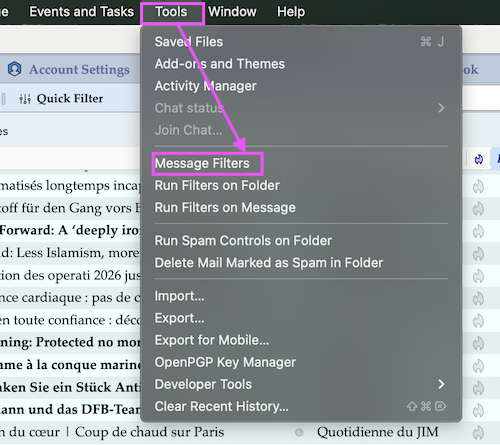
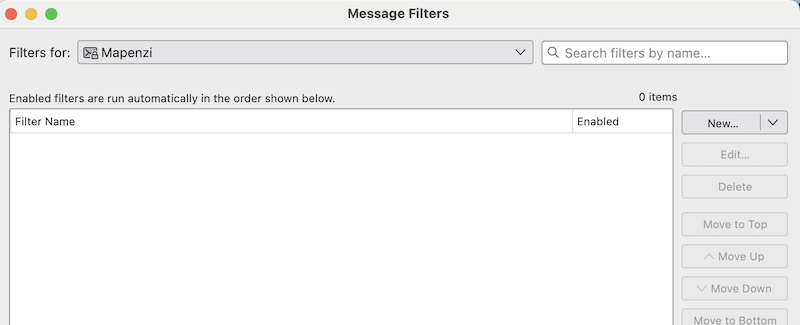
How to add 'Messages Filter' (see image) icon in Mail toolbar?

Krejt Përgjigjet (5)
The Thunderbird developers have forgotten to create a filter icon or a button.... 🤨

Go View, Toolbars and then Customize and then Right Click on Filter Button to add it to main tool bar
Michel T said
Go View, Toolbars and then Customize and then Right Click on Filter Button to add it to main tool bar
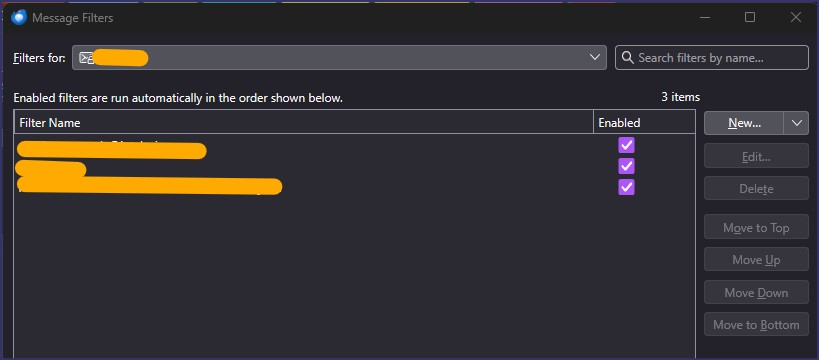
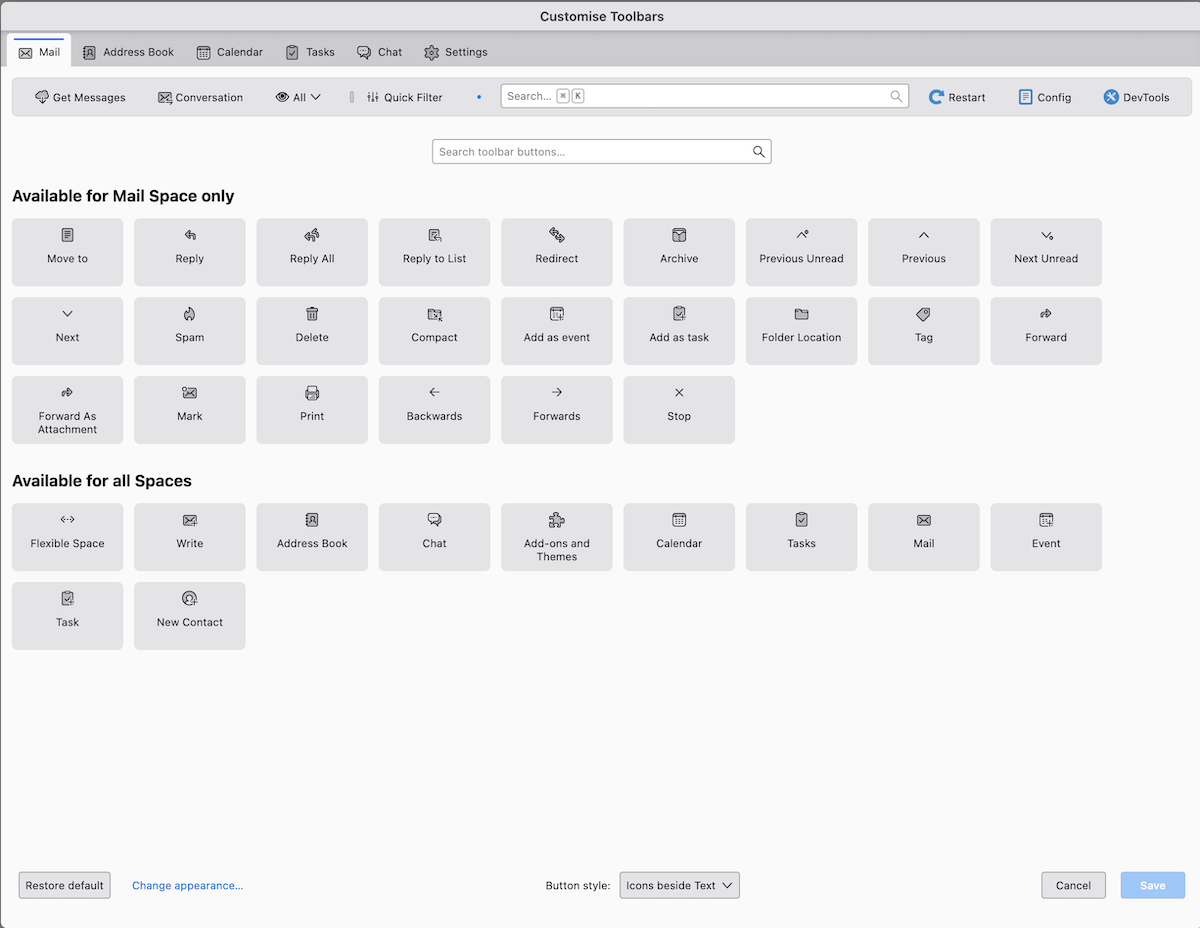
Please show me the Filer Button in the Customize window! (see image) Maybe you mistake it for the Quick Filter button
Mapenzi said
Michel T said
Go View, Toolbars and then Customize and then Right Click on Filter Button to add it to main tool barPlease show me the Filer Button in the Customize window! (see image) Maybe you mistake it for the Quick Filter button
You don't see it because you already added it to your main board.
Yes : I meant Quick Filter not Filter
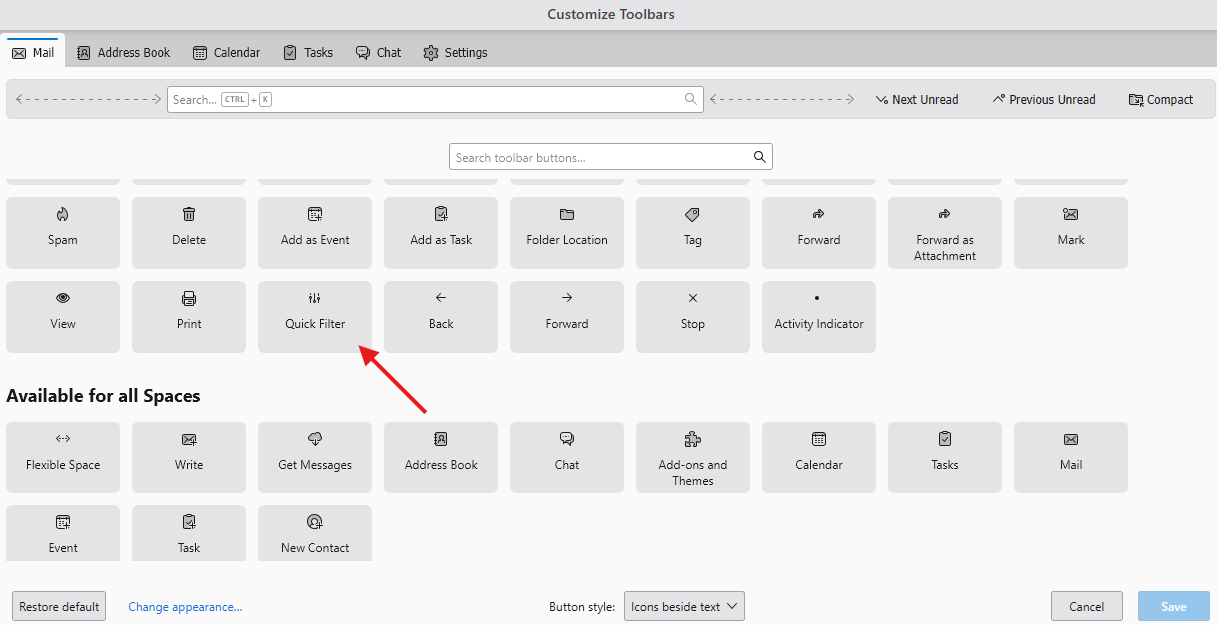
Ndryshuar nga Michel T
Michel T said
You don't see it because you already added it to your main board.
The OP is looking for a symbol or a button for "Message Filters"! Please have a look on his screen shot. I already told you that you mistake "message filters" for the "Quick Filter" "Message Filters" are displayed via Tools in the menu bar.... (see images)