Where access file location from download on Firefox mobile
I simply cannot open the file location and have absolutely no clue where it is located. Idk why it's not on download folder sorted by date, all it prompt me to do is open the pdf with whatever pdf viewer and there are absolute no other way to know the path, thus impossible to import it later on my Dropbox app
Krejt Përgjigjet (2)
I may have found a workaround here https://www.reddit.com/r/firefox/comments/1em70hr/comment/lgxn8o0/?utm_source=share&utm_medium=mweb3x&utm_name=mweb3xcss&utm_term=1&utm_content=share_button On the first reddit comment (by upvote as of this date) with an external download manager. Please fix it mozzila if you still have a fragment of your original soul not lost or bought

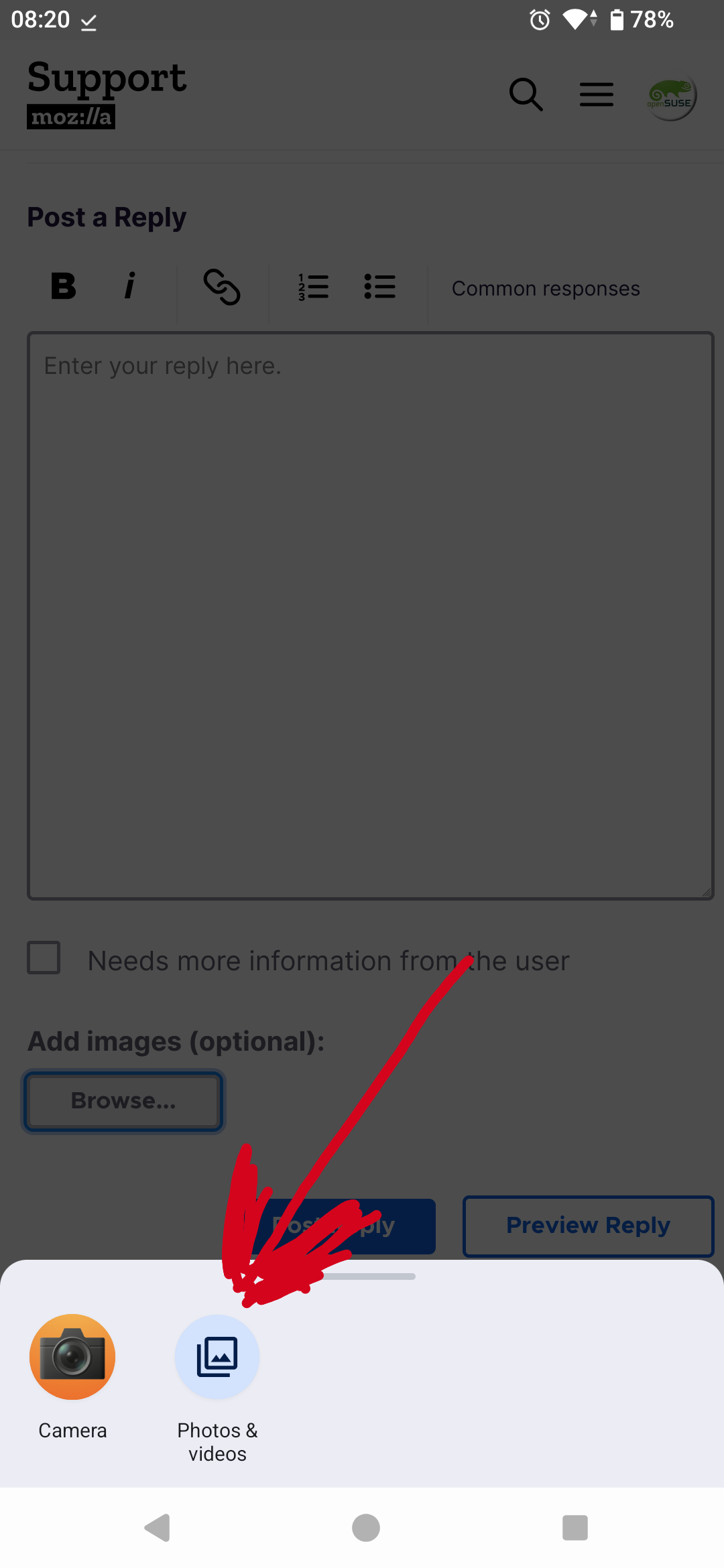
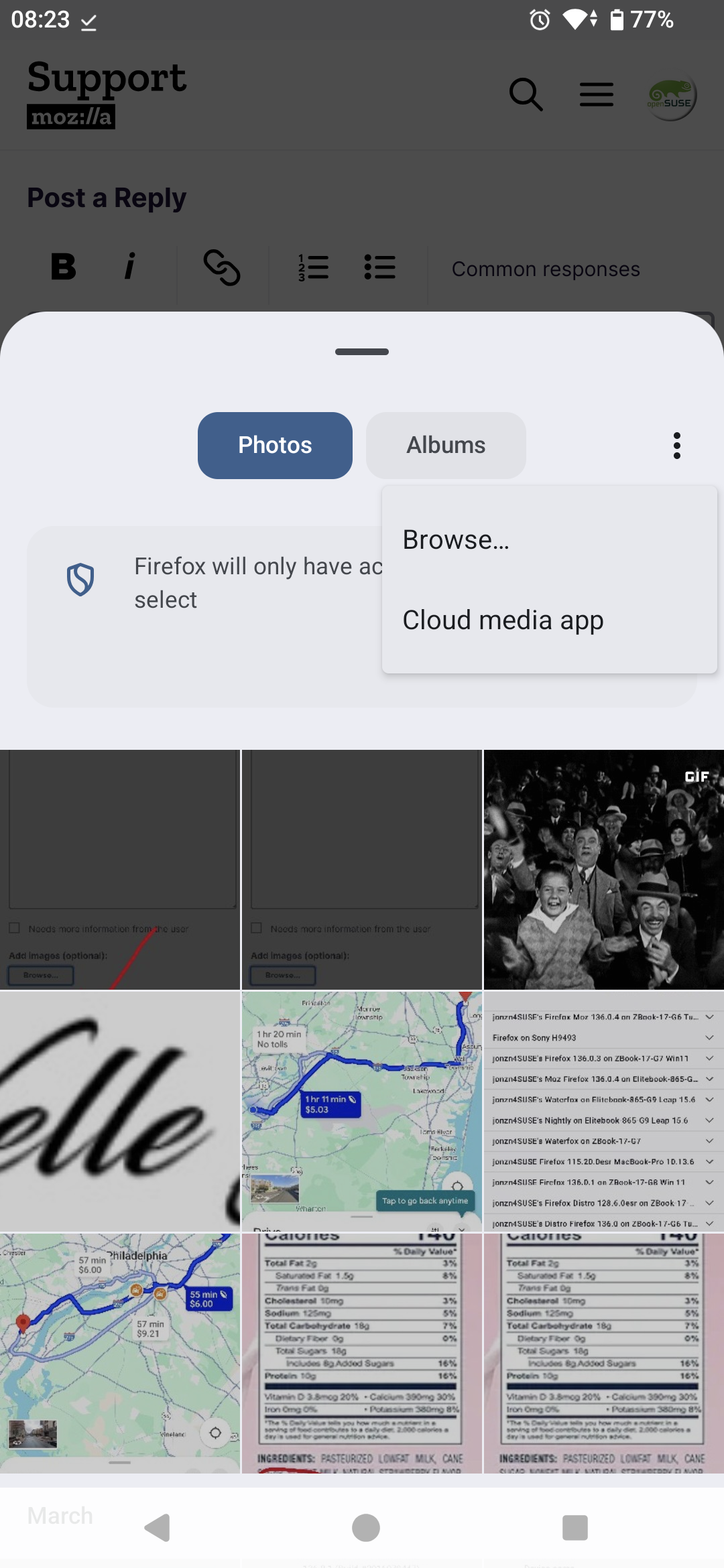
Example... When I want to upload an image to this site, I click the Browse button, I then see the option for a file picker. see screenshot From there, you should be able to navigate your phones directories. There is another option that allows me to browse the rest of the phone's directories also.