


what is sync?

I have 'synced' my old phone. Now I have new phone with a Firefox that I used for setup, which has a few open tabs and maybe a couple b9kmarks. I want to 'restore' everything fromthe old Firefox to the new. What happens if I 'sync'?
My guess is 'sync'ing the new firefox merely backs up its current state...
Krejt Përgjigjet (1)

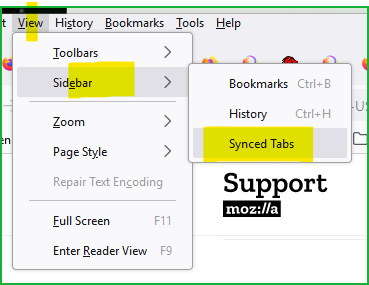
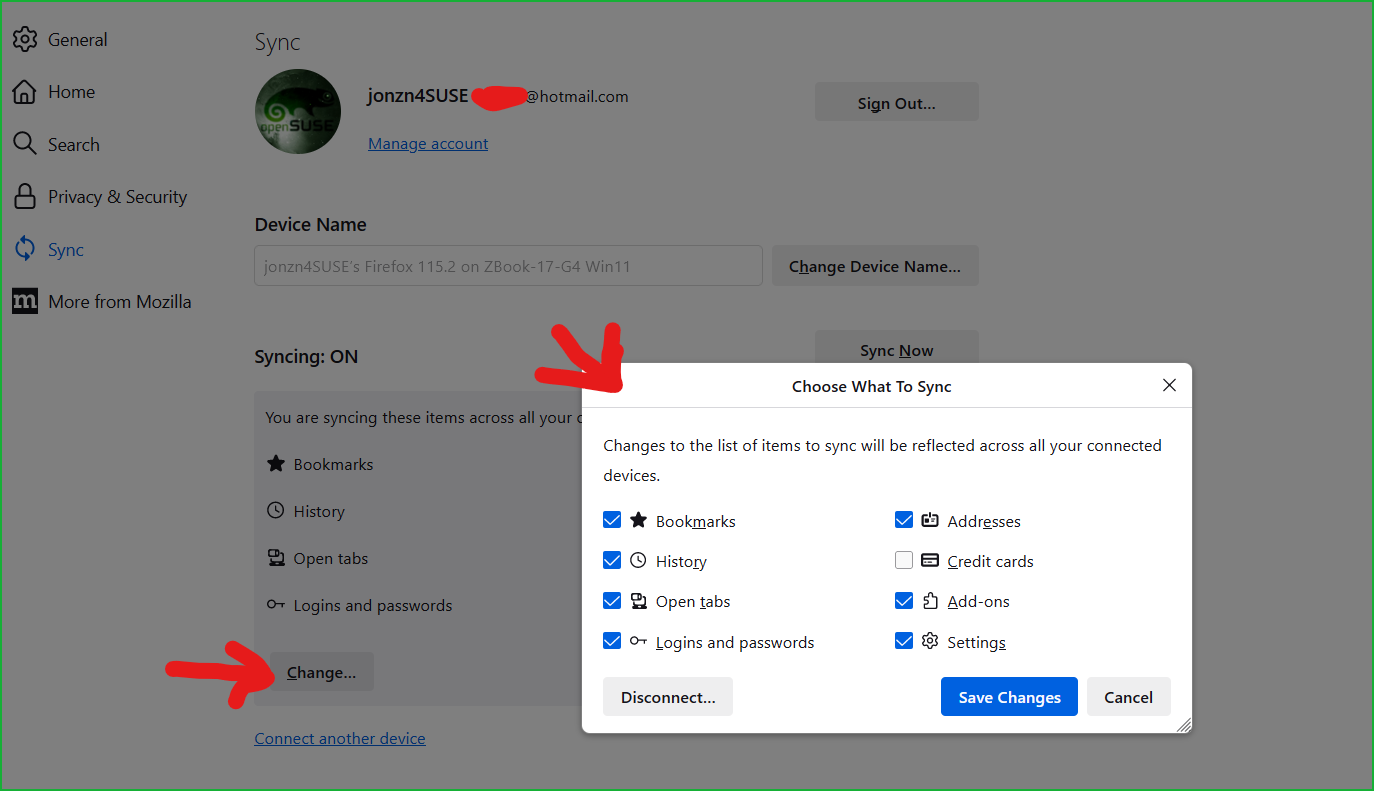
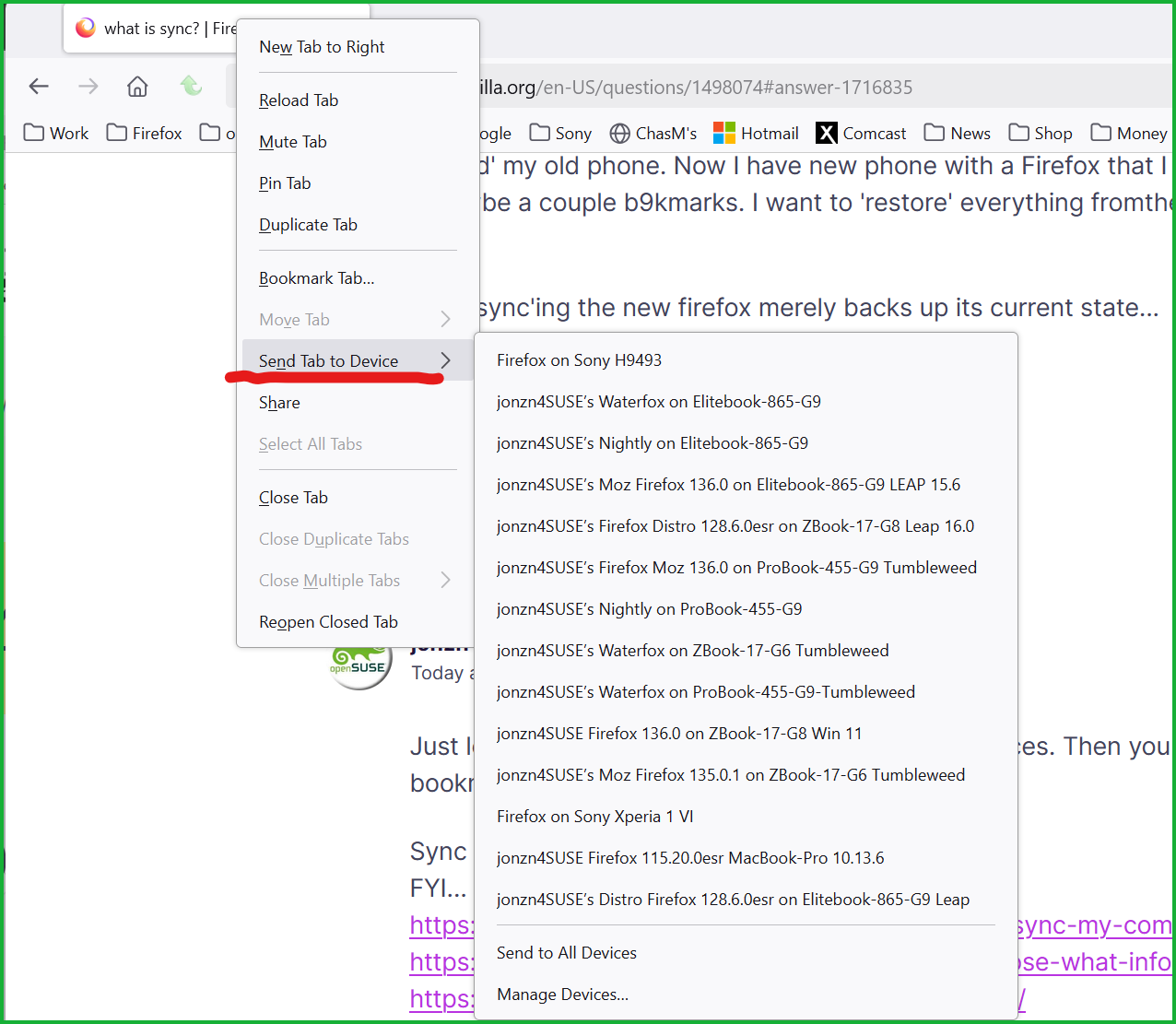
Just log into the same Mozilla account on both devices. Then you will be able to see and send tabs and bookmarks between them. see screenshots
Sync info... FYI... Firefox Sync IS NOT A DATA BACKUP SERVICE https://support.mozilla.org/en-US/kb/how-do-i-set-sync-my-computer https://support.mozilla.org/en-US/kb/how-do-i-choose-what-information-sync-firefox https://www.mozilla.org/en-US/firefox/features/sync/ https://hacks.mozilla.org/2018/11/firefox-sync-privacy/ Sync is not a backup tool but it is a good sync/transfer/move tool https://support.mozilla.org/en-US/forums/contributors/707681

Ndryshuar nga jonzn4SUSE