


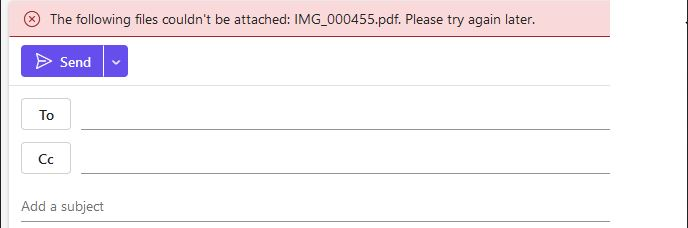
The following files couldn be attached outlook web -in firefox

the following files couldn be attached outlook web Microsoft Outlook in firefox. Its files more 1 MByte. clearing the cache did not solve the problem. Outlook web in Microsoft Edge no problem with attach files Firefox version 133.0 (64-біт)
Krejt Përgjigjet (5)

Probably incompatibility with Firefox browser you should use Edge with Microsoft apps so they work better.
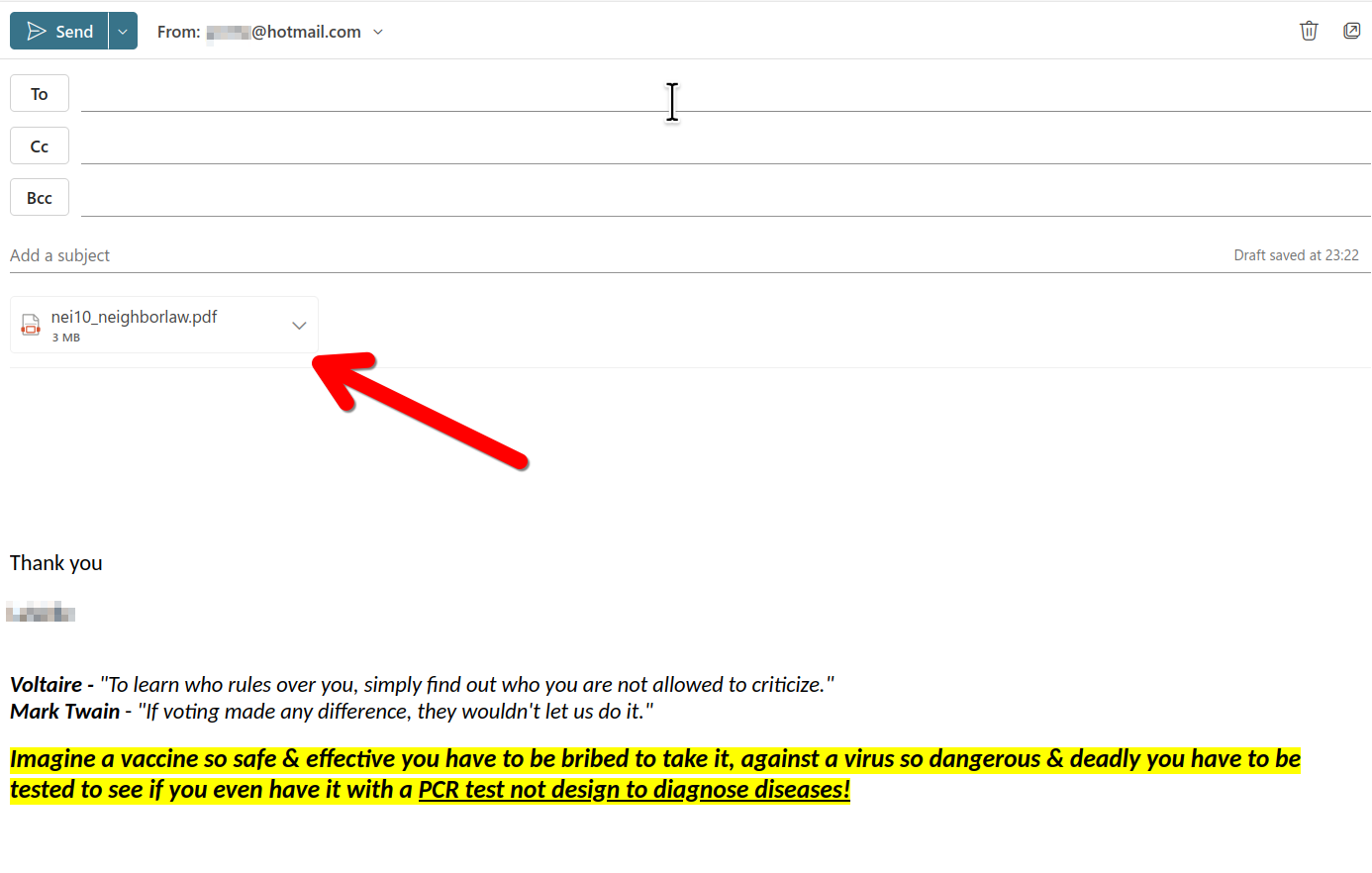
What OS? What version of Firefox? Do you have the same issues with other files? It works for me. see screenshot
OS - Windows 10 22h2 Firefox version 133.0 (64-біт) Do you have the same issues with other files? - YES (with files xlsx, docx)
Ndryshuar nga Vaso
Your email layout looks a wee bit different than mine. Are you in the free option or corp version M365? What security software are you running? home or work computer? Windows home or pro? If Windows Pro version, try testing in Windows Sandbox (VM) to see if you have the same issue. https://www.howtogeek.com/399290/how-to-use-windows-10s-new-sandbox-to-safely-test-apps/
Microsoft uses a lot of different servers from its Outlook platform. It's possible that the authorization (sign in) from one server isn't carrying over to another due to Total Cookie Protection.
You can make exceptions to this feature when needed -- possible on each server you visit as part of the process of using this company's services. As a first step, you can turn off Tracking Protection for your mailbox. Save your work, then click the shield icon at the left end of the address bar (next to the lock icon) and on the drop-down, click the blue slider switch to turn off Tracking Protection. The page will reload automatically.
Any difference?
More info in the following articles: