


How do I turn off Address Bar in full screen mode on Mac?

With Firefox 57.0.1, when I go to full screen to play a presentation from Google Slides, there is always an address bar on top of the fullscreen tab. I don’t want this, I really want the content to be fullscreen with no browser chrome whatsoever. The Chrome browser can do this. I hope Firefox can too?
How do reproduce: go to Google Slides and click the Present button. It opens a new fullscreen window. In Chrome browser, the content fills the screen completely. In Firefox 57.0.1, there is the address bar showing, which I do not want.
Zgjidhja e Zgjedhur
What about command+Shift+F ?
Krejt Përgjigjet (4)

If your mouse is on the UI it will stay, if you move the mouse away it should auto-hide.
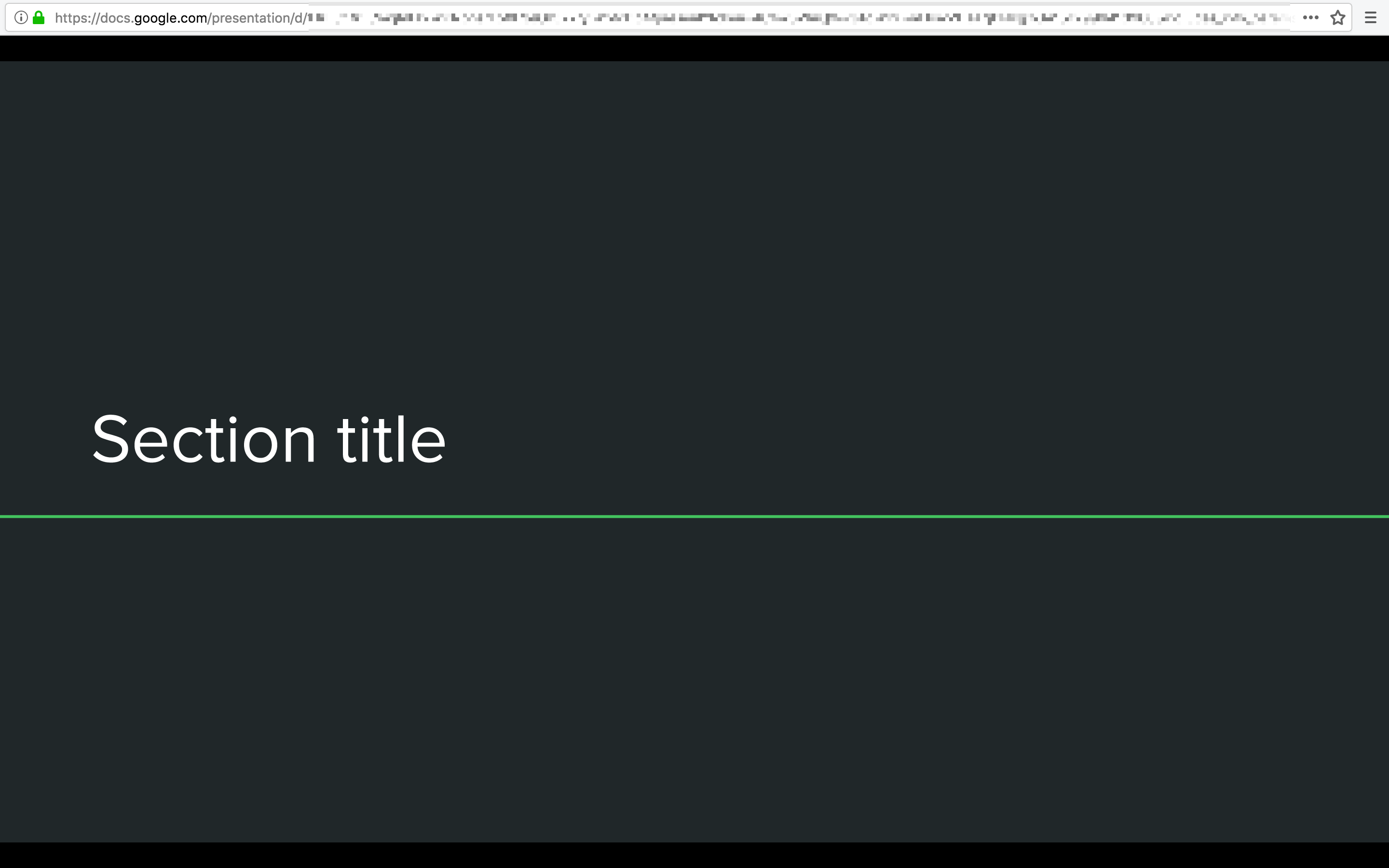
Doesn’t work. Here’s what it looks like. My cursor can be anywhere on the screen and the top address bar is still there.
Zgjidhja e Zgjedhur
What about command+Shift+F ?
Ha. Command-Shift-F does it indeed, thank you. The Mac system shortcut is Control-Command-F which didn’t cut it for me. I did not realize there are two keyboard shortcuts for fullscreen with different behaviors.