


printer error message

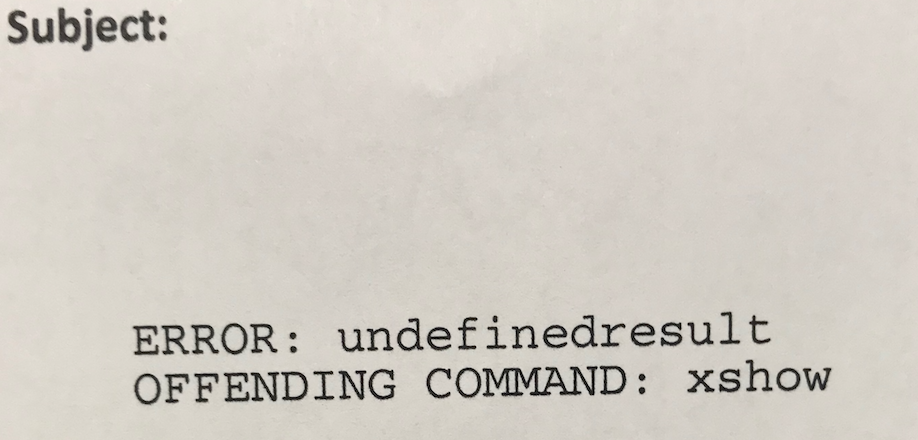
When I try and print emails the printer prints an error message. Some emails it prints and others it does not. I have spoken with HP and downloaded the latest software etc. Printer works perfect with other packages but just does not work with Email. Very frustrating and also annoying Morzilla does not have a technical helpline - come on guys Can you help please as presently printing to another printer which works fine but is in another room
Krejt Përgjigjet (3)

Hello, Can you show us the error message you mention?
Ndryshuar nga smorele
see photo please Error - Undefinedresult offending command - xshow
A topic on a Mac forum has no solution, but looking at this and this thread, chances are you need to change some settings in the printer properties, avoid using Postscript, or avoid the Calibri font.
You can also have a look at this question and its solution, as well as this thread, which basically suggest to set values to -1 in the TB Config Editor and choosing system fonts in the printer properties.
In any case and beforehand, be sure no (printer related) add-on is responsible, i.e. you should first check whether the error occurs when running TB in Safe Mode to disable all add-ons, or disable them manually one by one (or disable all and re-enable one by one).