


On opening a new tab a message in the tab says "Problem loading page". 'Startup' settings under 'General' in 'Options' are set to default.

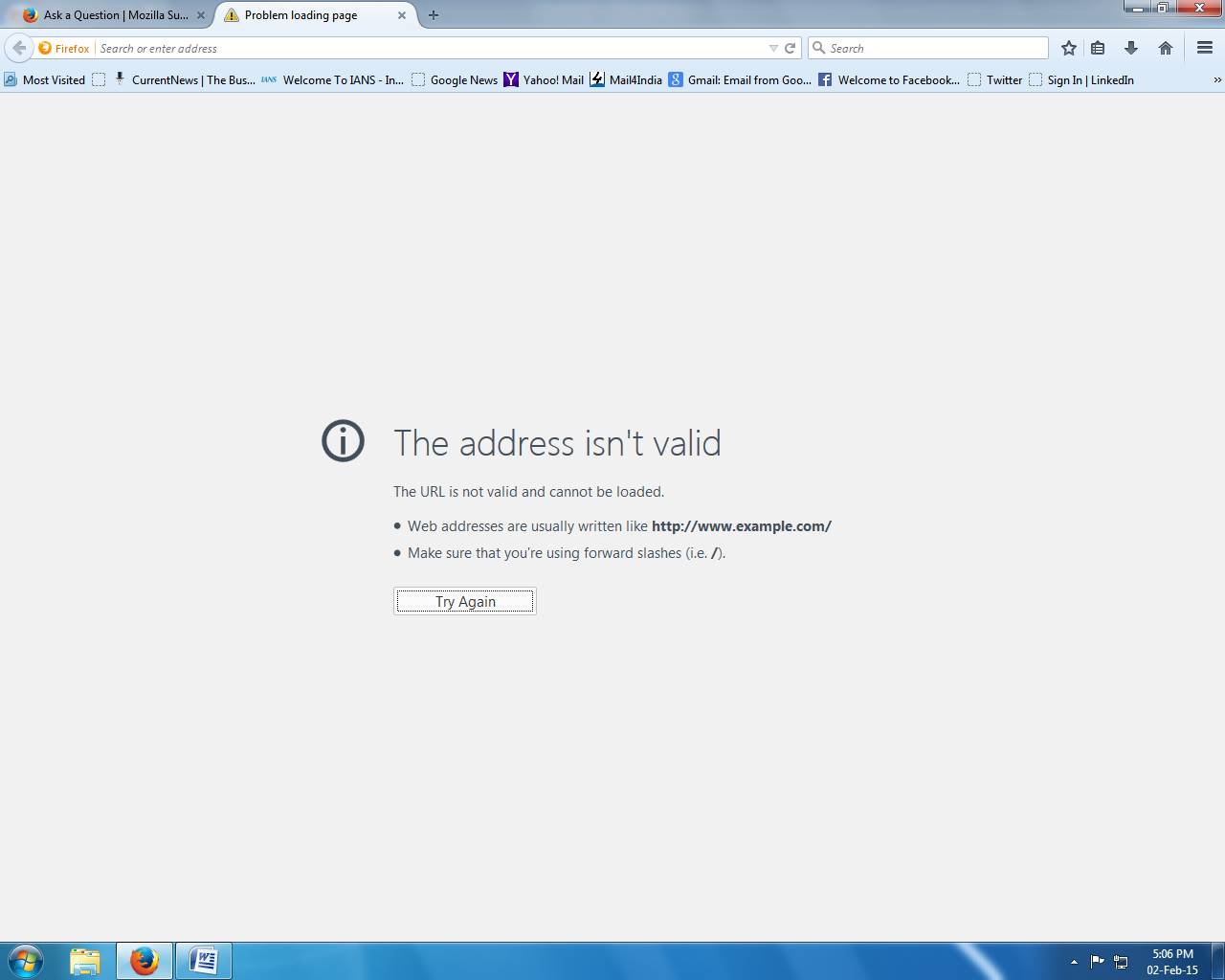
Whenever I open a new blank tab in Firefox a message in the tab says "Problem loading page".
The message on the browser screen says: The address isn't valid The URL is not valid and cannot be loaded.
* Web addresses are usually written like http://www.example.com/
* Make sure that you're using forward slashes (i.e. /).
I have the same problem whenever I click on "Sign in to Sync".
The new tab opened by Firefox has the same message - "Problem loading page" - in the tab.
The 'Startup' settings under the 'General' tab in 'Options' are set to default.
I have attached a screen shot of the browser window.
Krejt Përgjigjet (1)
Hi,
It sounds like a setting was changed on your new tab page. These changes are usually caused by third-party toolbars or add-ons. I understand that you would like to know how to change it back. Not a problem, please follow the steps below:
- In the Location bar, type about:config and press Enter. The "This might void your warranty!" warning page may appear.
- Click I'll be careful, I promise! to continue to the about:config page.
- Type browser.newtab.url in the search box to find it on the list.
- Double-click on browser.newtab.url and type in about:newtab in the window that pops up.
Restart Firefox and open a new tab to make sure the change was made. If there is any issues with plugins please also see: Troubleshoot issues with plugins like Flash or Java to fix common Firefox problems
Please post back with your results, we are happy to help.