


Each time I open a new tab, it opens in Firefox, instead of my home page.

Each time I open a new tab, it opens in Firefox, instead of my home page. I have my home page set to DuckDuckGo and have tabs set to open to my home page. Each time I click on a new tab, it goes to Firefox and I have to click on the Home icon.
Všetky odpovede (8)
Hi Phil
This support article should help you to set the new tab page in Firefox:
https://support.mozilla.org/en-US/kb/how-to-set-the-home-page
Thank you for your reply. However, I already saw that and tried it. It doesn't matter if I choose Firefox home or extension, I get the same thing. The only difference is that one is in dark mode and the other in light. I have to click on the Home icon to get the page that I want. I'm attaching 2 screen shots. One showing the default when I open a new tab. That's the Firefox page. The other shows what I want to appear. That's the DuckDuckGo search engine.
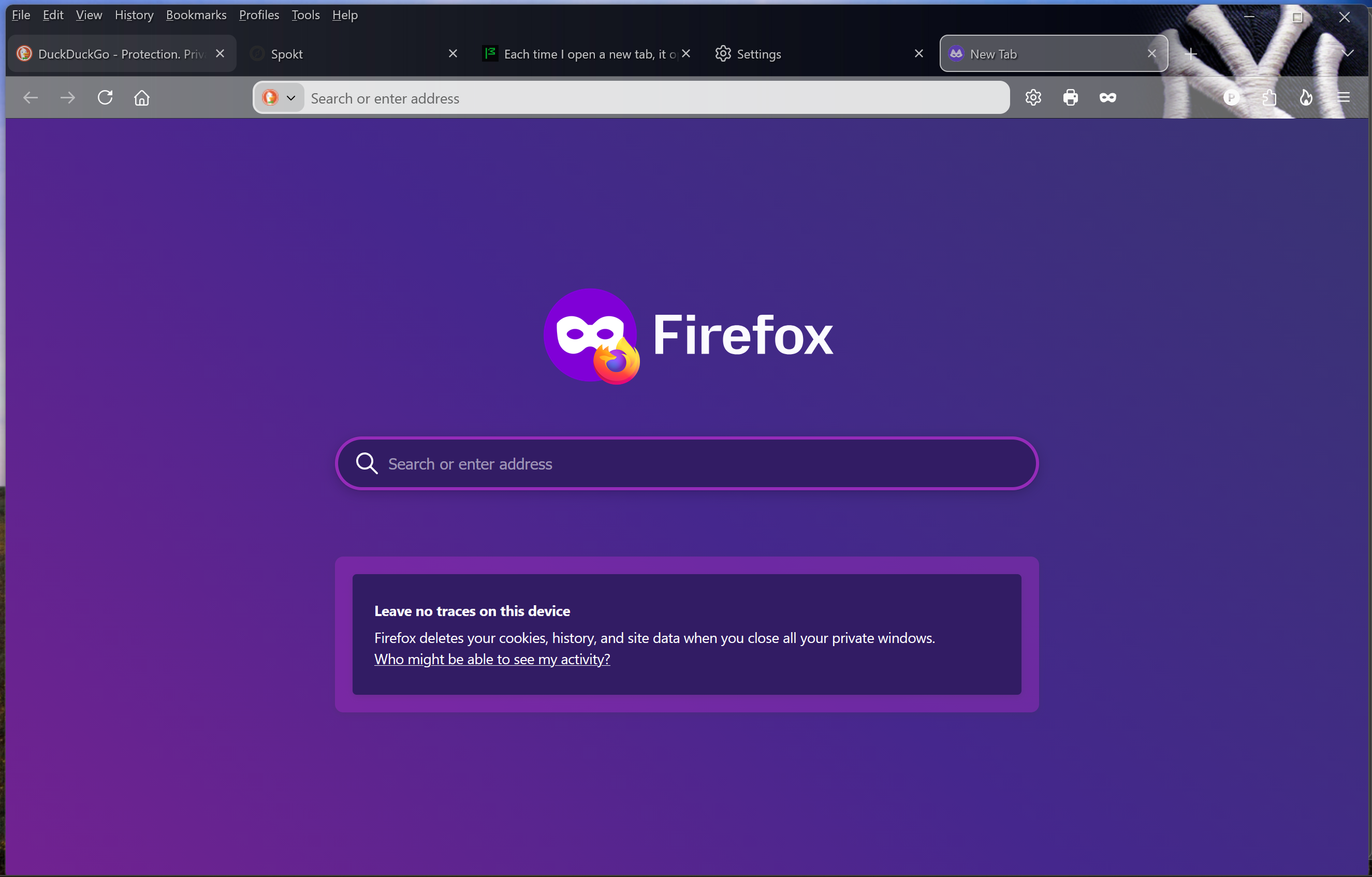
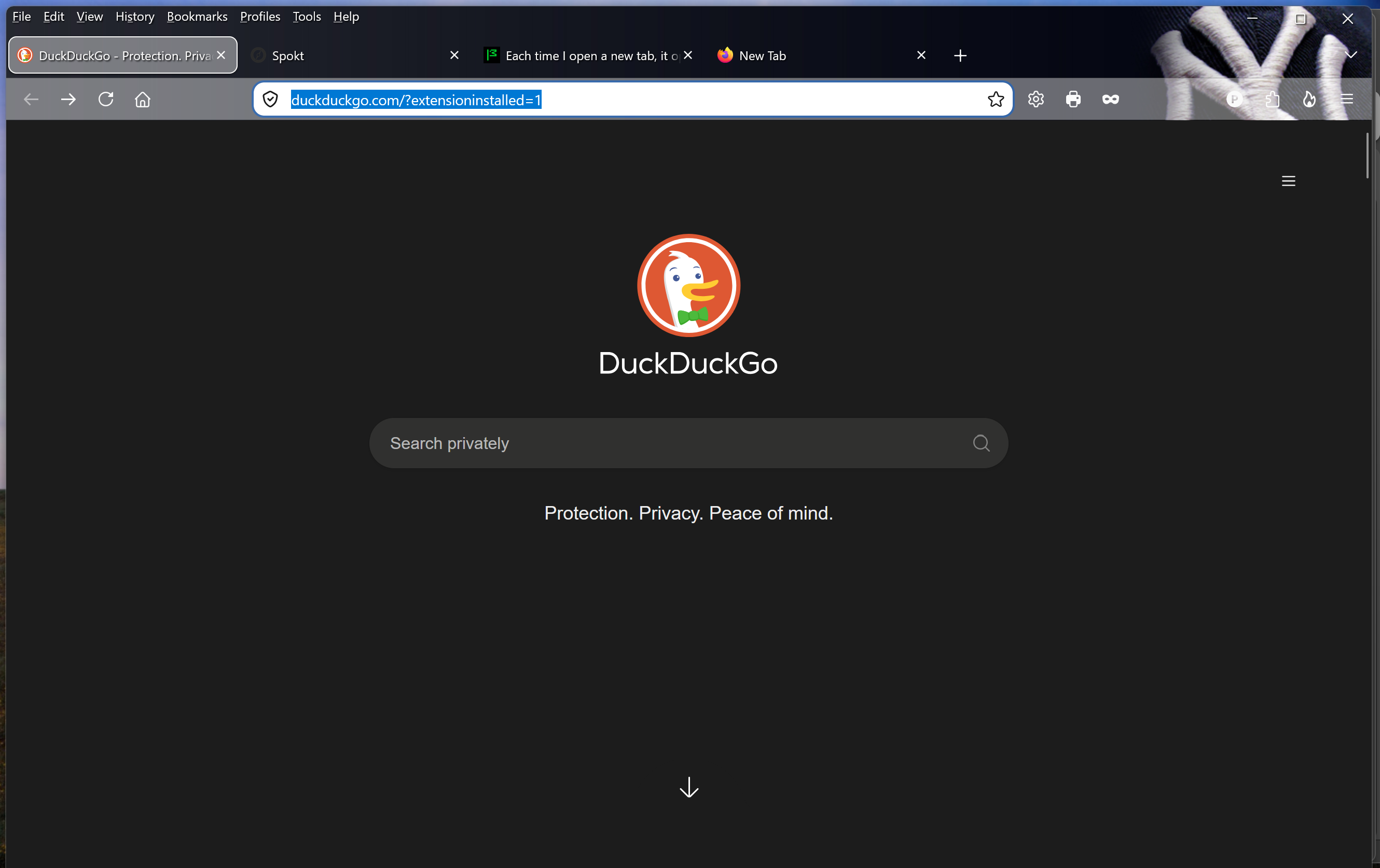
The first purple image is Private Browsing https://support.mozilla.org/en-US/kb/private-browsing-use-firefox-without-history
The default Homepage in the desktop Firefox web browser is Firefox Home which is about:home
Upravil(a) James dňa
Thank you. That is good info. But how do I get it to default to the darker image when opening a new tab?

Dark image is under Settings > Appearance
Home page via Settings > Homepage and startup > Home page > Custom URLs
Thank you, but I wasn't really looking for information on how to get to dark settings. I want DuckDuckGo to come up automatically when I open a new tab.
If you mean you want it on the Firefox home page, which means setting the search engine to Duckduckgo and removing all the other options
New tabs > Firefox home page >
Already have Firefox Home set under new tabs. I can't delete Blank Page or Extension from the drop-down. Those are the only other options. Still no joy.