


Getting an error message when trying to open a website (numerous) for a company - and I know they exist.....

Greetings--
Oh, dear, where to begin..... Recently, I've had issues once in awhile with opening websites and/or webpages. I get error messages stating that I can not open, or connect to, that link for one reason or another. {Bad addresses, bad links, bad gates, being blocked, can not send, etc.} Now, I am receiving these error messages when I am trying to open webpages/websites to a company that I have a software with - and I know that this company exists and is operational.
I have done everything on your support page of suggestions, I've disabled my anti-virus software, I've turned off my firewalls (Microsoft), and disabled everything in Firefox that I thought might be blocking this from going through; but, to no avail.
I even tried to turn off the "Enhanced Tracking Protection", but can not find it anywhere in my Firefox settings, and the function is 'grayed out' in the dialog box shown in my visual aid attached.
Has anyone seen this issue before? Has anyone dealt with this before? Can anyone help me? Please? I'm at a total loss and have done everything I can think of. At this point, I'm not sure if this is a Firefox issue, or a Dell issue, or a Microsoft issue, or an Iolo issue; but, I thought I would start with Firefox and rule out Firefox if needed in my research.
Thank you all in advance for any help you may be able to give me. Your are a blessing - truly!!
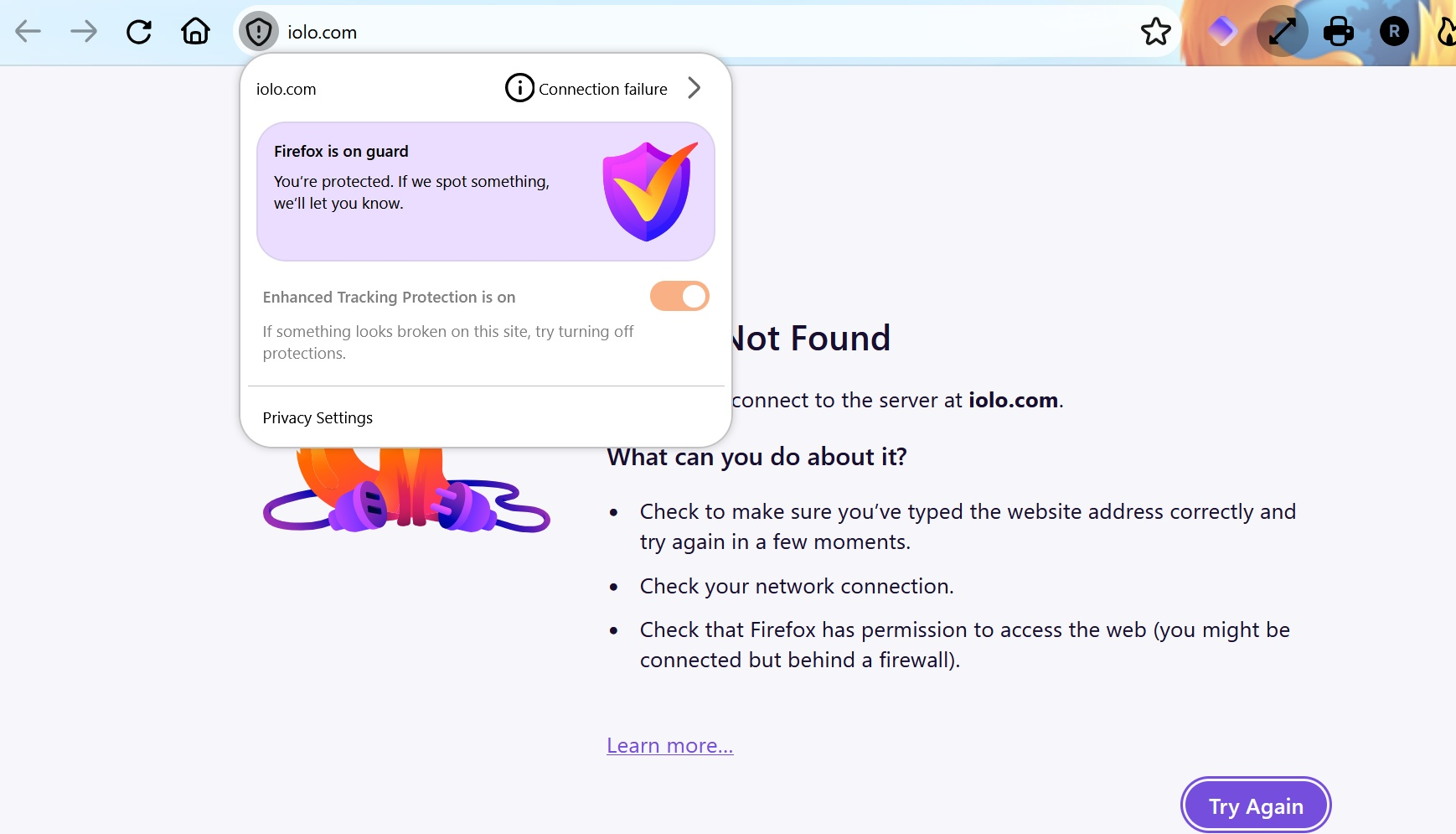
All Replies (3)
Hi, the site appears to work from where I look (and you can always check using downforeveryoneorjustme.com in these cases to have another data point), and the error means wherever the site appears to be hosted (e.g. as provided by your closest datacenter) it's not there, or responding per se. This is mostly due to some misconfiguration on the website end, but in your case it sounds more like you're having constant connection problems which might point to networking issues closer to your end.
A quick trick is, if you have the built–in VPN available to you, to just access the site(s) using the VPN, which will route the traffic differently, which oftentimes is enough to circumvent any local issues.
Other options to look into are in Firefox settings, "DNS over HTTPS", to either turn it off, on, or change the default provider, to see if that routing also has any impact.
If you have a different network available to you, like a mobile hotspot to tether to, or a neighbor or café wifi to test with different provider, that'll also provide some comparison whether it's only an issue on your home network or reproduces more broadly.
Thank you for your reply..... More than you know.
Okay. I have ruled out Iolo as the problem, because I was able to log onto the website using Firefox on my cell phone.
I also tried the suggestion of yours, using my VPN, and whala, I was able to log onto their website. So, I now know how to go to them. But, I have no clue what, exactly, this means.
When you refer to "local issues", and I am able to log onto their website using a VPN, what exactly does this mean - and what am I looking for, or at? I appreciate your help, but now I am a little confused. Can I fix this so I don't have to use a VPN all the time?
Thanks again for your help and time!!
So the way the VPN tunnel works is it hands off a lot of the domain, host and networking resolution to the remote service providing the feature, so it skips a lot of conventional networking things going on on both your device, and your network (both on the side of your local home network, and also your internet service provider as well) — so it's a quick workaround for several categories of potential issues — but it doesn't really answer what might be the original issue at hand.
I'd basically recommend looking at Configure DNS over HTTPS protection levels in Firefox and flipping the switches around — some combinations might work with your connection better than others. (These are safe to tinker with, so feel free to flip them either way, or pick any other provider available to you there, you can always set them back to "default" or "off" easily.)