


How to remove "ENHA..." search box that just appeared on Firefox homepage

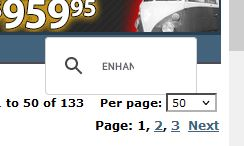
Starting with the most recent Firefox update a new small grey search bar containing the letters ENHAN appears in the upper right portion of my home page. It is intrusive and useless and I DO NOT WANT IT. How can I make it go away? I have Googled this extensively and have not found an answer. Please help. Thank you.
Chosen solution
Mark it as resolved if you have no further questions and have a good day.
Read this answer in context 👍 0All Replies (6)
Thank you for quick response....but 1) This has occurred with 6 of my computers (Windows 10, 11, and 7 - using esr Firefox) with the most recent updates. None have add-ons. 2) When it first appeared, clicking on the box opened some kind of a search box in the middle of the homepage screen. Now, clicking on the box does nothing. 3) I have seen in several posts that this is a Firefox-initiated change. One post suggested that it might be reversed on the next update. Please do so. It is a nuisance. Thank you.
TyDraniu said
Didn't you install any add-on? This isn't our box.
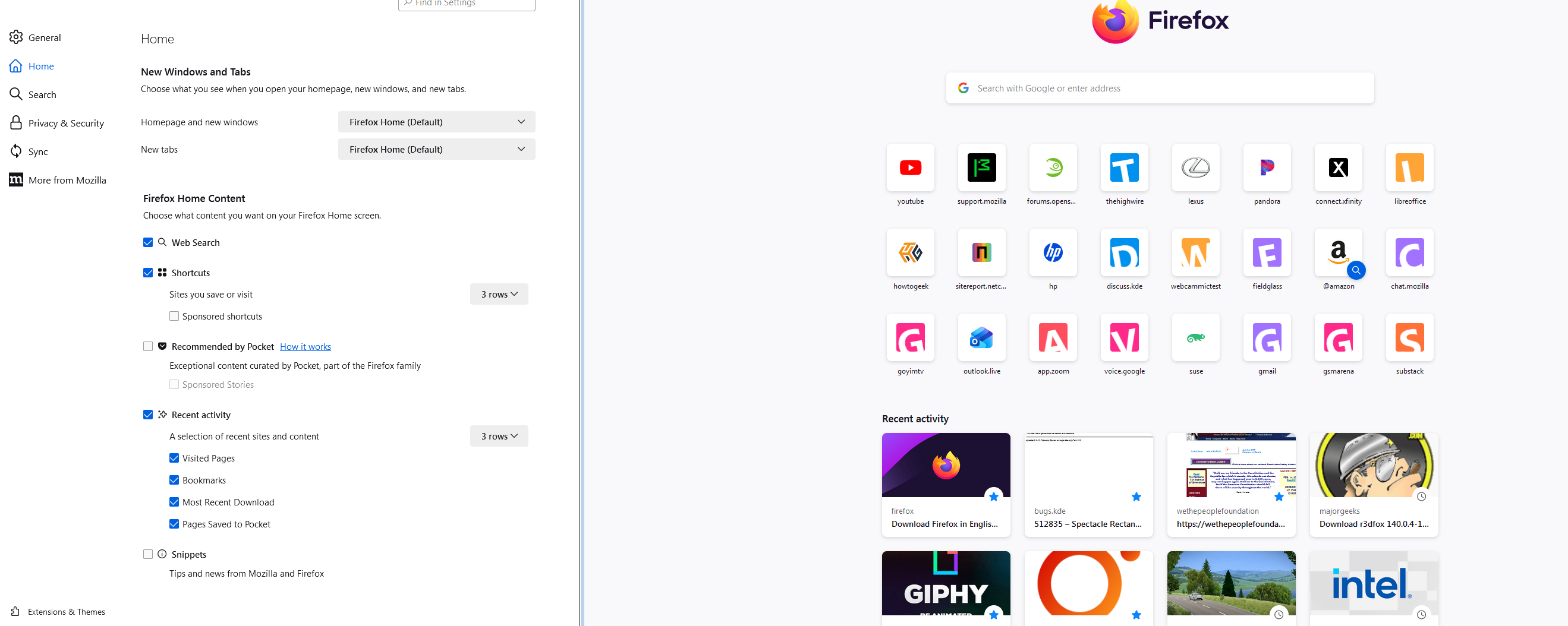
I'm not seeing the issue on win7. see screenshot With it being on so many of your computers, sounds like an extension.
hcole-pe said
a new small grey search bar containing the letters ENHAN appears in the upper right portion of my home page.
What is your home page?
Ah-HA The home page site was the problem!!! I never thought of that. The search box was on the web page that I was using for "home". I use the same home page on all my computers. I tried one other site, and it had its own "search" bar (but of different appearance). I tried yet another, and there was none. Thank you very much!! By the way, how familiar are you with Thunderbird. I am shifting over to it from Windows Live Mail. But on one computer TB will not save the password. I've done a lot of web searching. Most sites say that profile files logins.json and key4.db may be corrupted. I disabled them (by renaming) and copied those two files from another computer on which Thunderbird works properly on the same mail server - without success - TB still keeps asking for the Password, over and over. I know I'm pressing my luck, but maybe you might have a suggestion. I just deleted TB (uninstalled, and deleted all the directories, and verified there were no lingering registry keys). I'll next reinstall, but don't have much confidence that it will work. Anyway, thanks again for resolving FF.
Chosen Solution
Mark it as resolved if you have no further questions and have a good day.