


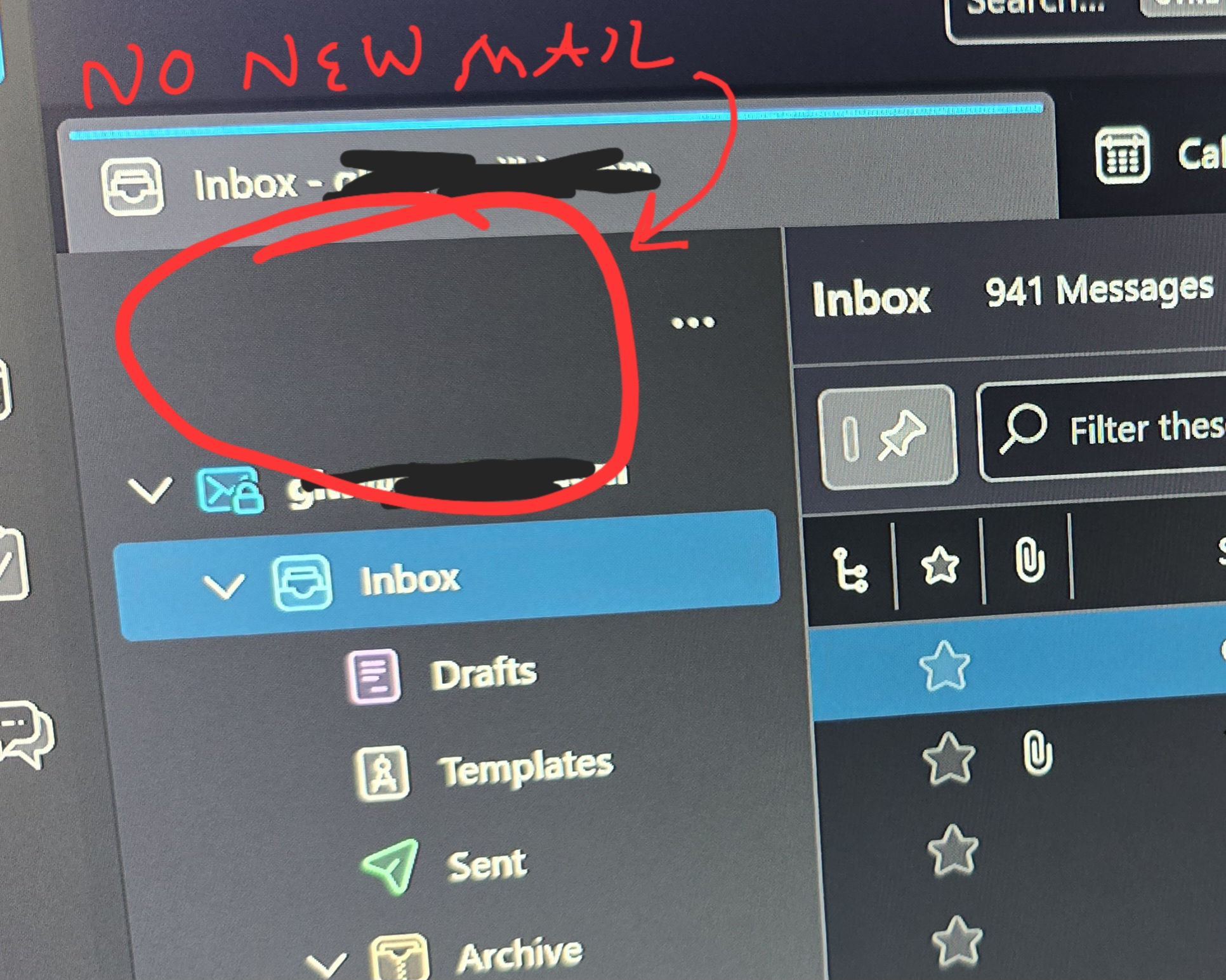
Thunderbird v115.9.0 "New Email" Button disappeared!
Until just a couple of days ago, I was able to compose a new email with Thunderbird on any of the six accounts I have on my Win10 desktop. Suddenly, the nice blue "New Email" button at the top of my folders has VANISHED and there is no way to create a new email! I can reply to emails, but I can't compose a new one!
I don't know if a fix is in the works, but for now: how do I downgrade to a previous version that I can use to send new mail? I'm at a standstill here!
Thank you!
Chosen solution
Click View>Folders and tick folder pane header If menu bar is not visible, click alt key first.
Read this answer in context 👍 0All Replies (3)
Chosen Solution
Click View>Folders and tick folder pane header If menu bar is not visible, click alt key first.
Thanks - I don't know how I managed it, but the folder pane options had Show "New Message" unchecked. Why is that even an option in Thunderbird??? Is someone out there only supposed to view incoming emails without sending any new ones? Thank you for pointing me in the right direction!
Some prefer to add the 'write' button to the unified toolbar to reduce extra items on screen.