


News Feeds in Thunderbird

I have a couple of news feeds that I no longer use or want. How do I get rid of their folders in Thunderbird? The Delete key doesn't work, the right-click menu doesn't offer a "delete" option, and I have tried numerous searches in the Help database with keywords like delete, cancel, etc. There doesn't seem to be any information on how to get rid of these things. Is there actually no way to do it? Are they there forever?
Chosen solution
All Replies (12)

You'll first have to unsubscribe from a news feed, before you can delete it in the folder pane (either the feed messages, or a dedicated folder you created for a particular feed). Unsubscribing is basically the reverse action to subscribing. So this happens via your feed account settings.
Modified by christ1
Sounds like it ought to work, but it doesn't. Went to account settings for the feed, unchecked everything. Now it appears grayed out in the folder pane, but it still can't be deleted.
Went to account settings for the feed, unchecked everything.
Not sure what you want to uncheck. You'd need to select the feed subscription from the list in the 'Feed Subscriptions' window, and press the 'Remove' button at the bottom of the window.
Not sure what that refers to. There is no window named "Feed Subscriptions". The specific feeds are listed individually under "Account Settings", but they do not have "Remove" buttons.
Please post a screenshot of what you're seeing. https://support.mozilla.org/kb/how-do-i-create-screenshot-my-problem
Two screen shots. First one is the Account Settings page. Second one is what appears when you drill down on one of the feeds.
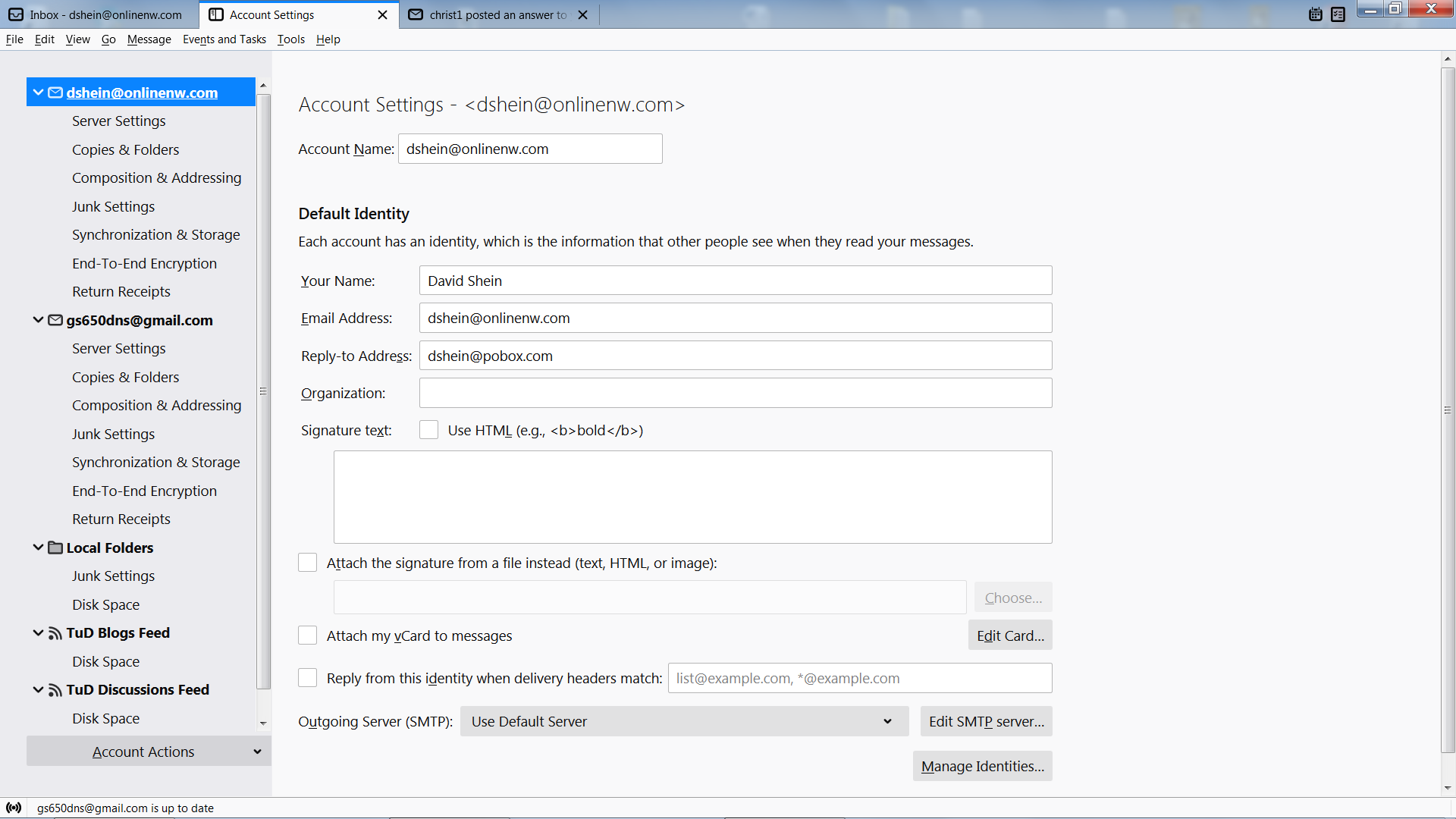
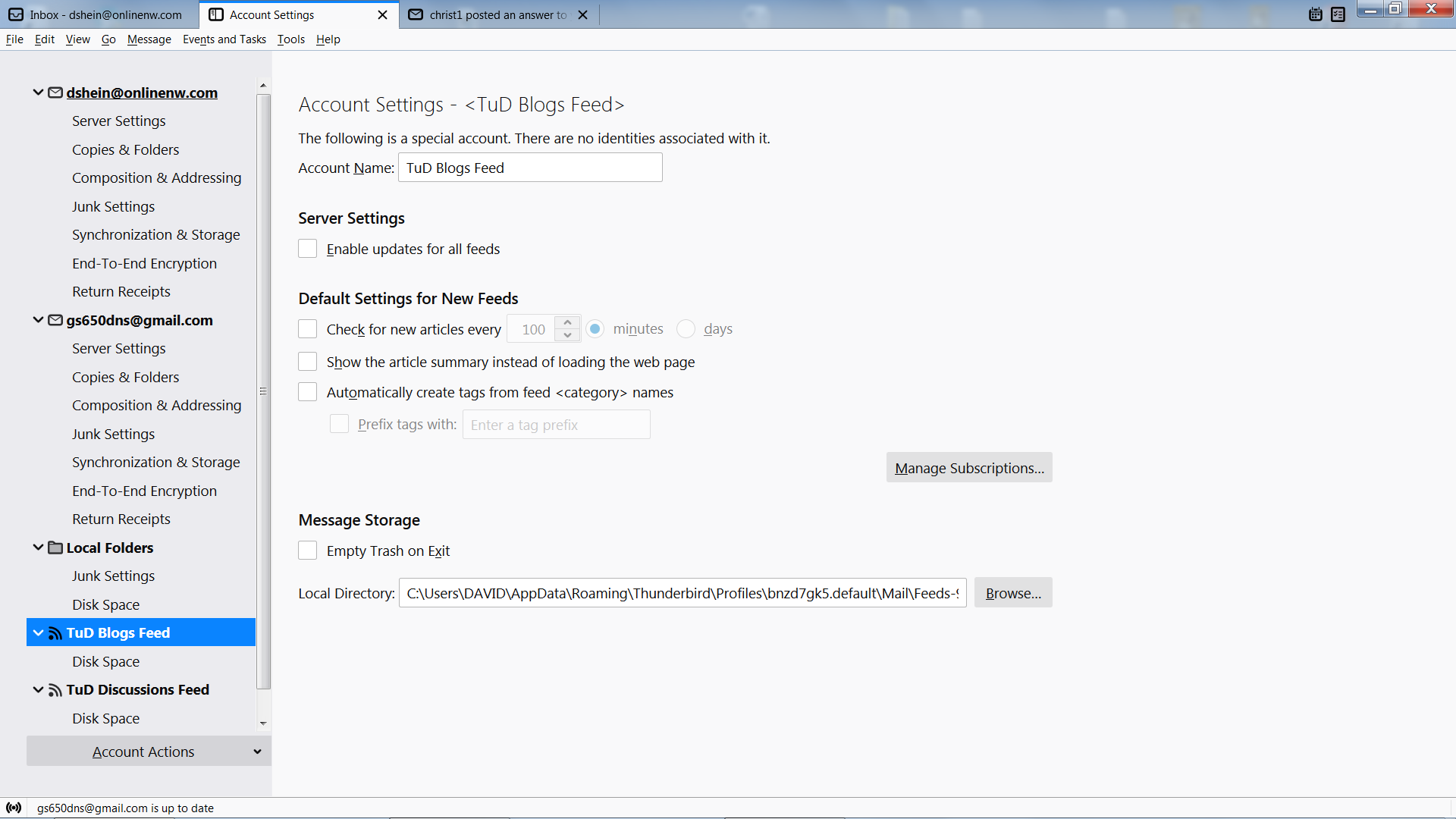
The first screenshot is irrelevant. In the second screenshot, you do se a big 'Manage Subscriptions' button. While it's really hard to guess, this is where you need to go to.
Here is the second screen after clicking on "Manage Subscriptions". Where is the Remove button?
Chosen Solution
Here is the second screen
There is no screenshot.
Sorry about that. Too many phone calls and too many people. Here it is.
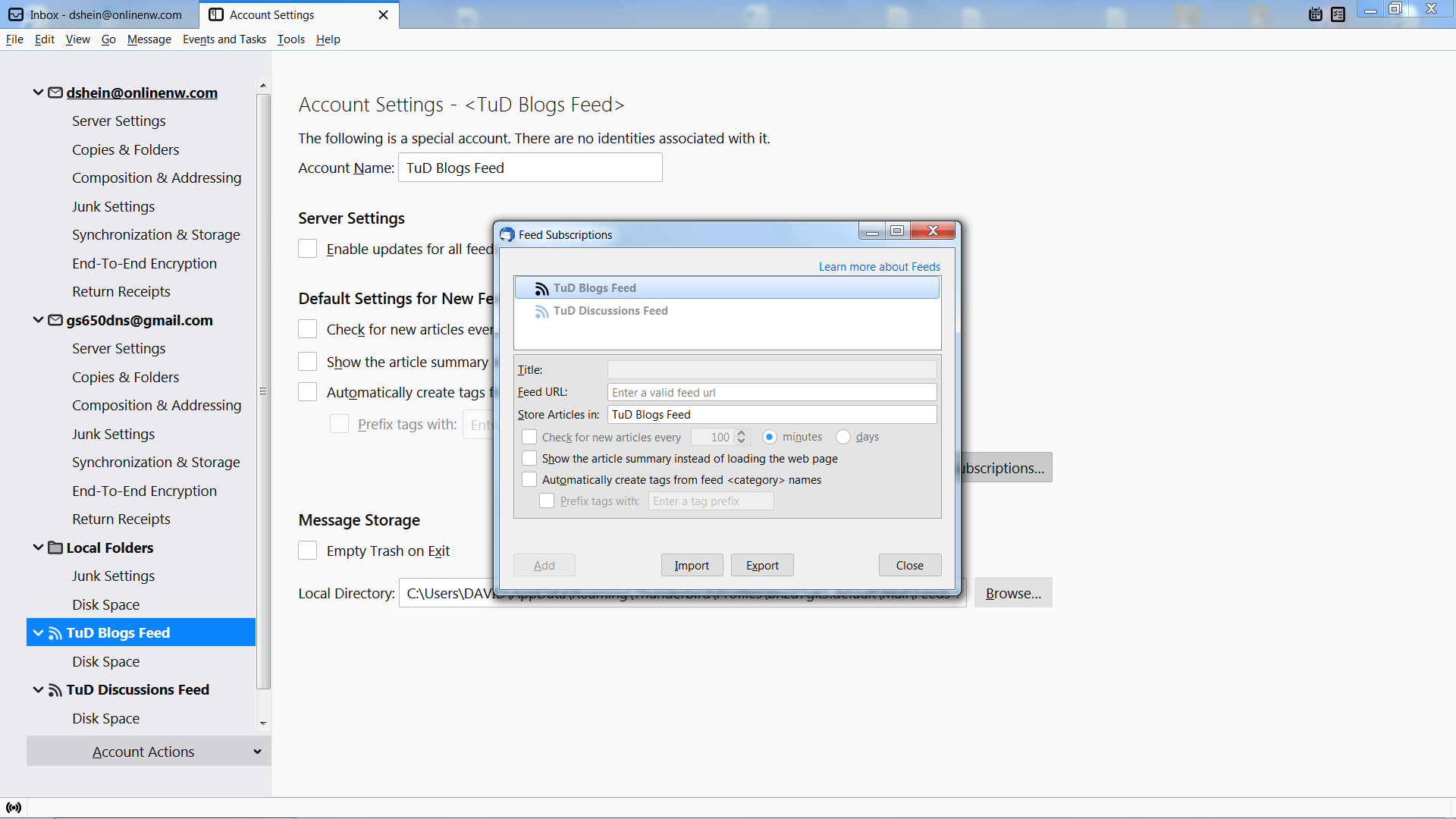
Ok, so what you do see in that screenshot are two News accounts without any subscriptions anymore. Not sure why you needed two news accounts in the first place, but I guess it doesn't matter anymore now.
To delete the two orphan News accounts: Select the account to be deleted in the left pane of the Account Settings tab. Select 'Remove Account' from the 'Account Action' drop-down menu at the bottom.
Repeat the action for the second News account to be deleted.
That took care of it. There were two because they had different sources with different content. They were set up that way at the source; don't ask me why. In any case I no longer subscribe—in point of fact the site itself is defunct. I just don't want them cluttering up my limited screen space. Thanks for the assistance.