


Join us to show up for other Firefox users 🦊. Earn fun badges and Mozilla swag vouchers! Find out more: https://mzl.la/askafox150

Windows 10 reached EOS (end of support) on October 14, 2025. If you are on Windows 10, see this article.

Поиск в поддержке

Избегайте мошенников, выдающих себя за службу поддержки. Мы никогда не попросим вас позвонить, отправить текстовое сообщение или поделиться личной информацией. Сообщайте о подозрительной активности, используя функцию «Пожаловаться».

Подробнее

Firefox not syncing

  • 1 ответ
  • 0 имеют эту проблему
  • 43 просмотра
  • Последний ответ от SuMo Bot
  • Открыта

My firefox deleted all my passwords and bookmarks last night. I manually inputed everything from scratch and now it has all deleted again. I pressed sync no multiple times and nothing is popping up. I am extremely annoyed. If this isn't resolved I must switch to a new browser.

My firefox deleted all my passwords and bookmarks last night. I manually inputed everything from scratch and now it has all deleted again. I pressed sync no multiple times and nothing is popping up. I am extremely annoyed. If this isn't resolved I must switch to a new browser.

Все ответы (1)

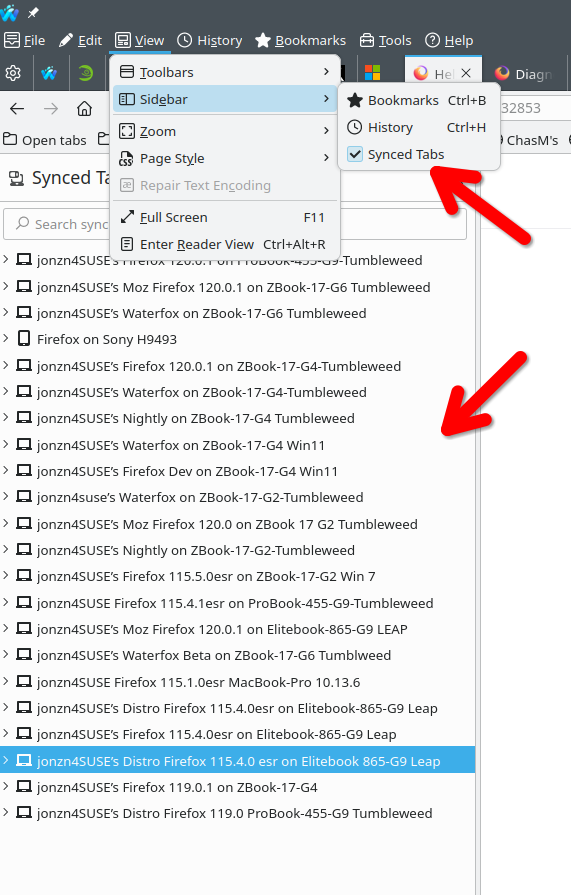
FYI... SYNC IS NOT A DATA BACKUP SERVICE https://support.mozilla.org/en-US/kb/sync


Firefox browser sync

With Firefox, you can pick up where you left off when you switch from your desktop computer to your mobile phone to your tablet. Firefox lets you see your bookmarks, your browsing history, your saved passwords and more, no matter which device you're using.

Sign up for a free Mozilla account and you'll be able to sync your data everywhere you use Firefox and other Mozilla products.

All your data is encrypted on our servers so we can't read it – only you can access it. We don't sell your info to advertisers because that would go against our data privacy promise.
Изменено jonzn4SUSE

Задать вопрос

Для ответа на сообщения вы должны войти в свою учётную запись. Пожалуйста, задайте новый вопрос, если у вас ещё нет учётной записи.