


french language extension add in not working only English US why?
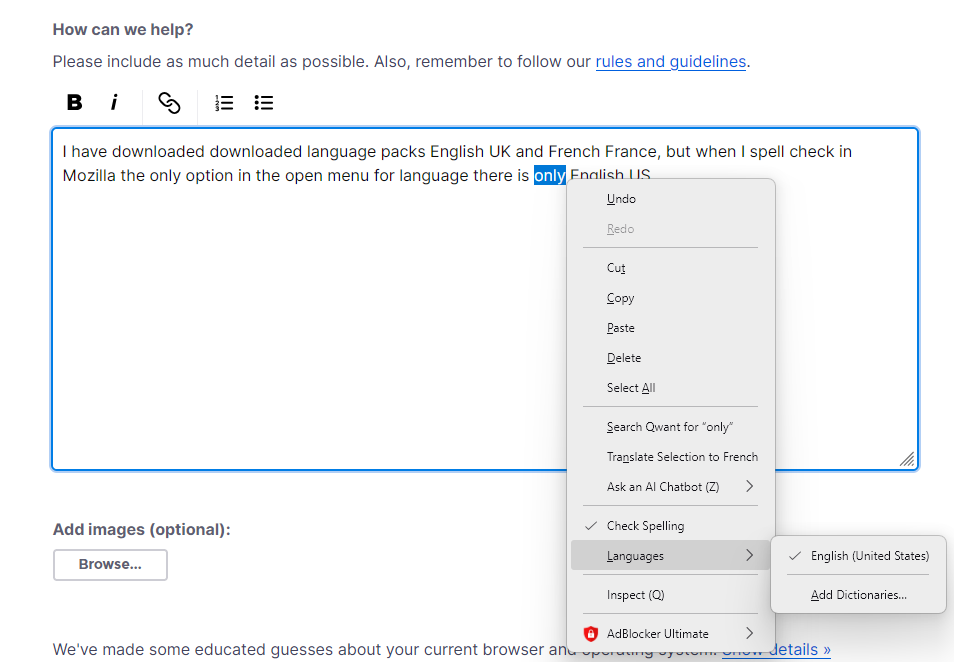
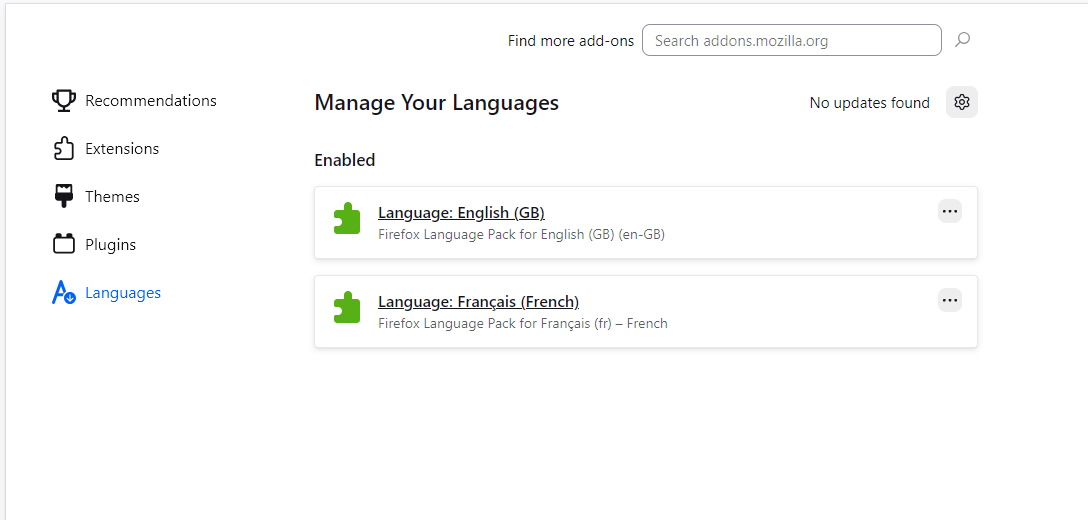
I have downloaded downloaded language packs English UK and French France, but when I spell check in Mozilla the only option in the open menu for language there is only English US to use even though the other two preferred languages have been downloaded. Am I missing a trick to activate the languages so that they show in my language menu when spell checking?
Very frustrating that I only have a default of US considering I am in France and use French and UK English.
Все ответы (3)
Hi
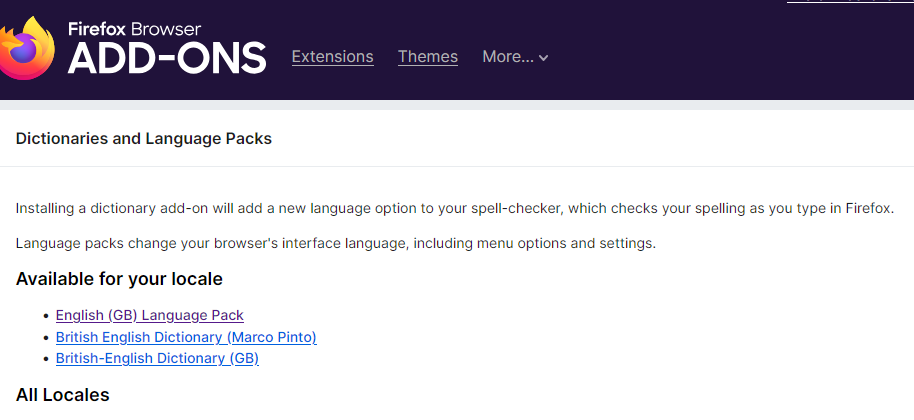
A Language Pack changes the actual user interface (the menus, buttons, and settings) to a different language. However, the Spell Checker specifically requires a Dictionary addon to function.
Install the Dictionaries: Go to the official Mozilla Dictionaries & Language Packs page.
Find English or French and click "Download Dictionary."
Выбранное решение
Thanks George,
Been there done that spell checker now shows alternative dictionaries and for each language
On top of https://addons.mozilla.org/firefox/language-tools/ there is a basic description of what Dictionaries and language packs are used for.
Language Packs are useful for those who say want one desktop Firefox install but be able to change the language of the User Interface or UI like the menus and such between two or more languages.
In your first screen shot it gave you the hint of Add Dictionaries in that you need a Français dictionary.