


firefox 147 not updating to firefox 148
Why hasn't firefox 147.0.4 updated to firefox 148 ? The computer is windows 10 home 64 bit that is enrolled in extended security updates. The update has been released a few days ago I believe, in Canada,also I;m wondering if there is a button that is available in "about:config" that forces a update check. Thanks James
Выбранное решение
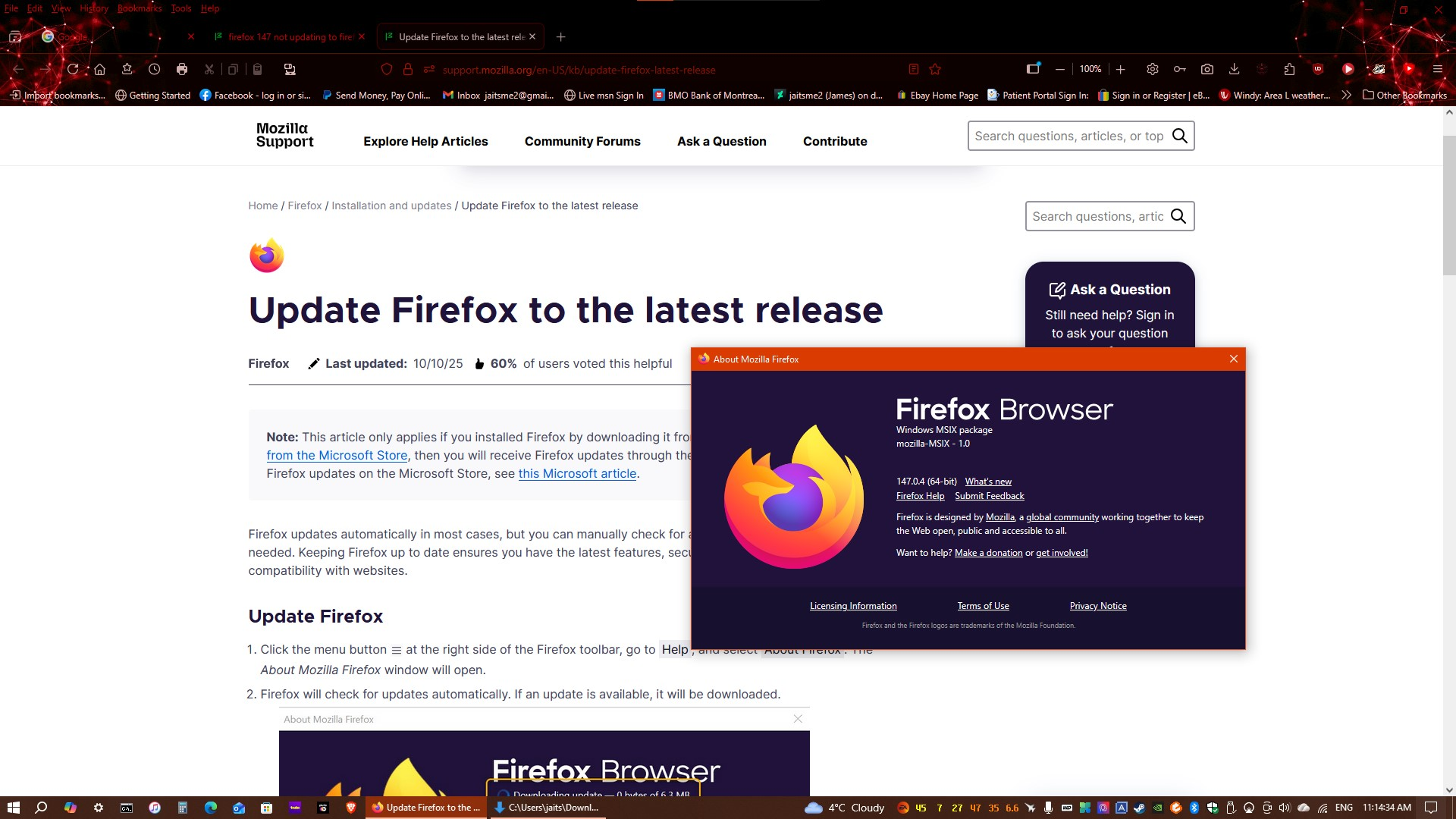
I have the problem solved thank you. It turns out it is a microsoft store installed Firefox that I needed to go to have it updated. Cheers James
Прочитайте этот ответ в контексте 👍 0Все ответы (7)

Hi Alice I do not see a update button in the about page or in the settings, I am seeing the version only. I am beginning to think there is a policy rule being applied to my computer that is making the browser remove the update button or grey out the update in settings. My other browsers are updating but those are chrome browsers. Would downloading a Firefox 148.msi application update the browser and keep all my settings?
Firefox should automatically check for updates when you click on the Firefox menu  and go to Help -> About Firefox. If it doesn't, you could try downloading Firefox from https://www.firefox.com/download/windows and saving, then running the Firefox Installer (make sure you first close Firefox). See How to install Firefox on Windows.
Выбранное решение
I have the problem solved thank you. It turns out it is a microsoft store installed Firefox that I needed to go to have it updated. Cheers James
Microsoft Store installation is mentioned in a note for Windows 10-11 at the very top of the Update Firefox to the latest release article I linked earlier: (quote) Note: This article only applies if you installed Firefox by downloading it from Mozilla. If you installed Firefox from the Microsoft Store, then you will receive Firefox updates through the Microsoft Store. To check for Firefox updates on the Microsoft Store, see this Microsoft article