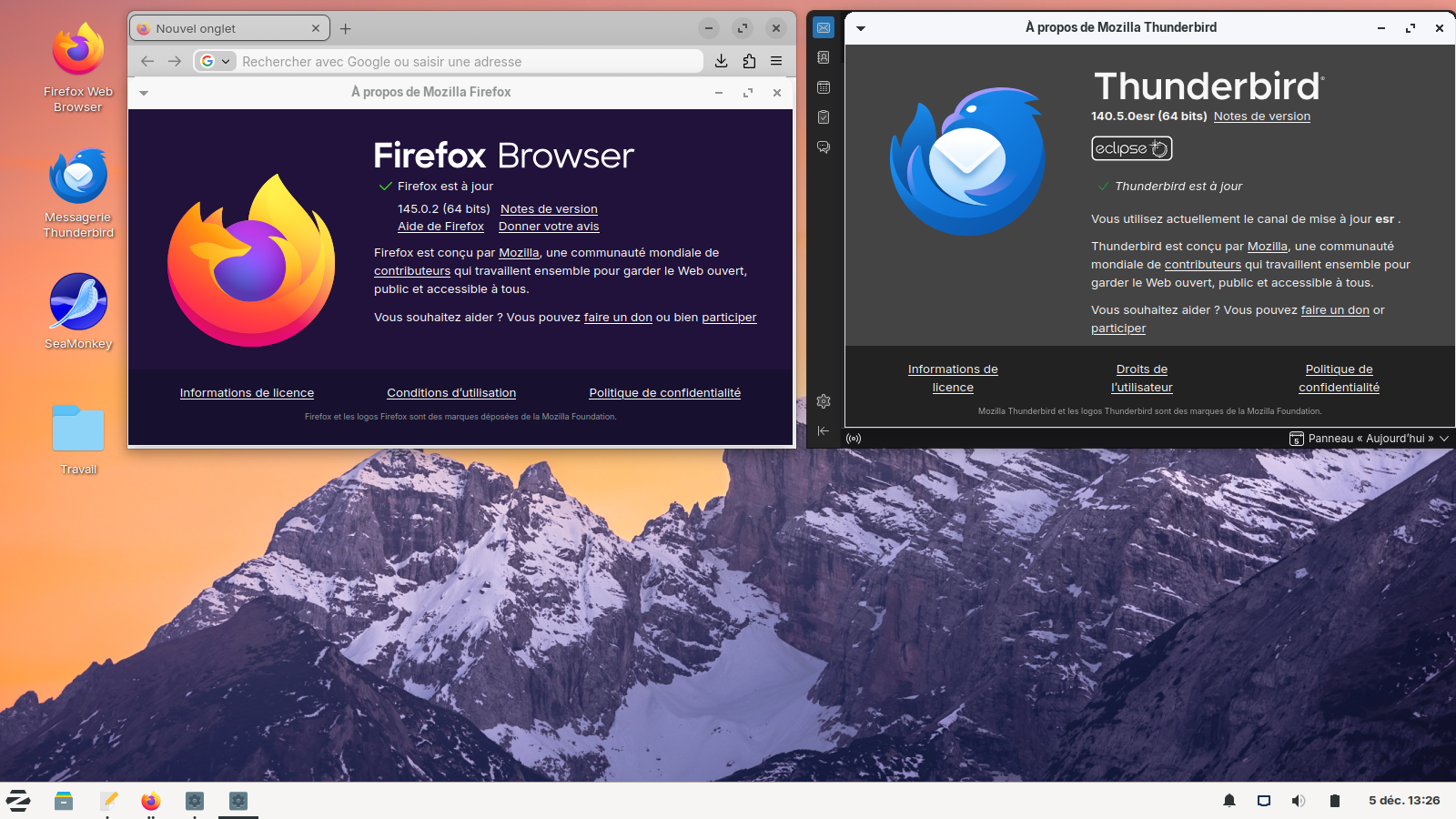
Printing is no longer working in 140.4.0esr (64-Bit)

With thunderbird version 140.4.0esr (64-Bit) on Linux functions to print e-mails or pdf documents is no longer working. When trying to print an email or a pdf document thunderbird starts looping and you need to stop thunderbird from outside with a kill command.
Все ответы (6)
Does it help if you reset printing? Help/Troubleshooting Info, Clear saved print settings (bottom of tab).
I have deleted the printer and reinstalled it. No changes. Also deleted saved print setting in Thunderbird. No effect. The same symptom has now occurred in our office too, where we use Linux too. So printing is no longer working on 5 different machines.
Изменено Stephan
Hello
For information purposes, another path to print. From Thunderbird 102, printing using the system dialog without preview now supported; Set print.prefer_system_dialog to true.
Can the preference, print.prefer_system_dialog, be useful to you.
You can try. 1 - Go to configuration editor https://support.mozilla.org/en-US/kb/config-editor 2 - Enter a search term print.prefer_system_dialog You can double-click on the preference to set the value to true
Setting this parameter Thunderbird hangs on opening the printing dialog. Unsetting (false) it hangs on printing
One other piece of information: Printing is also not working anymore in Firefox 140.5.0esr (64-bit). Same symptom: When starting printing e.g. a web page, Firefox loops and must be killed
Hello
https://support.mozilla.org/en-US/kb/file-bug-report-or-feature-request-mozilla If you wish, you can file a bug report.
Product Firefox. https://bugzilla.mozilla.org/describecomponents.cgi?product=Firefox Product Thunderbird. https://bugzilla.mozilla.org/describecomponents.cgi?product=Thunderbird
I don’t know what else to tell you. A working environment (user) in a given situation does not correspond to a working environment (other user) in a given situation, please understand that it is difficult to give an opinion.
As for me, Linux user at home, i don't see a malfunction.