


Sites in the latest versions stopped opening.

After upgrading my 128 esr to 140 esr, some sites stopped opening. In regular versions, it has not opened for a long time. There are many such sites, for example, qwen3.app or temp-mail.io. It thinks for a long time and finally a message that the time has expired. Chromium is ok.
Все ответы (10)

What OS? What Desktop? X11 or Wayland? Does it happen with Firefox in Troubleshoot Mode?
Did you try clearing the browser cache? https://support.mozilla.org/en-US/kb/how-clear-firefox-cache#
Try downloading Firefox from Mozilla. Download, unzip, and run firefox-bin from the folder and see if you have the same issue. https://www.mozilla.org/en-US/firefox/all/#product-desktop-release
Sites works for me. see screenshots
Operating System: openSUSE Leap 15.6
KDE Plasma Version: 5.27.11
KDE Frameworks Version: 5.115.0
Qt Version: 5.15.12
Kernel Version: 6.4.0-150600.23.60-default (64-bit)
Graphics Platform: X11
Processors: 16 × AMD Ryzen 7 PRO 6850HS with Radeon Graphics
Memory: 62.1 GiB of RAM
Graphics Processor: AMD Radeon Graphics
Manufacturer: HP
Product Name: HP EliteBook 865 16 inch G9 Notebook PC
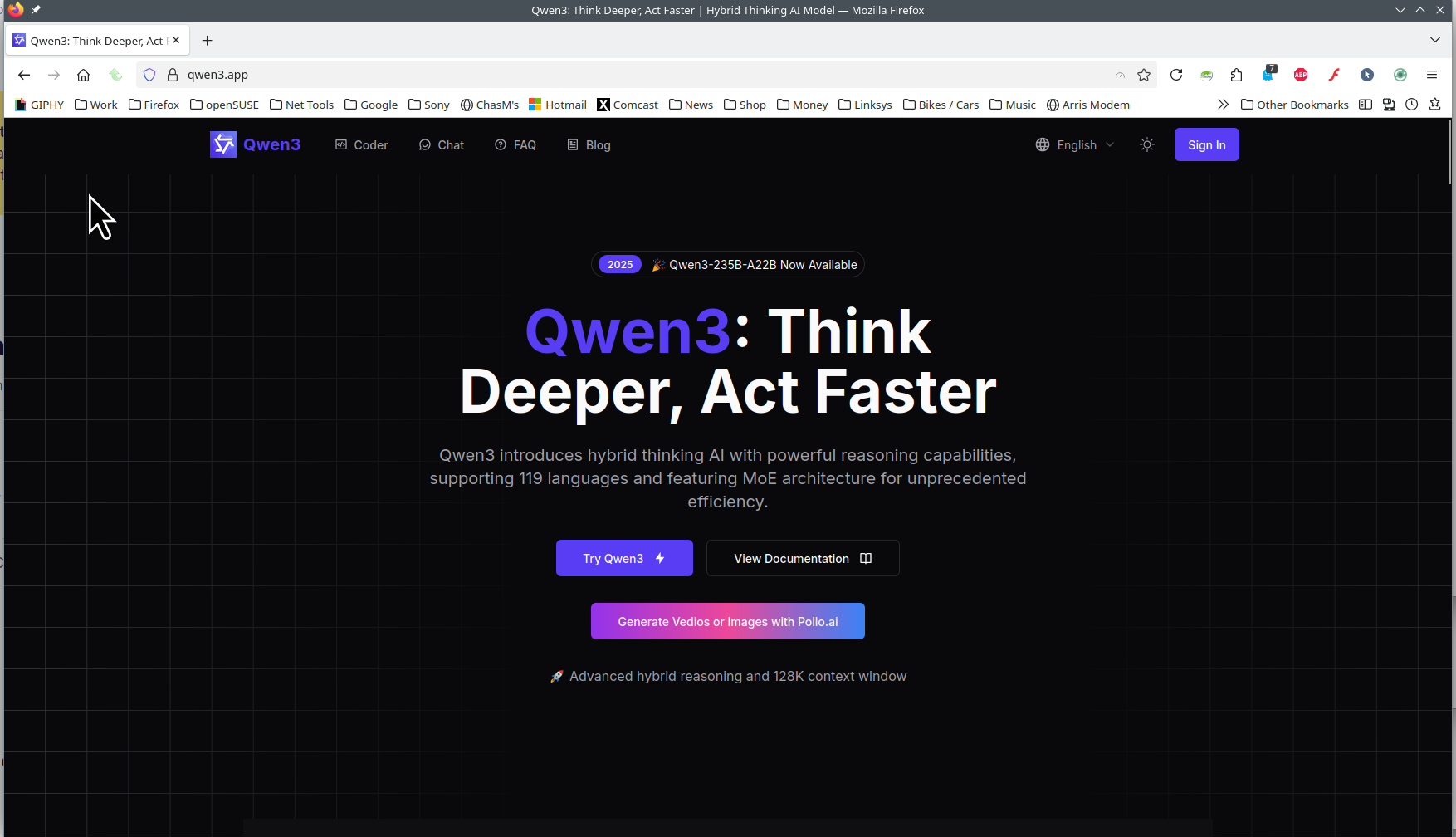
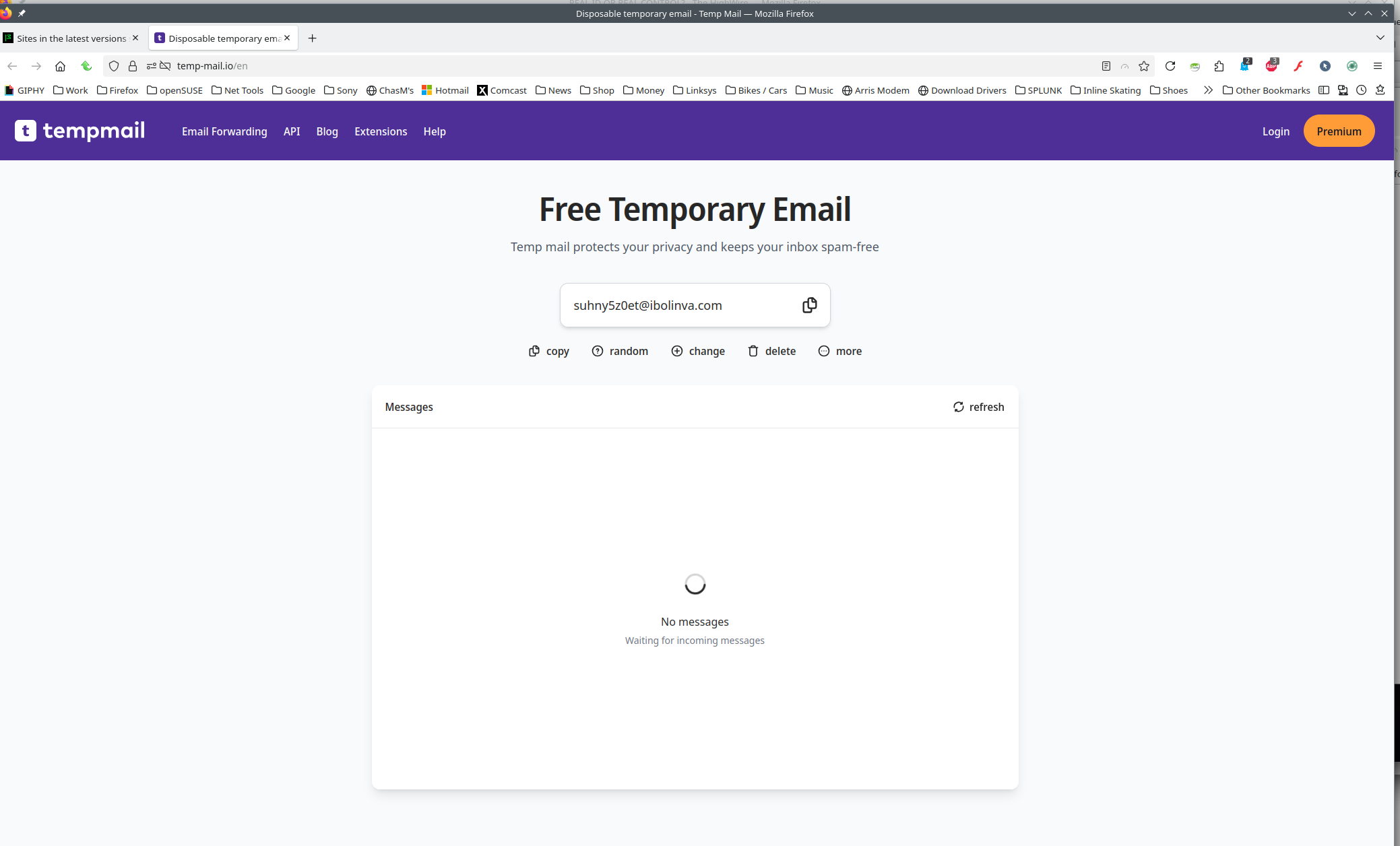
Изменено jonzn4SUSE
Hello.
Debian 12. x11.
In Troubleshoot Mode it's the same
Yes, I cleaned it.
Yes, I downloaded the latest version, with a new profile and even ran it on a virtual machine.
These sites do not open in Firefox older than about version 135. And if they do open, then very rarely and at a certain time. For example, yesterday from 8 to 9 pm they opened several times. But that's all.
The thing is that I live in Russia and there are some blockages here, but my sites are absolutely legal and, in addition, they open 100 times out of 100 in Firefox 128 esr, chrome, chromium and other browsers.
They also do not open in dev beta and night versions.
The doh settings and others in the parameters also do not change anything.
In about:config, the http2/3 parameters are the same.
But in the statistics I noticed that if I open sites in other browsers or download a page using curl, it uses the http2 protocol, and Firefox older than 135 first http1 and then immediately tries to connect via http3... As I wrote above, disabling http3 does not give anything.
I have been observing this problem for a long time and there are several other sites that do not open in this way.
They all work through cloudflare. The neural network says that this may be somehow related to certificates, i.e. the certificate that Firefox sends is not suitable and cloudflare is simply silent. But I do not know what to do with this.
I wrote a message via webcompat, but I don't know if it will fix the situation.
https://webcompat.com/issues/170455
Best regards,
Addition, but if you enable the proxy, sites start to open.
How about trying your OS or another via usb live stick to test.
jonzn4SUSE сказал(а)
How about trying your OS or another via usb live stick to test.
On a live USB it's the same.
By the way, on mobile Firefox the error is repeated. In version 128 everything opens, but in 141 it doesn't.
Today I checked previous versions of ff 128esr and the following ones after 128esr.
Before 128esr all the sites I need open fine, after this version there is no more... i.e. some changes were made to ff 129 that conflict with some protocols.
In webcompat support they told me that they don't have ff 140esr to check this, but it works for them in 128esr.
https://webcompat.com/issues/170455
I don't have a github account right now, so I don't know if I can answer them or if it will make sense.
I don't know what to do with this error now.
What happens with a different DNS provider?
jonzn4SUSE сказал(а)
What happens with a different DNS provider?
Nothing happens.
I tried to install dns and cloudflare and google, and even changed providers. But it was unlikely to help because chrome opens all sites. Like all ff up to 129.
I left a ticket on bugzilla https://bugzilla.mozilla.org/show_bug.cgi?id=1982072 maybe this can help somehow.
Изменено guest
Submitting a bug is will also require you to show proof of the issue. What are they going to investigate... your statement. If a child came to you with an issue, you are going to ask them to show you the issue. This is no difference. I see in the bug and webcompat, they are both saying the same thing. Show the issue. Post screenshot and or record your desktop showing the issue.

I believe I also have this, or a similar issue. I've posted on the bugzilla ticket.