Эта тема была архивирована.
Если вам нужна помощь, задайте новый вопрос.

Архивировано
Directv website issues

When I'm on the Guide page, the option to change the guide to later in the day is not visible until i reduce the page to 90%.
https://stream.directv.com/guide
However, when you try to advance the time, it does not work. Is shifts momentarily to the next time period, but immediately reverts back.
It works properly in Chrome.
When I'm on the Guide page, the option to change the guide to later in the day is not visible until i reduce the page to 90%.
https://stream.directv.com/guide
However, when you try to advance the time, it does not work. Is shifts momentarily to the next time period, but immediately reverts back.
It works properly in Chrome.


Изменено noel_envode
Все ответы (5)
Hello,
Looks like a compatibility issue. Please report a broken site and make sure to include instructions on how to access the site (as I get an "Access Denied" message).
Denys said
Hello, Looks like a compatibility issue. Please report a broken site and make sure to include instructions on how to access the site (as I get an "Access Denied" message).You can't access the Directv website? How did you attempt to get to the site? Google search? Did you try with another browser? I found one thread that discusses Access Denied, but it describes a login related component.
How would I include reporting instructions beyond "I visit the site"
Изменено noel_envode
Paul said
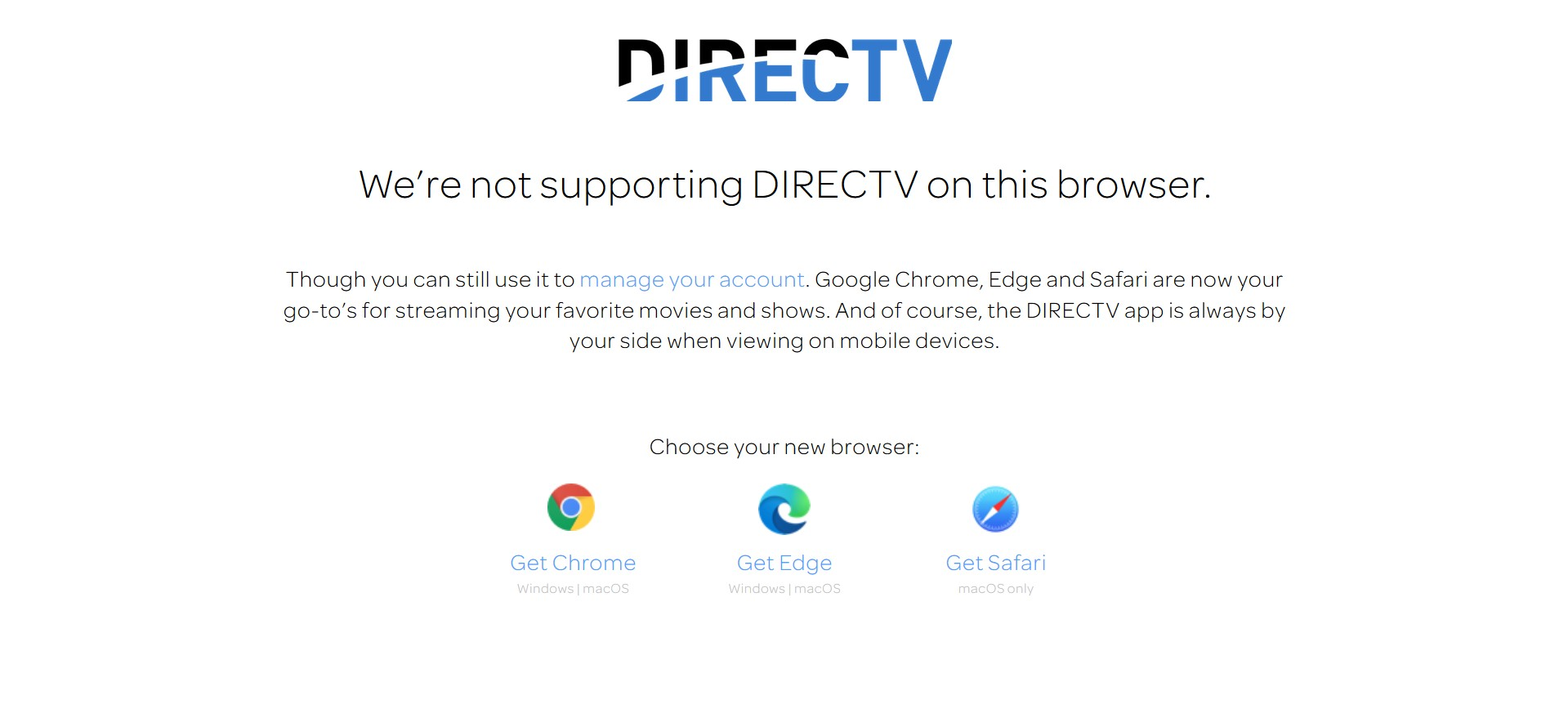
Hi Are you able to access that website at?: https://www.directv.com/guideJust before I returned here to see your message, I went to report it. First, I went to the site to refresh myself about the details. To my surprise, see image???