Firefox nor syncing bookmarks, passwords, tabs

Dear Mozilla Team, I installed my Fieefox on Linux Mont on an old Laptop I use as my daily machine. Firefox however after login does not sync to my previous installs. I have installed and removed firefox on my mobile (iphone), with no change. Also re-installing and singning out, signing back in did not help. What can I do to get all my bookmarks and PWs back?
Все ответы (1)

m.w.boehm said
Firefox however after login does not sync to my previous installs.
What does previous install mean? Is your data currently on another device?
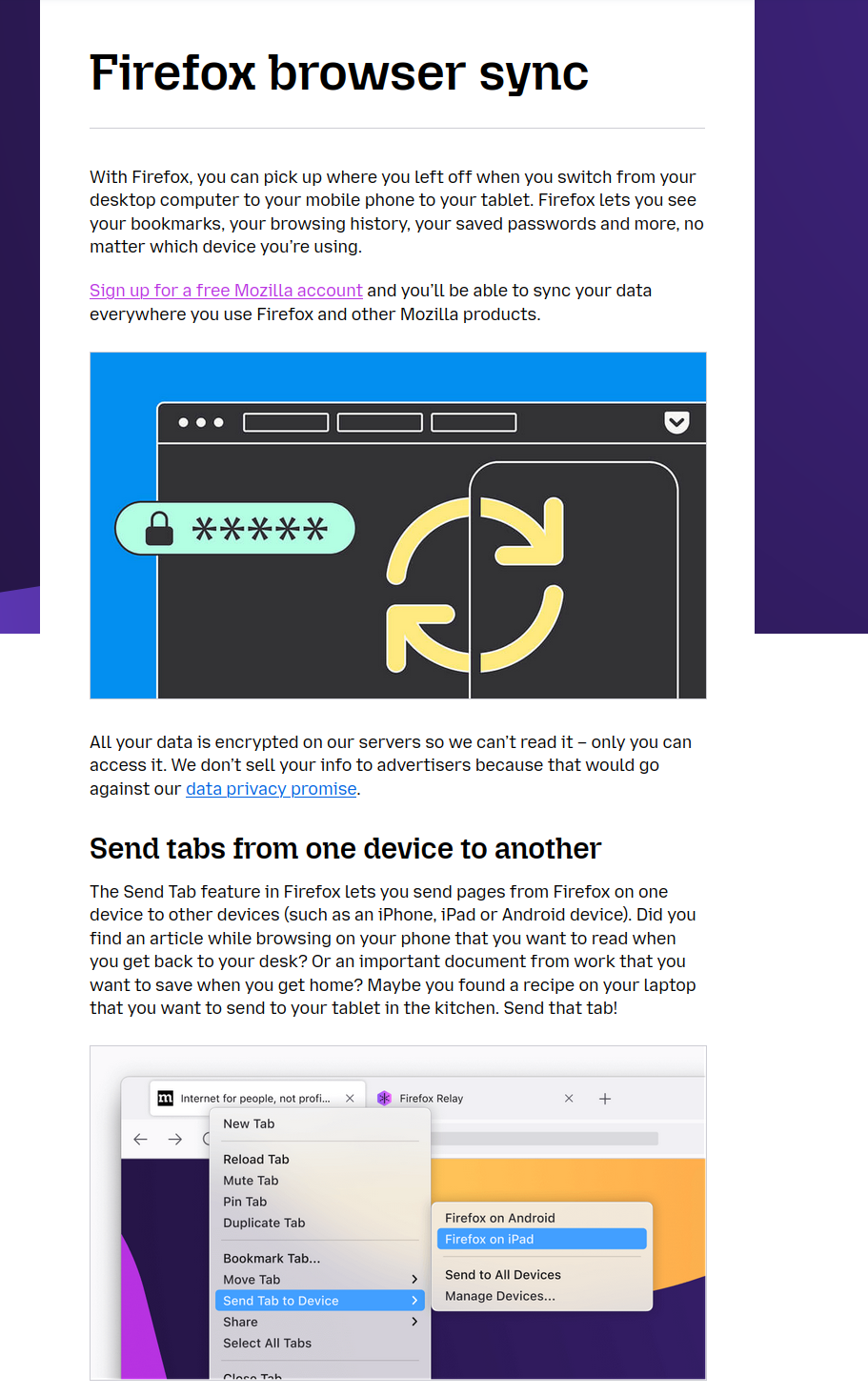
Sync info... FYI... Firefox Sync IS NOT A DATA BACKUP SERVICE https://support.mozilla.org/en-US/kb/how-do-i-set-sync-my-computer https://support.mozilla.org/en-US/kb/how-do-i-choose-what-information-sync-firefox https://www.mozilla.org/en-US/firefox/features/sync/ https://hacks.mozilla.org/2018/11/firefox-sync-privacy/ Sync is not a backup tool but it is a good sync/transfer/move tool https://support.mozilla.org/en-US/forums/contributors/707681