


Firefox does not sync
Hi Team,
The sync function like sh!t.
I install with apt-get, download source, or install using snap,
When I logged my account. click sync, data does not sync.
Waste my time a day to find the resolution.
Все ответы (4)
more.secure88 said
Hi Team, The sync function like sh!t. I install with apt-get, download source, or install using snap, When I logged my account. click sync, data does not sync. Waste my time a day to find the resolution.
I click sync in the icon right top bar, or in settings sync, it loads 3 seconds then stop, and data no sync.
It is Ubuntu first time installation.
Best regards, Manh
A Mozilla account lets you sync your data and preferences (such as your bookmarks, history, passwords, open tabs and installed add-ons) across all your devices. see screenshots https://www.mozilla.org/en-US/firefox/features/sync/ https://support.mozilla.org/en-US/kb/how-do-i-set-sync-my-computer https://support.mozilla.org/en-US/kb/how-do-i-choose-what-information-sync-firefox
Firefox Sync IS NOT A DATA BACKUP SERVICE
https://support.mozilla.org/en-US/questions/1286905
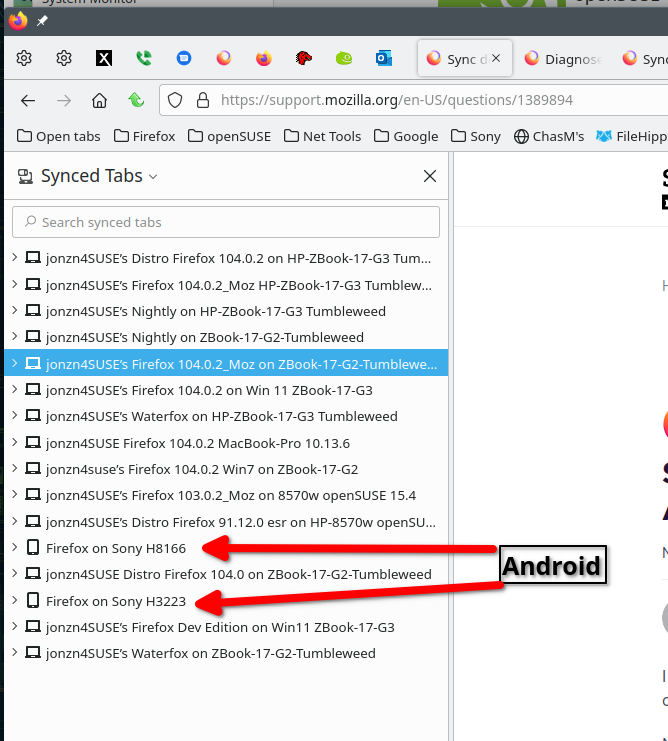
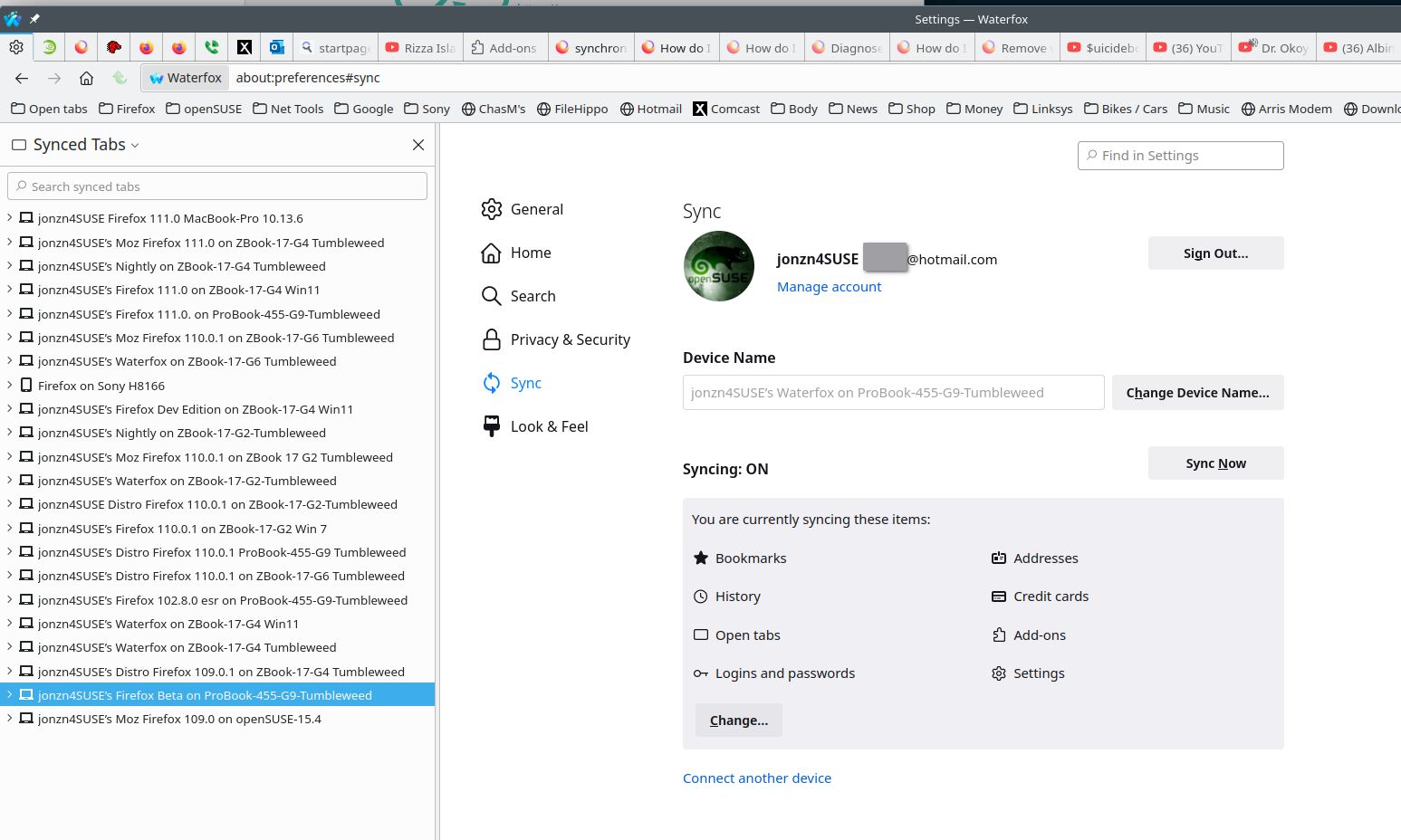
Изменено jonzn4SUSE
Thanks, but not working
I just want to sync bookmarks, addons only :)
But it does not sync any more.
You can open about:sync-log via the location bar to see if recent Sync logs are available. You can upload the file to a website if you can't post the content of the file in a reply.