


Immediately on installation of upgrade to FF ver. 90.0 I started having problems with FF.

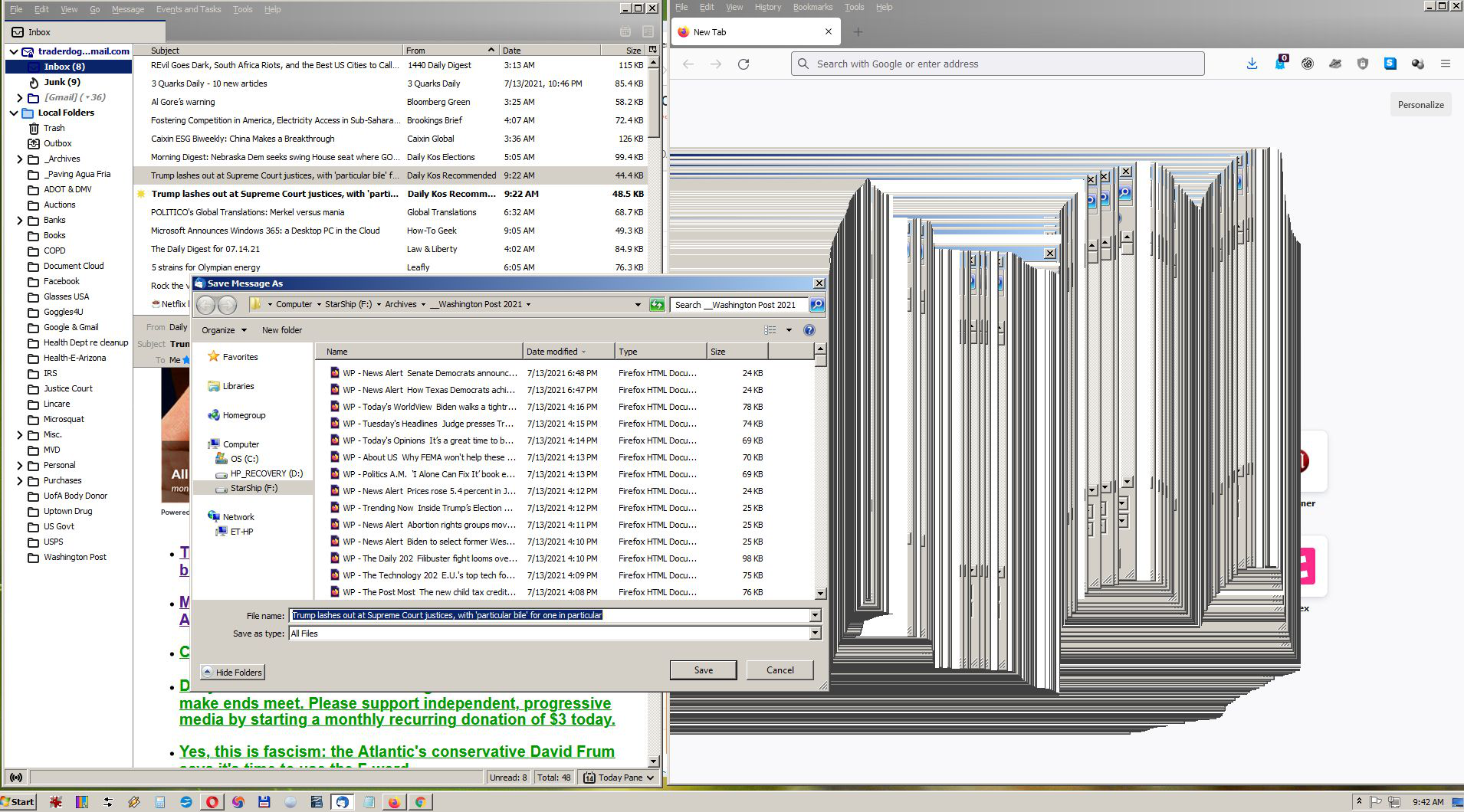
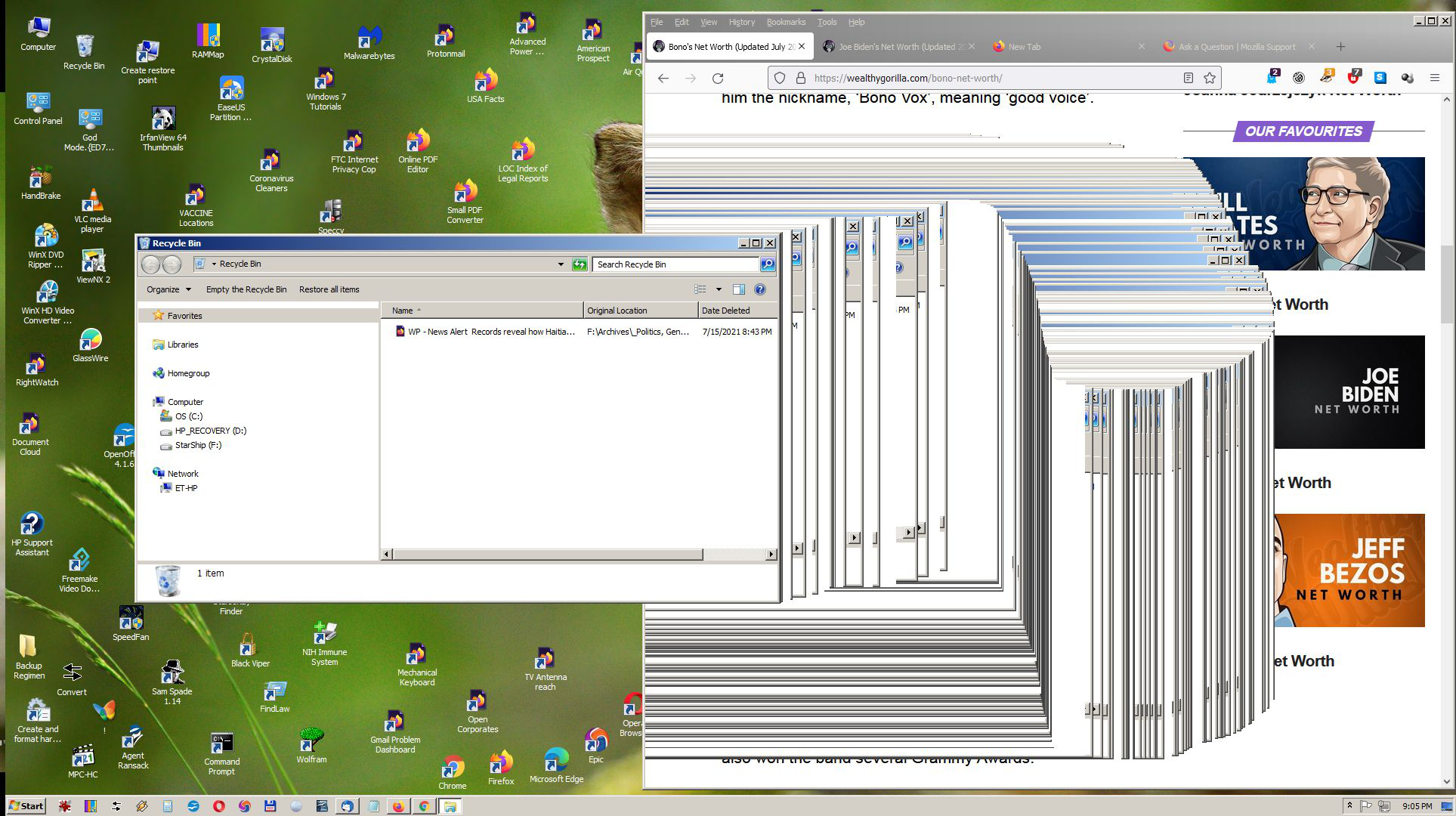
1. When I have to move another windows across FF, I get a string of repeating images one of the other that I cannot remove until I close that FF page. (See image below)
2. When I save a FF page, it does not close itself. I have to click on the page, refresh it, then I can close it. Also sometimes it take 20-30 seconds to save and close a page that has mostly text on it, such as an article page from one of the many newspapers I review every day including Financial Times, NYTimes, Wash. Post, etc. Due to this and other errors, it slows down my work day to where I am forced to spend one to two extra hours workiing to correct these errors.
3. When I have FF open, it seems to slow down my entire machine, even though I'm not working at the moment in FF.
4. Please fix this. I work 7-8 hours a day on a project I am nearing 20 years completing. It gets tiresome in and of itself, but when FF causes me more problems it become exasperating and as much as I want to quit, I can't walk away from this project which has grown to nearly 700 gigabytes in size with millions of pages of html, jpg, pdf and txt files.
5. Please help me with a new update that will fix these errors or tell me how I can fix them.
Thank you.
Все ответы (2)
I cannot delete the browsing and search history in the middle of my workday as the content they contain is vital to my work product. Nor can I switch to another browser as the setup I have in FF including add-ons is also critical to my work.

Start Firefox using Troubleshoot(Safe) Mode {web link}
A small dialog should appear. Click Start In Troubleshoot(Safe) Mode (not Refresh). Is the problem still there?
https://support.mozilla.org/en-US/kb/firefox-slow-how-make-it-faster
https://support.mozilla.org/en-US/kb/firefox-uses-too-many-cpu-resources-how-fix
https://support.mozilla.org/en-US/kb/firefox-uses-too-much-memory-ram
https://support.mozilla.org/en-US/kb/firefox-hangs-or-not-responding
https://support.mozilla.org/en-US/kb/firefox-takes-long-time-start-up
https://support.mozilla.org/en-US/kb/quick-fixes-if-your-firefox-slows-down
MemTest LAST UPDATED : 12/04/2020
Could you please run a tool from http://memtest.org/
in order to check the integrity of your RAM?
You will need a thumb or disk drive to install it on.
Do you let Windows handle the page file or did you set a fixed size ?
Control Panel -> System -> Advanced -> Performance -> Settings
If you use a fixed size for the page file then try the former and let Windows handle the page file. How to determine the appropriate page file size for 64-bit versions of Windows {web link}