


How to rid the huge green line on videos on Firefox 59.0b6 (64-bit) + Windows 10?

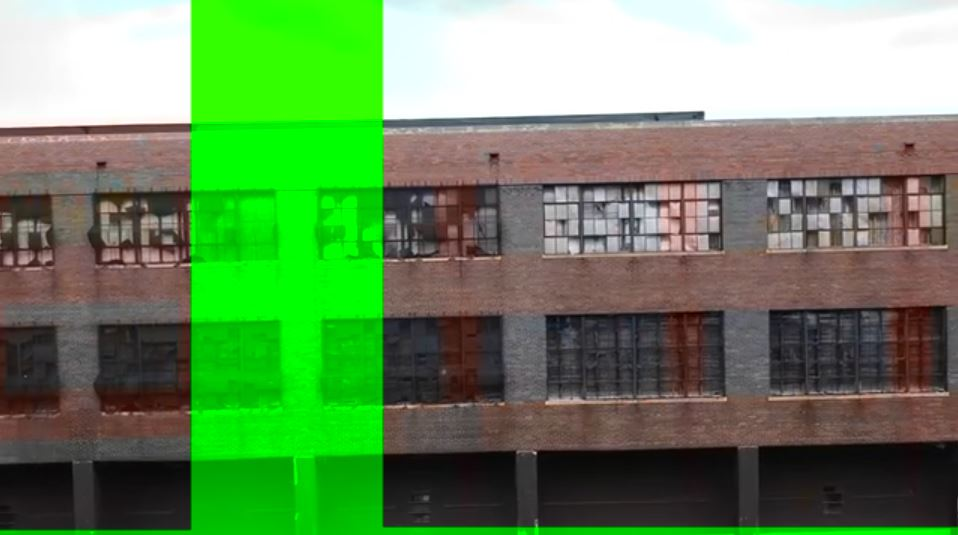
I see there are known issues on "some Windows 8 configurations" with a huge green blob/line going down videos and maybe a shade of pink here and there, but I didn't see that this was known about on Windows 10. Please, have a screenshot and some diagnostic info! Thanks in advance!
Все ответы (4)
Original screenshots didn't post. Posting now.


Start Firefox in Safe Mode {web link} by holding down the <Shift> (Mac=Options) key, and then starting Firefox.
A small dialog should appear. Click Start In Safe Mode (not Refresh). Is the problem still there?
https://support.mozilla.org/en-US/kb/fix-common-audio-and-video-issues
Hi FredMcD!
Thanks for your reply! Since the problem seems to come and go randomly, I will just have to run it a while with all disabled and see. It may take a bit of time, but I really plan to be able to come back and finish this off/close the matter. I will let you know soon.
Thanks again.
Hi,
Just in case none of the above make this nuisance go away for good, you could give this a try :
Type in the address bar about:config (press Enter) (promise to be careful, if asked)
Type in the search bar and look for the preference :
media.wmf.dxva.d3d11.enabled
and set it's value to false
Then close and restart Firefox, in order for the change to take effect.
Should that makes no difference either, then change the value back to 'true'.