


Everytime I type 'S' in an url it appears as a superscript

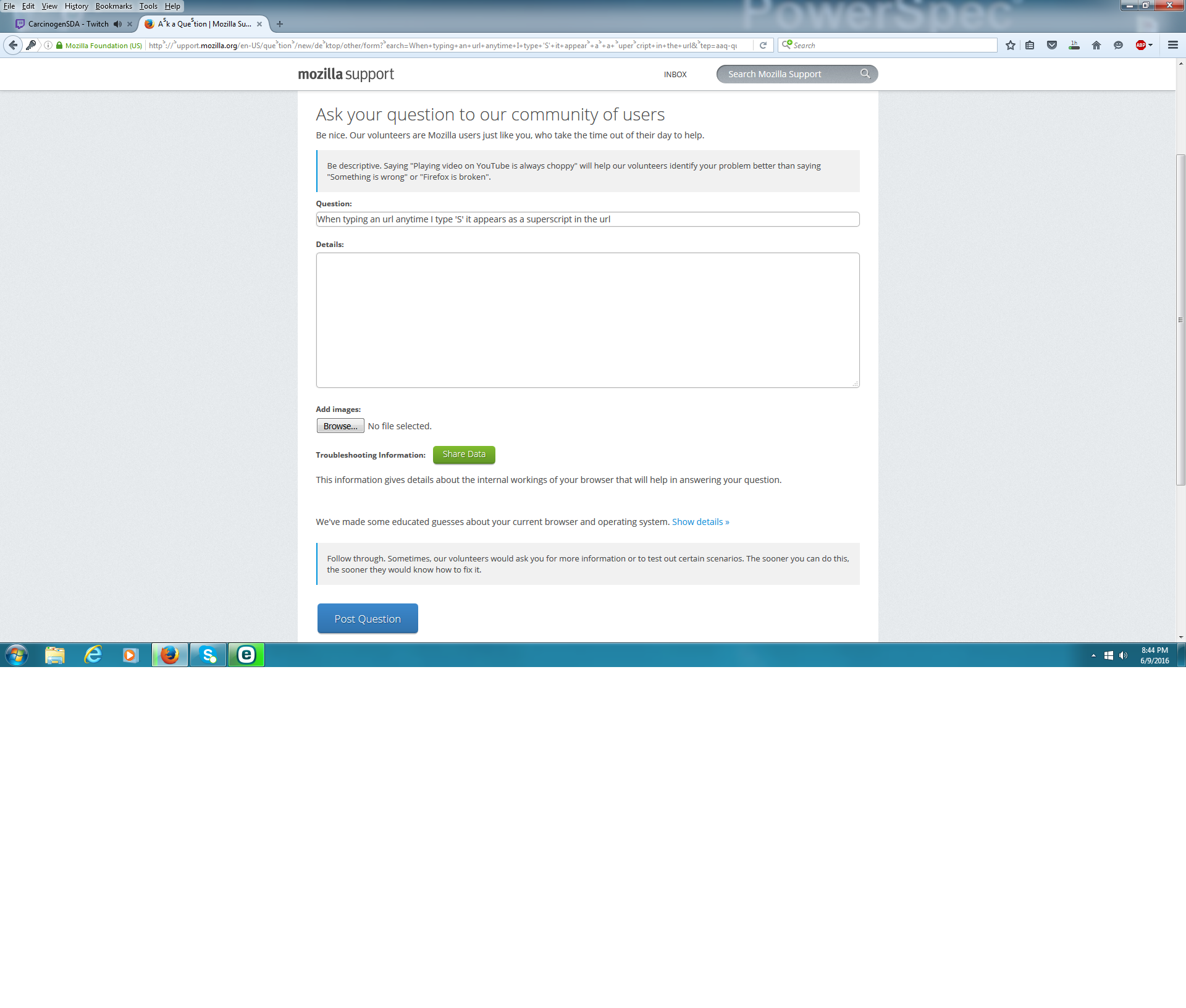
Just recently I noticed that whenever I type an url that contains the letter 'S' it appears as a superscript. I'm not sure what's causing this or if something is wrong with my computer... Any help will be greatly appreciated.
Выбранное решение
What happens if you copy the text with the superscripts 's' characters and paste it elsewhere?
Do you keep the superscripts or do you get a normal 's'?
Start Firefox in Safe Mode to check if one of the extensions ("3-bar" menu button or Tools > Add-ons > Extensions) or if hardware acceleration is causing the problem.
- Switch to the DEFAULT theme: "3-bar" menu button or Tools > Add-ons > Appearance
- Do NOT click the "Refresh Firefox" button on the Safe Mode start window
Все ответы (5)
I've gone ahead and attached a picture of what I'm talking about
You can do a font test to see if you can identify corrupted font(s).
I checked the link but none of the phrases had the letter 'S' in them so I could not use it as a means to figure out what is wrong. I uninstalled firefox and even deleted the roaming folder's contents and reinstalled firefox with no luck. The only solution I've found is restarting firefox with the add-ons disabled. Any ideas as to how I'm supposed to figure out which add-on is causing the issue? I don't have this issue using another internet browser.
Выбранное решение
What happens if you copy the text with the superscripts 's' characters and paste it elsewhere?
Do you keep the superscripts or do you get a normal 's'?
Start Firefox in Safe Mode to check if one of the extensions ("3-bar" menu button or Tools > Add-ons > Extensions) or if hardware acceleration is causing the problem.
- Switch to the DEFAULT theme: "3-bar" menu button or Tools > Add-ons > Appearance
- Do NOT click the "Refresh Firefox" button on the Safe Mode start window
If I copy/paste the url anywhere else aside from the firefox browser url it will show a normal 's'. I went through safe mode again where I don't have the issue and followed your instructions and disabled hardware acceleration. I then exited and started back up and it seems to have done the trick. I was beginning to think that maybe my computer had a virus or something. I guess what has me confused is why this would have become an issue now? Thanks again for your help though. It's greatly appreciated.