


A few weeks ago I started not being able to send email from the Thunderbird app but I could receive. so I cleared out the app to reset it up and now it gets a failed outgoing server message.

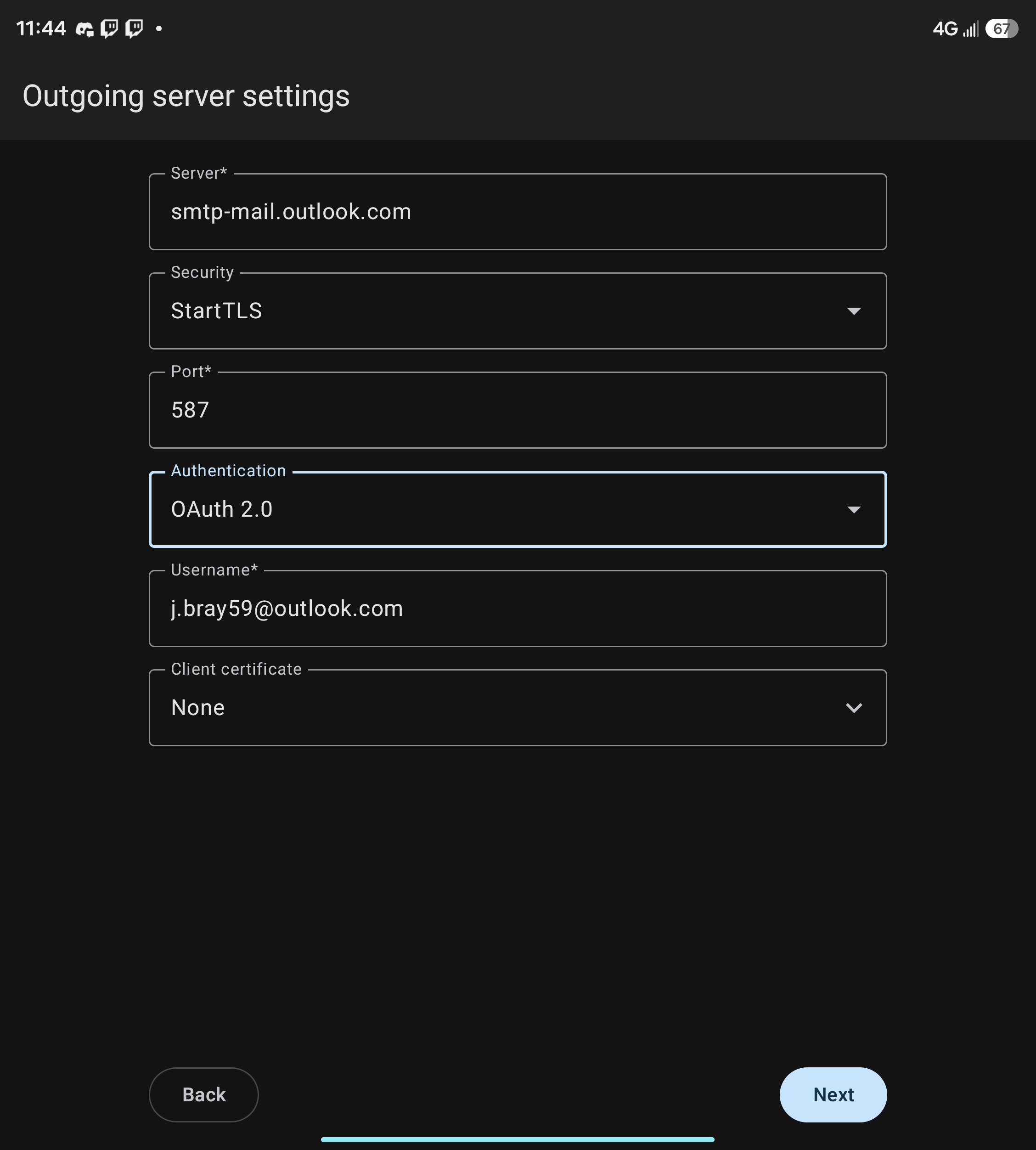
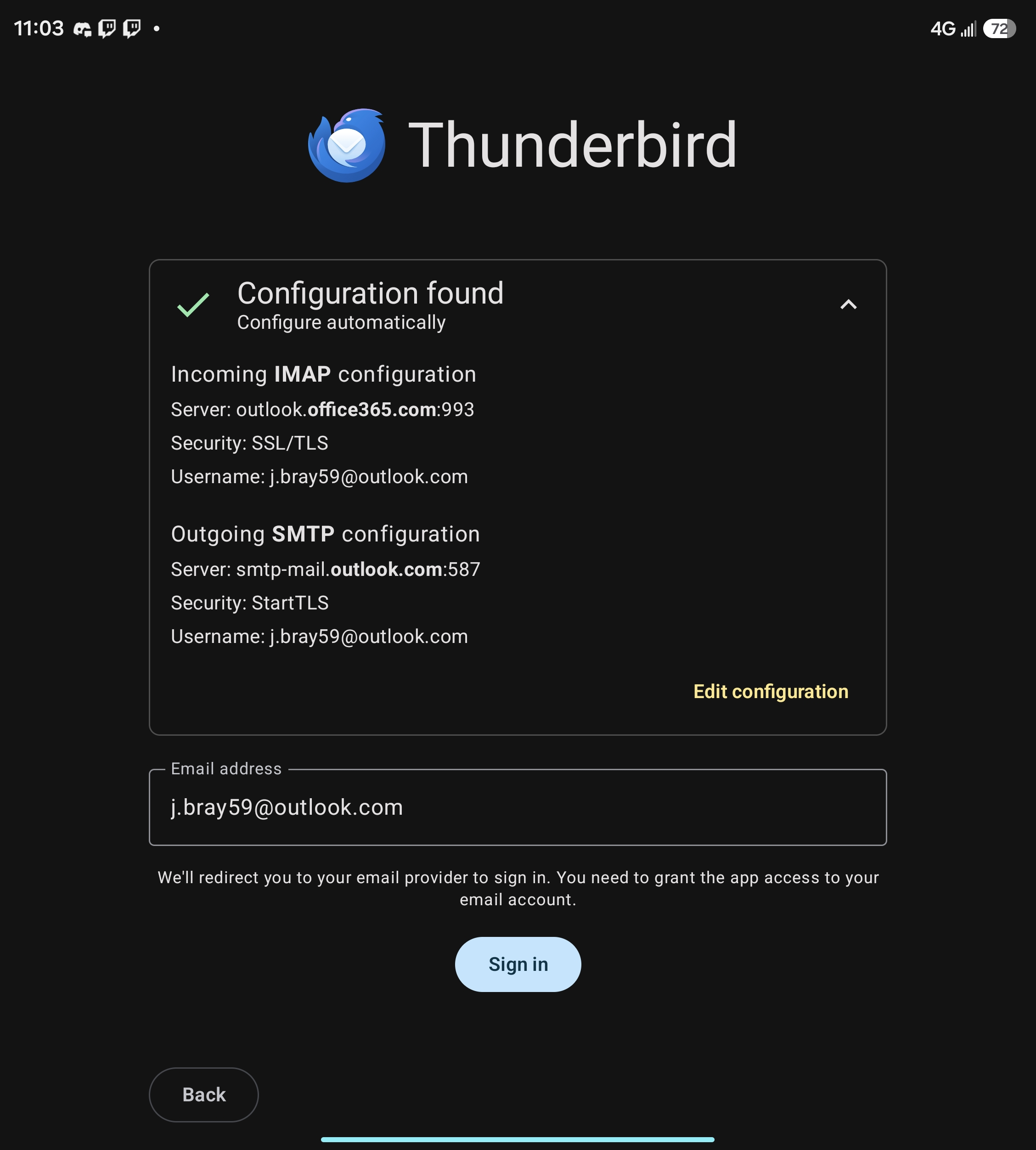
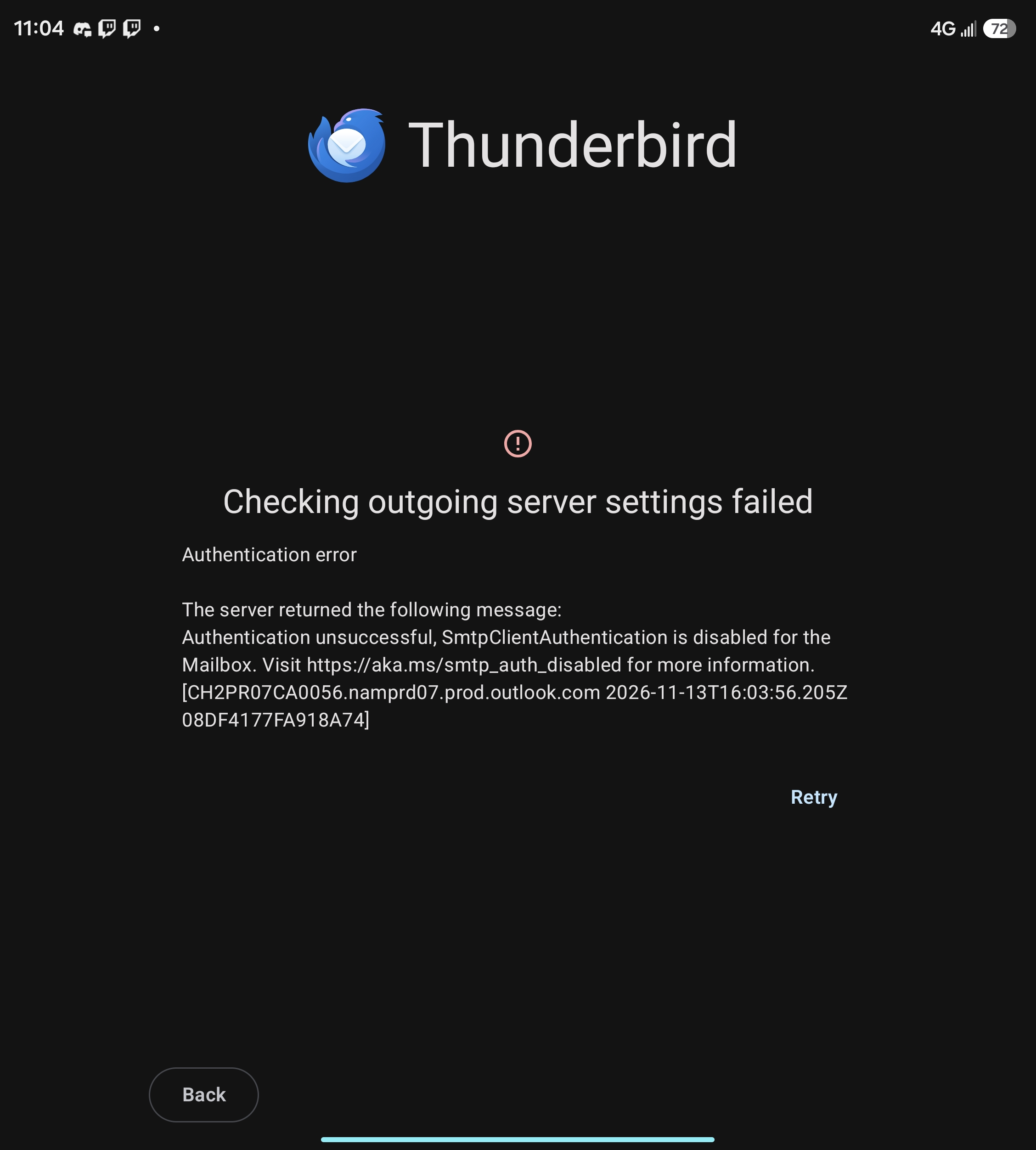
After clearing data and reinstalling now I can't get past adding an account because the outgoing server fails. I'll include photos of what's Happening it says smt authentication is disabled on account. I'm using an Outlook email.
Toate răspunsurile (4)

Microsoft is currently experiencing a global outage of it's services, including email. Please check if the problem persists after they restore their services.
https://status.cloud.microsoft/m365/referrer=serviceStatusRedirect
My issue started happening weeks ago before the outage.
There is an open github issue report for the error message you observe. "SmtpClientAuthentication is disabled for the mailbox"
https://github.com/thunderbird/thunderbird-android/issues/10787
Is your account a personal or Corporate/University/School account?
Users with relatively new personal outlook.com accounts report experiencing the issue. Long term Hotmail accounts seem unaffected.
One of the maintainers commented on the ticket: https://github.com/thunderbird/thunderbird-android/issues/10787#issuecomment-4892119413
We are really sorry you all are facing this issue. Microsoft has been making significant changes recently without providing any disclosure or documentation that could help us understand these changes or how to address them. It becomes even more challenging when we don't know the specific configuration settings your account has, as we need to replicate those settings in order to troubleshoot and resolve the issue. If anyone is capable of coding and is also facing this issue, we would be really glad to receive any assistance with the investigation. Any help fixing this issue is really appreciated. Thanks for your understanding
There's currently no fix or workaround.
Your case seems unusual in that it was working for you a few weeks ago, but has now ceased. It's possible Microsoft has applied a policy change on your account which blocks the way TB connects, inline with other outlook.com accounts.
Office365 Corporate/University/School accounts are different as IT administrators have the controls to enable/disable SMTP Authentication. These controls are not offered to users of personal outlook accounts.
Its a personal account. Probably about 10months old. Yea I jave read about the work/organization admin have the setting to change. I will go to the github an post my mailbox settings.