


Mozilla account may have been hacked - receiving pop ups about security isssues, etc.

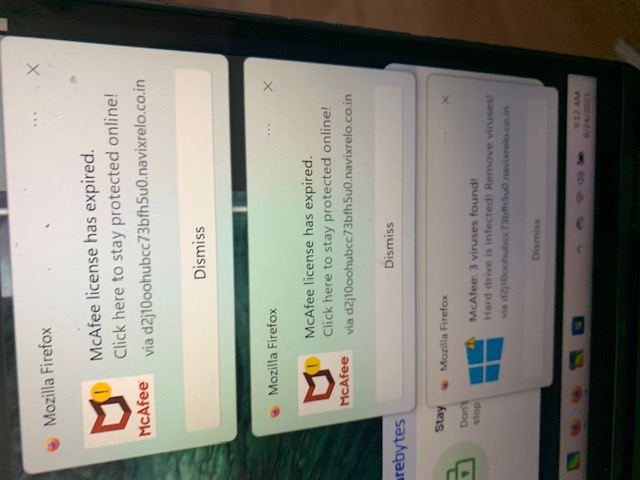
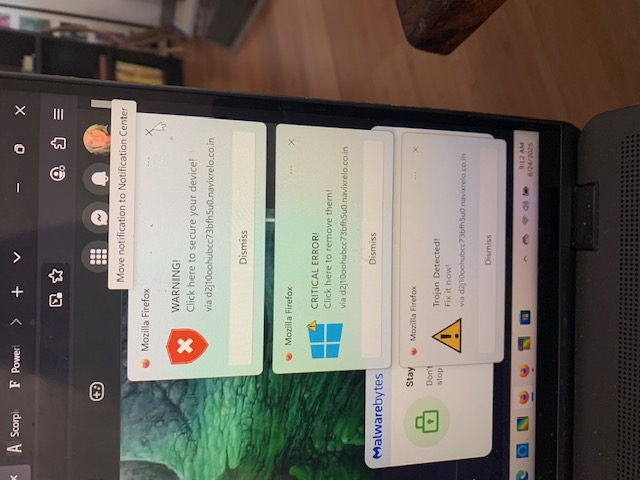
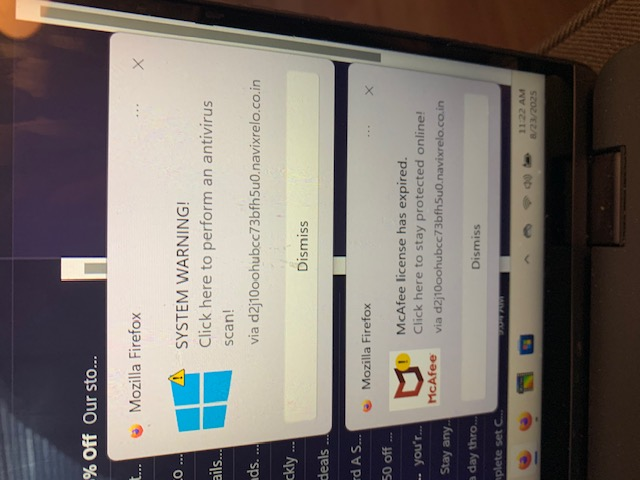
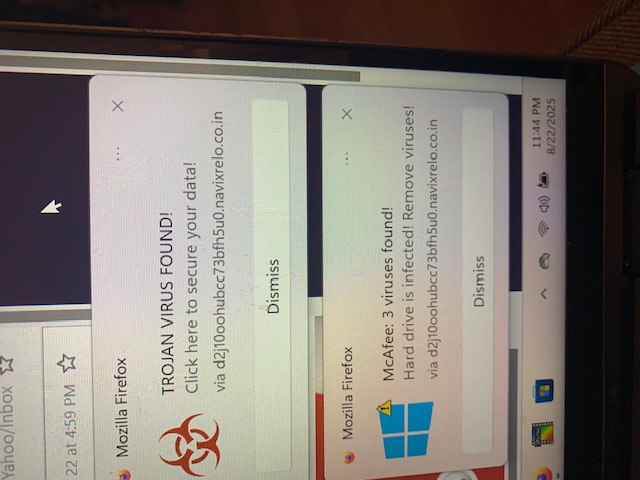
I keep getting pop ups from you, 3 at a time, over and over and over, for about 2 weeks, every day, all day....displaying various warnings about viruses and critical errors and compromised system, etc. and to click to fix. I have scanned daily for a week now for any kind of issue with my computer and the scans come back clean, my security updates are current...please tell me what is going on and how to stop this.
I JUST signed into my Mozilla account to send this message and noticed another email in the sign-in box and the option to "sign in with another account" showed. I have attached a photo of this email along with photos of some of the pop ups. Has my account been hacked? What's going on?!!!
Toate răspunsurile (1)
Those small popups on bottom right corner are from sites you have allowed to send you notifications from. Instead of useful information some may instead send you spam, junk, fake virus/trojan alerts etc. You can revoke the sites from sending you notifications as shown in second link below.
https://support.mozilla.org/en-US/kb/push-notifications-firefox#w_how-do-i-revoke-web-push-permissions-for-a-specific-site https://support.mozilla.org/en-US/kb/push-notifications-firefox