


Windows 10 reached EOS (end of support) on October 14, 2025. If you are on Windows 10, see this article.

Caută ajutor

Atenție la excrocheriile de asistență. Noi nu îți vom cere niciodată să suni sau să trimiți vreun SMS la vreun număr de telefon sau să dai informații personale. Te rugăm să raportezi activitățile suspecte folosind opțiunea „Raportează un abuz”.

Află mai multe
Arhivate

Firefox deleting history and data for hotmail, when closing a tab but not the browser

itsizzi răspuns
itsizzi

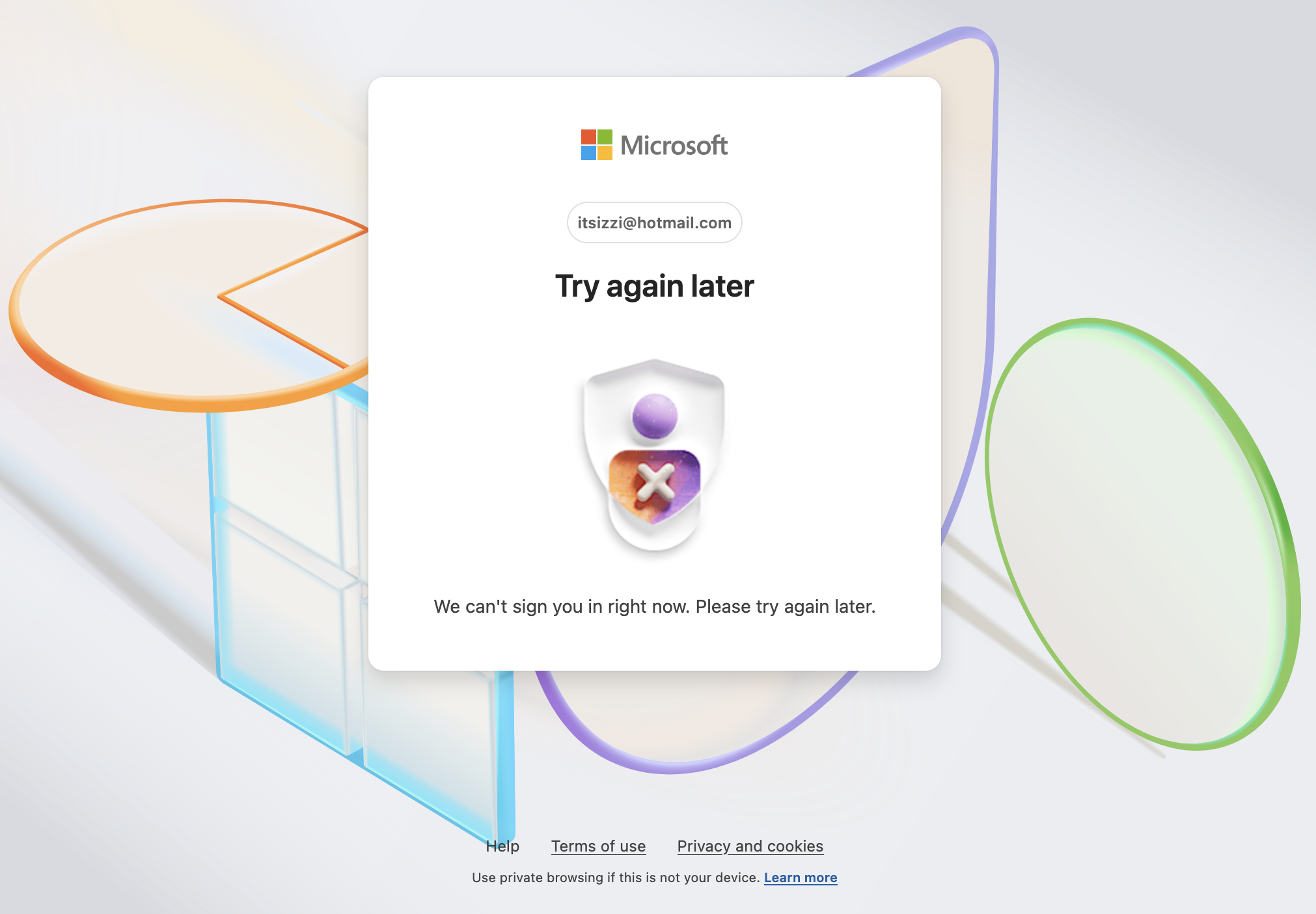
I have used Firefox to log in to Hotmail.com for years. Suddenly Firefox is deleting login data when I close the tab, but not the browser. And when I return to hotmail in a new tab, I now get a window that says it "can't sign me in, try again later." I have to close Firefox and reopen in order to get a new login page. I have always had Firefox set to delete cookies and site data when I close it. Under History setting, it's "use custom settings", "delete history on closing." Under those settings I have browsing and download history unchecked. My hotmail setting is to stay logged in. What's up?! I've always been able to return to a logged in hotmail all day no matter how many times I close the tab and return to it. I've never had that problem before and don't have it with Safari. I also do not have that issue with yahoo mail.
I have used Firefox to log in to Hotmail.com for years. Suddenly Firefox is deleting login data when I close the tab, but not the browser. And when I return to hotmail in a new tab, I now get a window that says it "can't sign me in, try again later." I have to close Firefox and reopen in order to get a new login page. I have always had Firefox set to delete cookies and site data when I close it. Under History setting, it's "use custom settings", "delete history on closing." Under those settings I have browsing and download history unchecked. My hotmail setting is to stay logged in. What's up?! I've always been able to return to a logged in hotmail all day no matter how many times I close the tab and return to it. I've never had that problem before and don't have it with Safari. I also do not have that issue with yahoo mail.
Capturi de ecran atașate

Toate răspunsurile (1)

Also, just to note I'm using a Macbook Air, OS 15.5 Sequoia.