


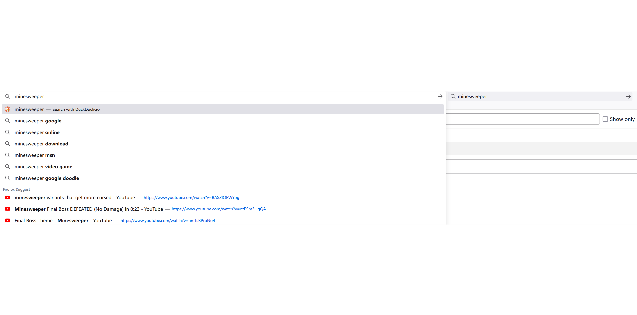
Search suggestions in address bar is not working properly.

If I'm using google/bing/duckduckgo as the search engine, search suggestions won't show in the address bar. But bing/duckduckgo search suggestions are working properly in the search bar, and after typing in the search bar, search suggestions are shown in the address bar as well.

Toate răspunsurile (5)
btw, search suggestions for history search is there (those indicated by a clock icon). Search suggestions from the search engine is not (those indicated by a search icon).
Start Firefox in Troubleshoot Mode to check if one of the extensions ("3-bar" menu button or Tools -> Add-ons -> Extensions) or if hardware acceleration or if userChrome.css/userContent.css is causing the problem.
- switch to the Default System theme: "3-bar" menu button or Tools -> Add-ons -> Themes
- do NOT click the "Refresh Firefox" button on the Troubleshoot Mode start window
I've tried starting firefox in a fresh new profile, but the behavior stays the same.
In the refreshed profile, try changing DNS over HTTPS (DoH) to "Off" or "Max Protection" and in Connection Settings change "Use system proxy settings" to "No proxy".
Also try disabling any third-party antivirus or security software.
Still the same. And it is really weird that after typing in the search bar, search suggestions are shown in the address bar as well.