


Help! I can't change the search engine for the Firefox widget on my home screen

Okay, so my default search engine on FF for Android is Duckduckgo. That is also the only one that I have in my list of search engines in FF's settings. I also use the FF search widget on my home screen for a quick search. It is, and has always been, Duckduckgo. But, all of a sudden after the recent update (I am using FF beta, 36 something), for my search widget on my home screen, the search engine switched to Google! I don't know why... I never use it. But this only applies to the search engine for the FF search widget on my home screen, not when I search something in FF itself. Has anyone else had this problem? Because I can't find a way to change the search engine in the FF widget... Looked all over in the widget search settings, and in FF itself. Thanks for any body's help!
Soluție aleasă
I found a way to set it up back to DuckDuckGo after a bit of fiddling with the default search engine in the browser settings.
I think the update must have overridden the setting somehow. What you need to do is to set any other search engine as default, then set DuckDuckGo back as the default. This will also update the widget's default search engine.
Hope this helps.
Toate răspunsurile (4)
I was not able to reproduce this however, in the meantime it is possible to:
However the panels on a new tab in Firefox for Android might be a little different: Customize your Firefox New Tab page
Yah I don't know why FF is doing this... And I can't change it. So sad.
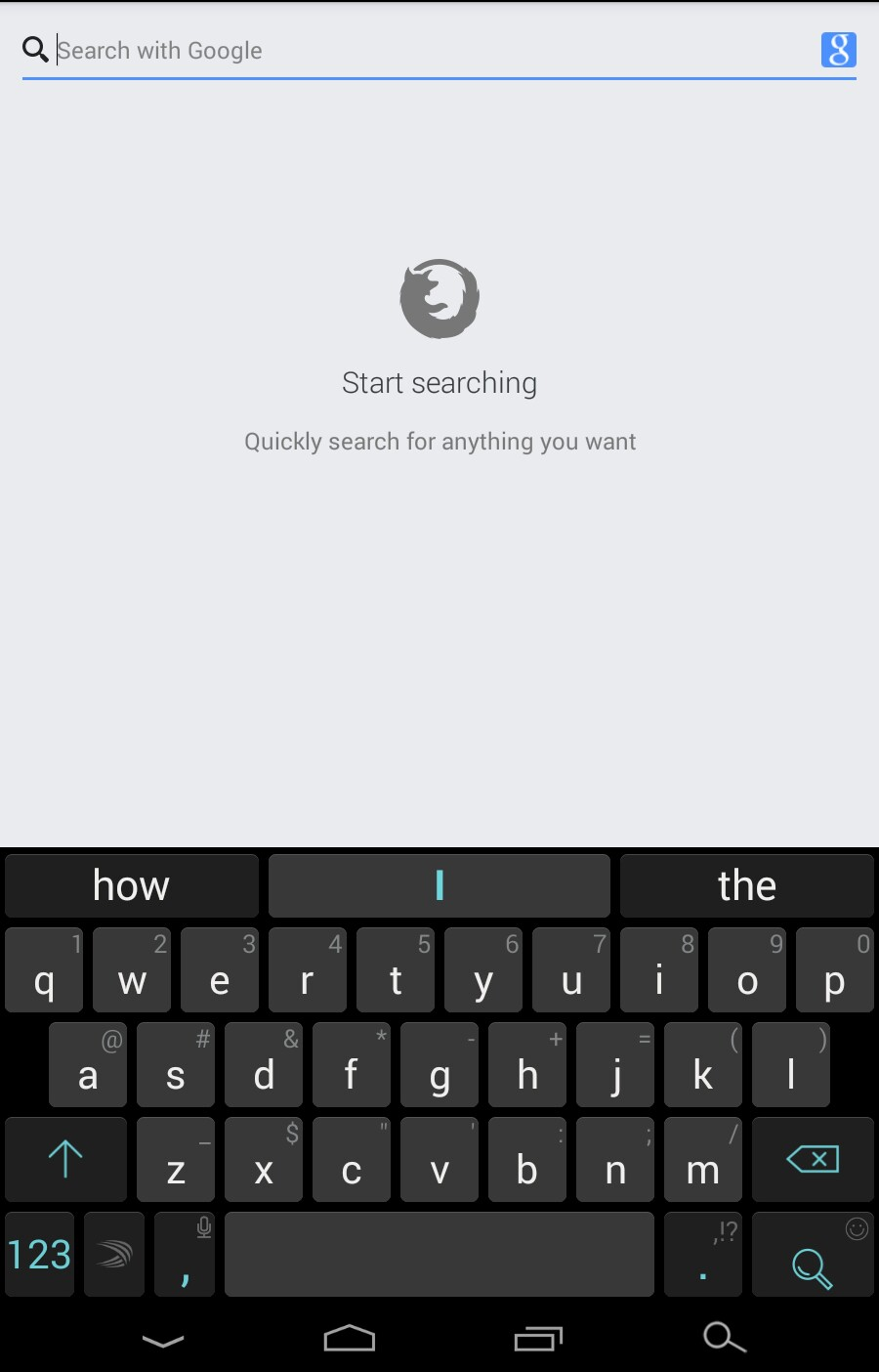
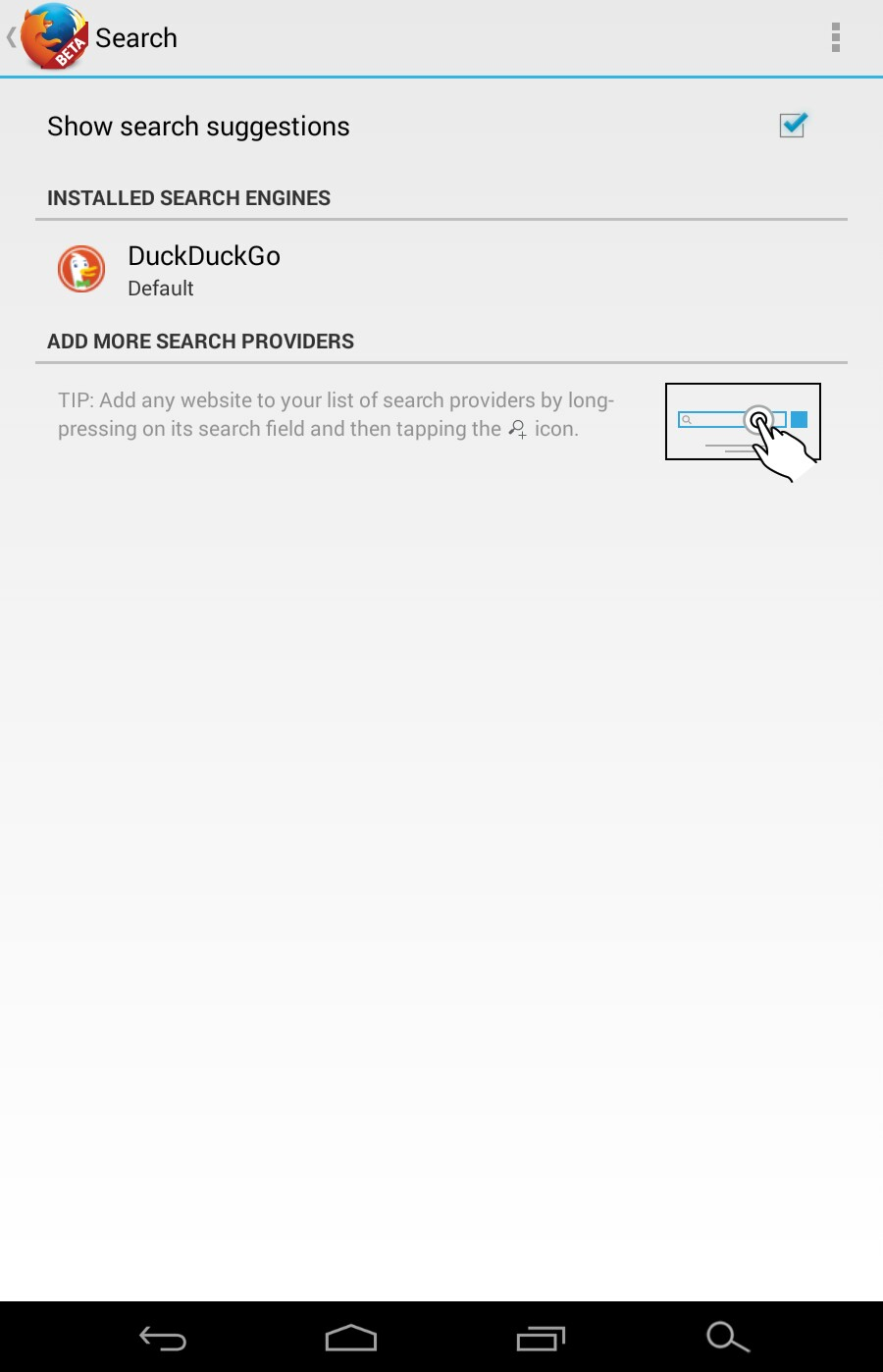
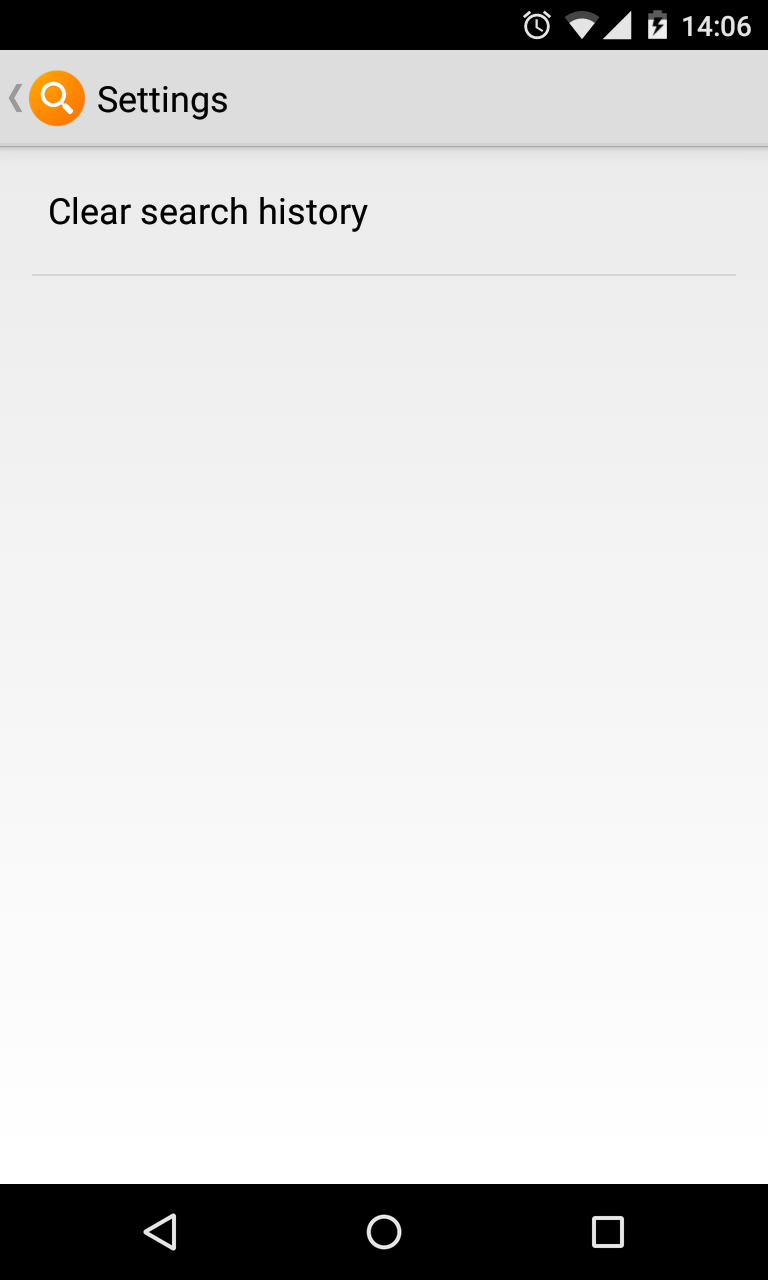
The only option in the settings menu for the widget seems to be just for clearing the search history. Don't know why it does not use the browser set as default in the browser app. :(
Soluție aleasă
I found a way to set it up back to DuckDuckGo after a bit of fiddling with the default search engine in the browser settings.
I think the update must have overridden the setting somehow. What you need to do is to set any other search engine as default, then set DuckDuckGo back as the default. This will also update the widget's default search engine.
Hope this helps.