


Why will some pdfs open but others won't?

When I open pdfs in my browser they should open as tabs but some don't. These are not different types - I'm currently doing GCSEs and on one webpage there will be, for example, links to 3 mark schemes, all the same format, same server etc. - but only 1 will open, and it will open immediately and without problems. The other two will come up with the grey screen and bar at the top which should be for pdfs, but nothing happens if I try to use this bar to download the pdfs etc. and the loading bar in the centre of the page does not load. If I refresh a lot, one of these may then open. Some will not open after being left for hours or refreshed many times, however. All of the pdfs open on other computers. Why is this and how can I solve it? Thanks for any suggestions. Btw, as far as I can see all the pdf extensions etc. are downloaded and installed.
Todas as respostas (6)

I noticed you are using Firefox v20. Could you please update your browser to v21 and see if that solves the issue?
How can I do this? It says to go onto 'About Firefox' and it will find updates but it doesn't even look for any when I do that.
I've attached an image. Are you not seeing the spinning circle and the 'Checking for updates...' message?
In that case you can download Firefox 21.0 from here:
http://www.mozilla.org/en-US/firefox/new/
Install the file and it will replace your current version. Bookmarks, history etc will be saved.
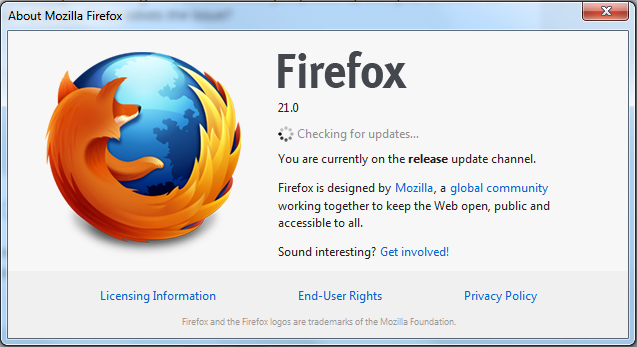
It doesn't check for updates - thanks for the link, am downloading now.
Have just updated, the pdfs still seem to be an issue :/
You can try to increase the dom.workers.maxPerDomain pref to a higher value.