


about.config will not come up. It is blocked by Verizon/Yahoo DNS search
I have managed my search engines to get rid of Verizon/Yahoo which returns every time I reset or restart. Even though they are not there, they hijack "about.config" because of their DNS "help." How do I get around this so that I can get rid of the Verizon/Yahoo interference. And if I ever do get into about-config, how do I keep it from happening again?
Todas as respostas (3)
hello, it's about:config (with a colon).
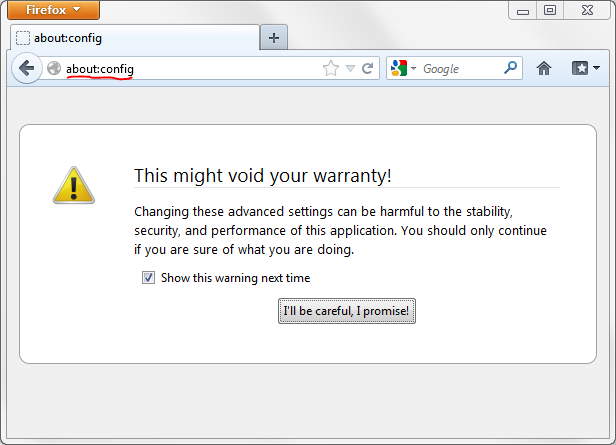
Doh! It's because let myself get frustrated because of the Verizon DNS takeover. Now what do I do? Take out all references to Yahoo in the config file? Do not see any references to Verizon. Thanks.
hello, it's likely that your ISP's dns servers (=like an address book for web adresses) originally interfered with the term you've entered into the address bar.
you might want to chage your dns settings on a system level & use google's public dns servers (preferred dns: 8.8.8.8, alternate dns: 8.8.4.4) - then you will get a normal error message from the browser when a side couldn't be found instead of this referal by your ISP. more detailed instructions are available at: https://developers.google.com/speed/public-dns/docs/using