


Distinguish ACTIVE from INACTIVE Tabs in Firefox
At some point in the not to distant past, I've lost the ability to distinguish the active tab from all the inactive ones in Firefox Vertical tabs. Can someone suggest why this might be (update??) and if there is a solution, a correction in settings or something else?

Todas as respostas (4)
Hi,
Try deactivating your theme (or just running Firefox in Troubleshoot Mode) to see if that's the cause.
Bonjour
Make tabs visually distinguishable from another https://support.mozilla.org/en-US/questions/1612537
Just to see with userChrome.css
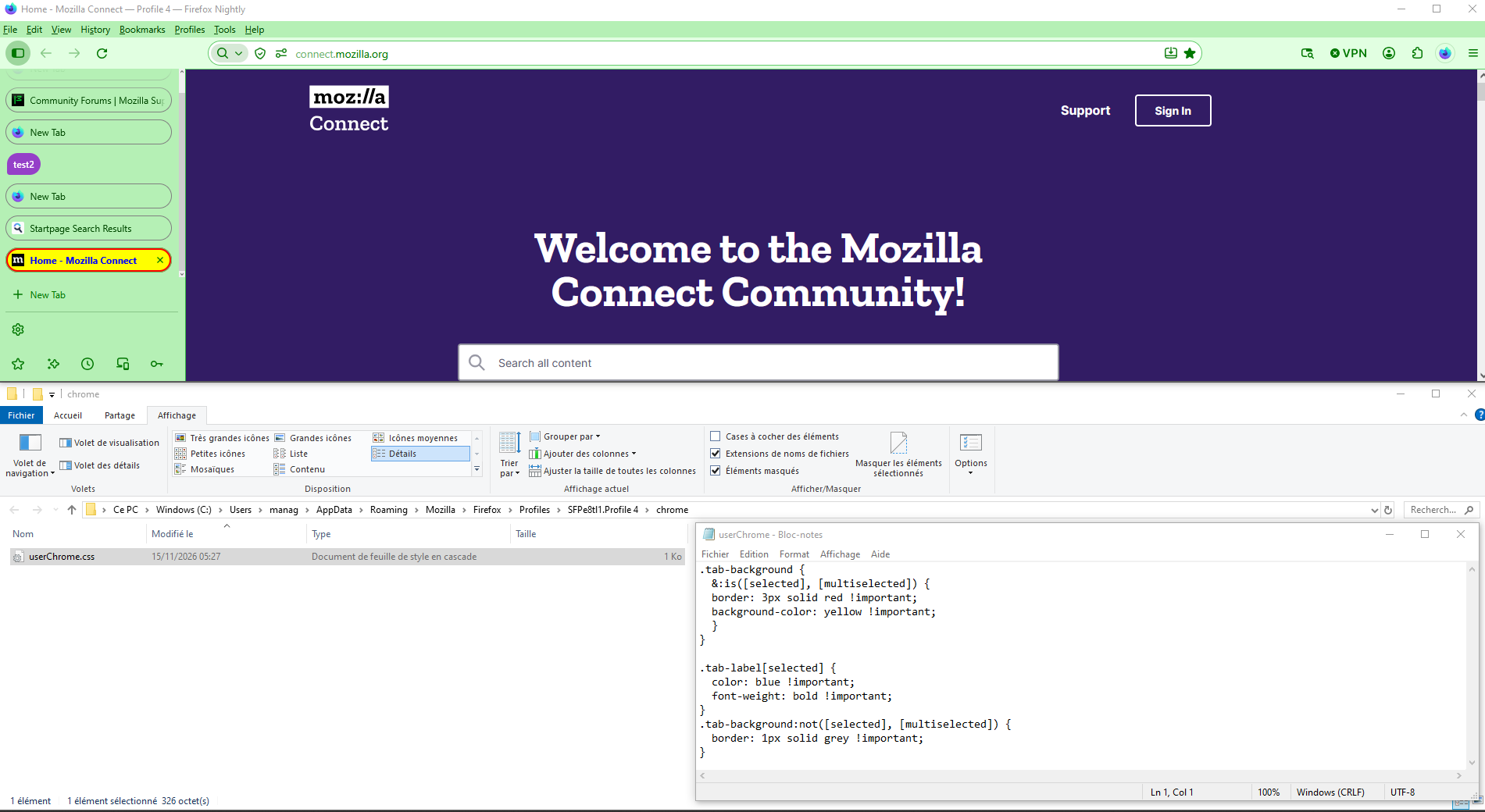
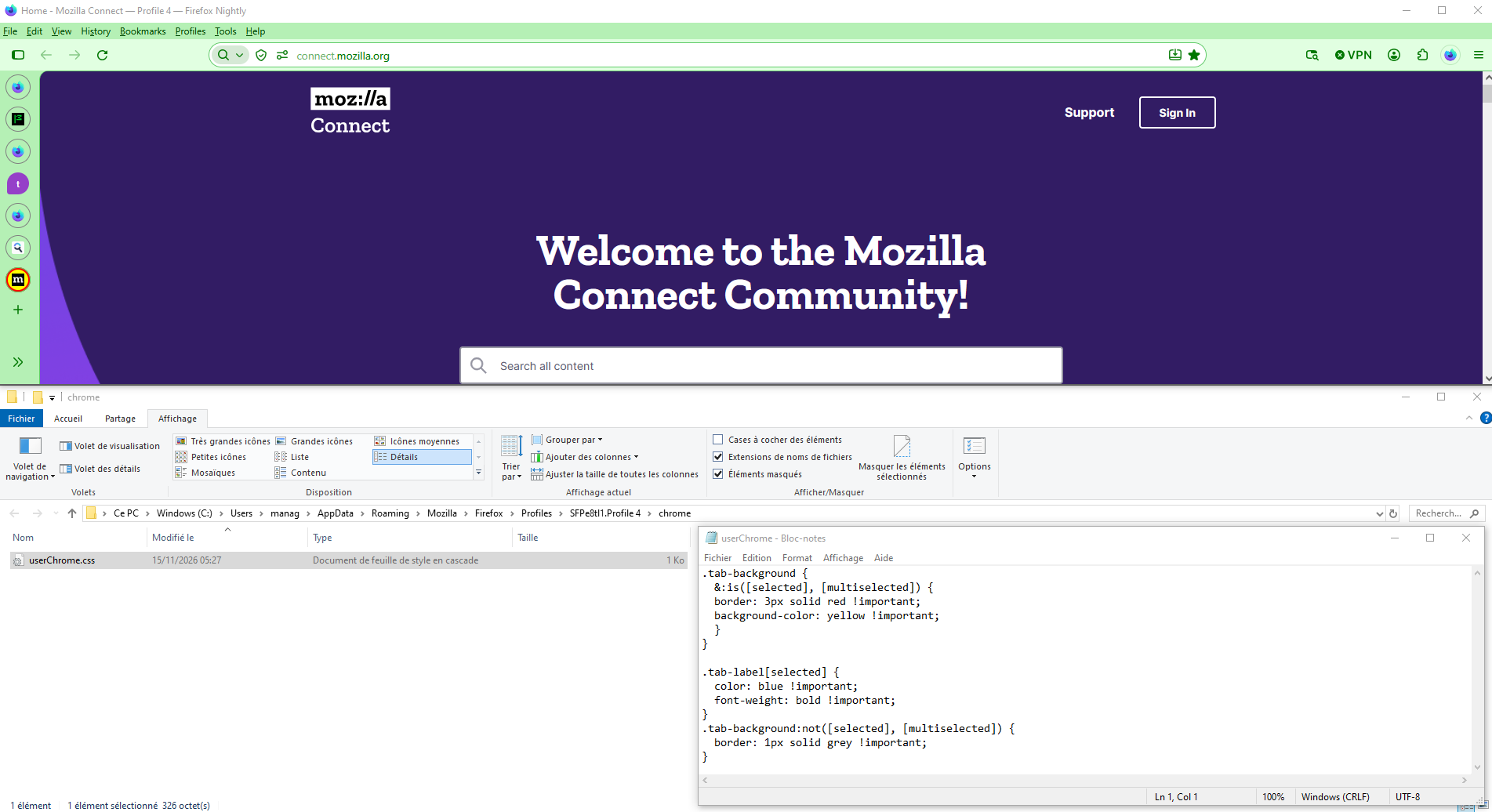

Same thing happened to me after an update a while back, and in my case it was the theme. I was using a third party dark theme and the active tab highlight just vanished one day, everything looked the same shade. Switching back to the built-in System theme brought the highlight back immediately. Worth trying before the userChrome route, since that is a lot of fiddling for something a theme swap might fix in ten seconds. Also check Settings, General, and under Language and Appearance whether you have Light, Dark, or System selected, since that changes how strong the active tab shading is. Which theme are you using right now, and did it start right after a Firefox update?
How to change active tab color or accent after update to 160 https://support.mozilla.org/en-US/questions/1617660