


Suddenly, my page backgrounds are all white.

I have the appearance setting set to dark. I have a dozen themes with the dark option selected, but every web page is white with black text. What gives?? Windows 11, Firefox 157.0 (the new, ugly version)
Solução escolhida
It's just they're not made to understand the styling, or were created before the preference existed — I've elaborated a bit previously e.g. here: support.mozilla.org/questions/1589835#answer-1828975
Todas as respostas (3)
Is this a recent change? Can you attach a screenshot how septatrix.github.io/prefers-color-scheme-test looks for you?
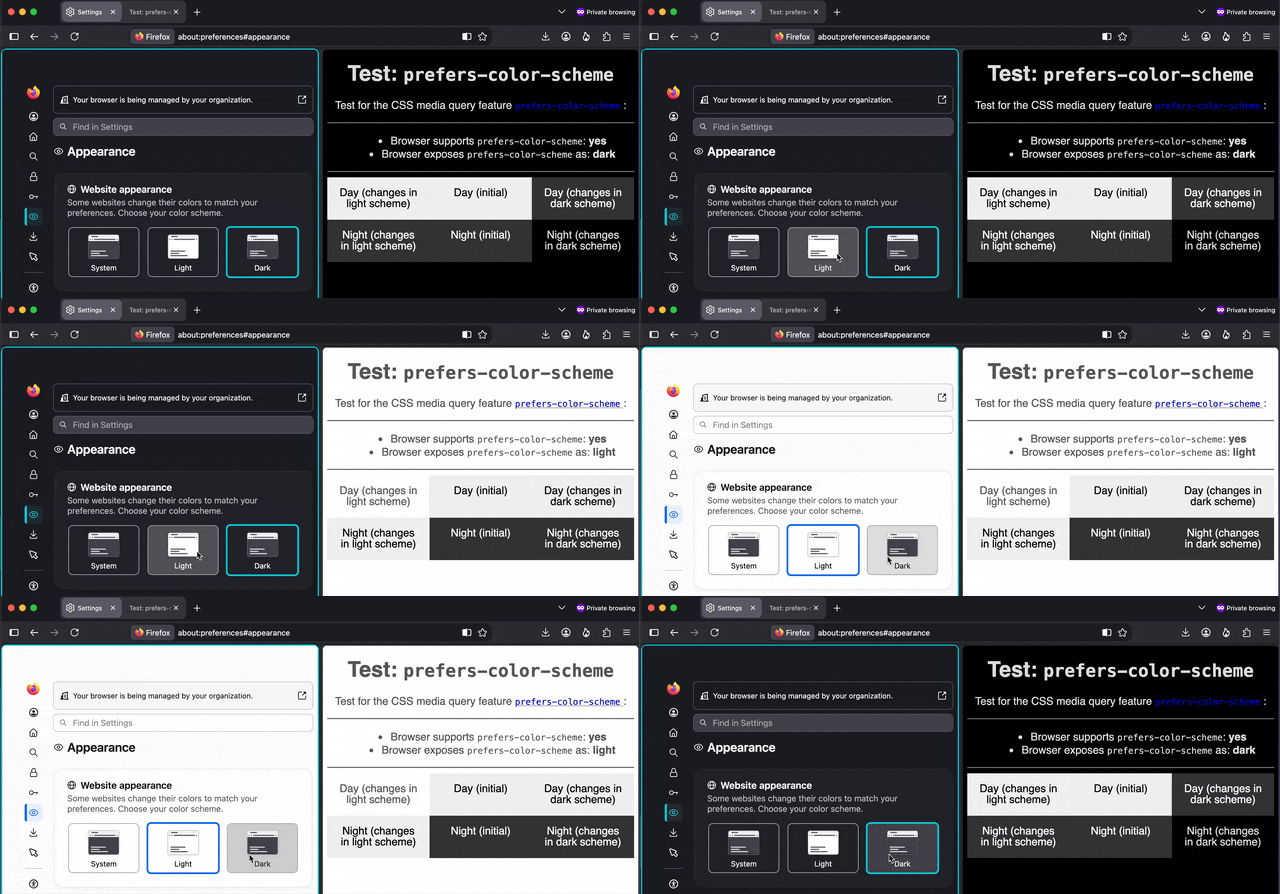
First, thanks for the reply. Second, my screen looks like your screenshot. Third, I think I figured out my problem. It seems a lot of the websites I visit override my browser setting(?) Some other pages respect the dark setting.
Solução escolhida
It's just they're not made to understand the styling, or were created before the preference existed — I've elaborated a bit previously e.g. here: support.mozilla.org/questions/1589835#answer-1828975