


Tunderbird lässt sich nicht als Standard-App für E-Mail einstellen. -- I want to get Thunderbird as standard app, but it does'nt work.

Ich habe Thunderbird als Standard-App für E-Mail eingestellt und Gmail dafür abgewählt. Doch wenn ich einen E-Mail-Link klicke, sprich tippe, gibt es entweder gar keine Reaktion oder Gmail will den Link öffnen. "Rechtsklick", sprich langes Tippen funktioniert. --
I have toggled thunderbird as standard and gmail off. But either there is no reaction at all, if I click an email link, or gmail wants to open it.
Modificado por Samuel a
Solução escolhida
Now, suddenly it works - I was prompted which app to open mailto links with after tapping a mailto link. But why? Despite I did the recommended steps, it did not work after that before.
The next things, I would have tried, is to let Gmail be in deep standby or to deactivate it - but it has to work without such workarounds.
Now, I mark the problem as solved, although the problem per se is not solved, but I think it's more a problem of Android than of Thunderbird.
Modificado por Samuel a
Todas as respostas (5)

In android ...
- Open settings > apps > gmail.
- Tap "open by default" label.
- Tap the "clear default preferences" button.
The exact wording and menu location can vary by phone manufacturer & Android version. After the default preference is cleared, you will be prompted which app to open mailto links with.
Modificado por Platform34 a
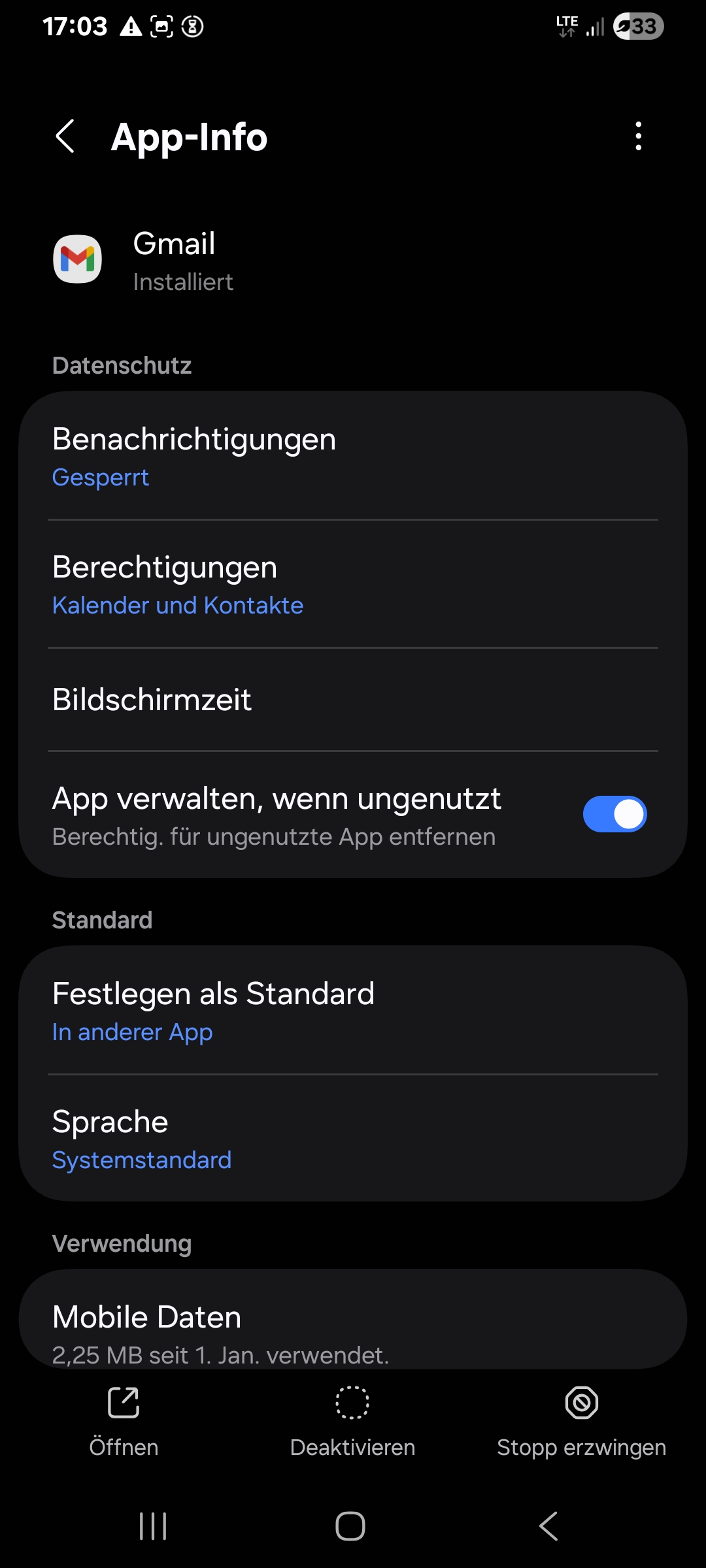
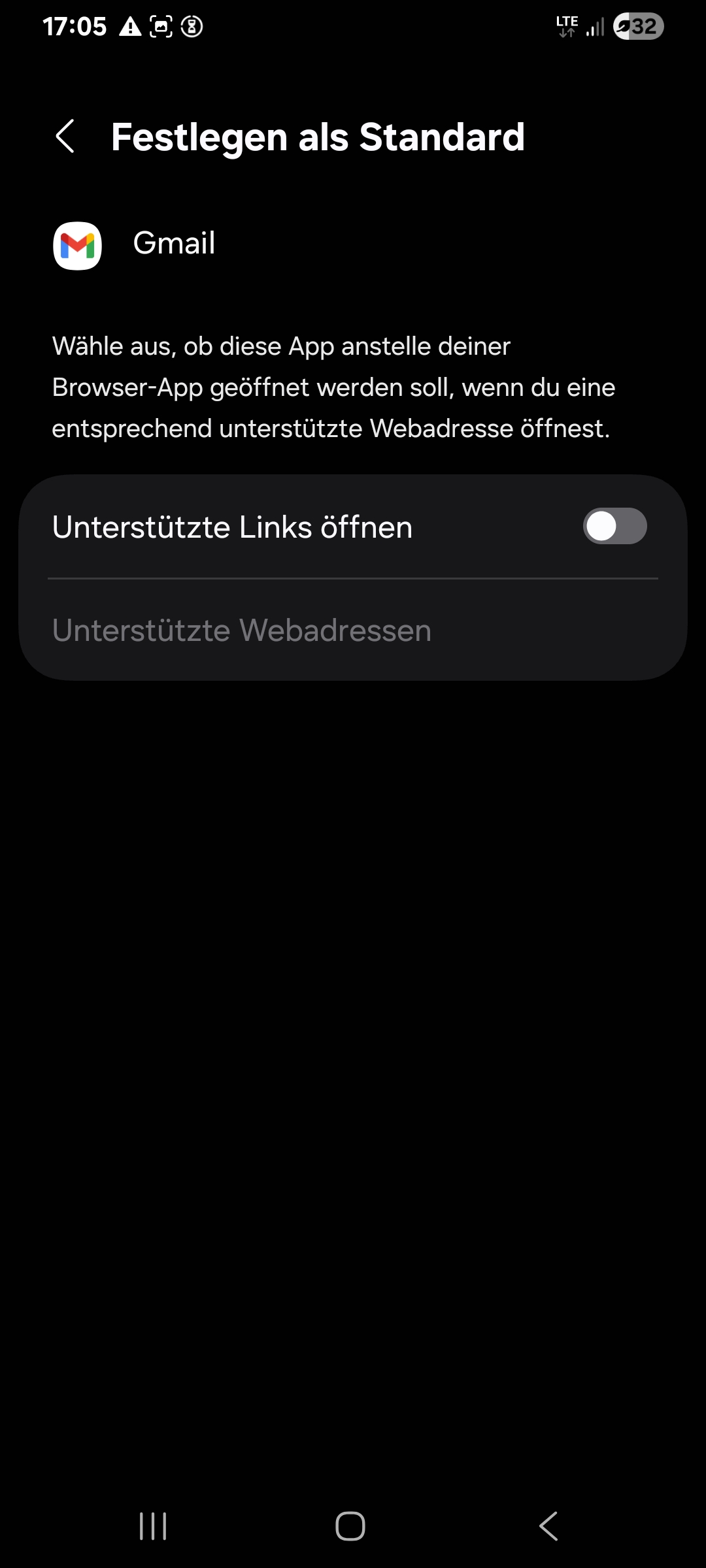
There is no option to clear default preferences (anymore). (I think there was such an option, which I tapped.) Look screenshots of the settings of gmail:
Modificado por Samuel a
Hi Samuel
Did you test an email link after clearing the gmail preference. Did this resolve the issue. I don't read german so i'm unable to comment on your screen shots.
Of course, I tested it. Mainly, the left screenshot shows "Define as standard -- in other App", the right screenshot shows "Define as standard -- Open supported links" is toggled off.
Solução escolhida
Now, suddenly it works - I was prompted which app to open mailto links with after tapping a mailto link. But why? Despite I did the recommended steps, it did not work after that before.
The next things, I would have tried, is to let Gmail be in deep standby or to deactivate it - but it has to work without such workarounds.
Now, I mark the problem as solved, although the problem per se is not solved, but I think it's more a problem of Android than of Thunderbird.
Modificado por Samuel a