


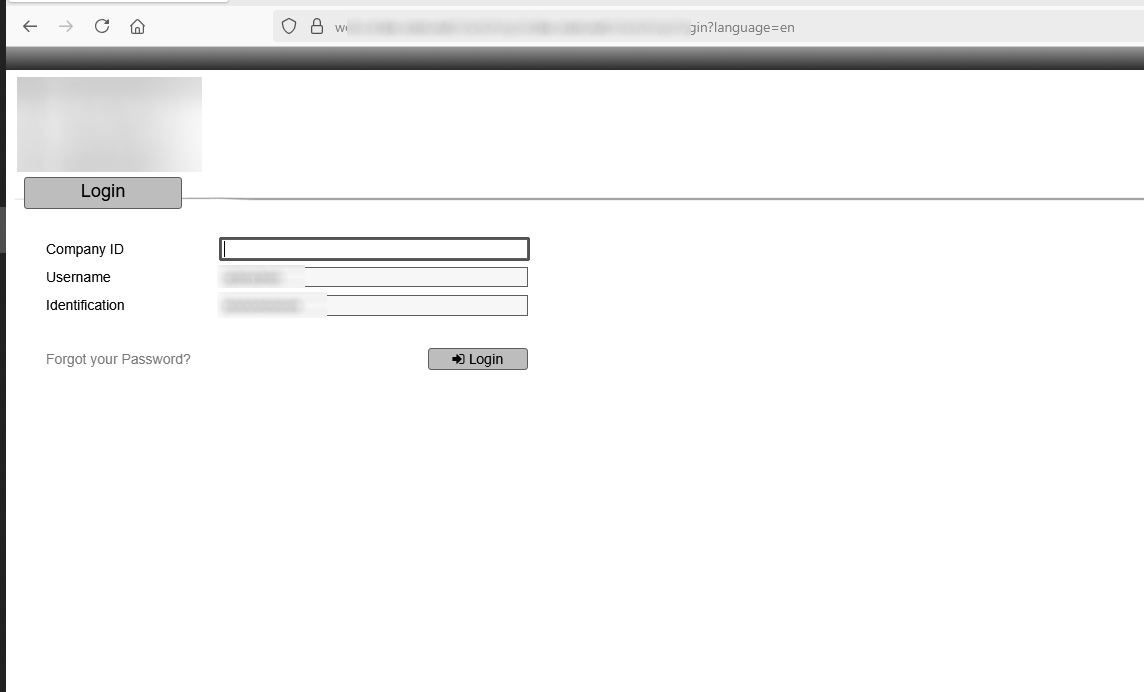
Hello why my firefox installation 1440b6 64 bit on windows 10 do not autocomplete the third field in a form login

Hello why my firefox installation 1440b6 64 bit on windows 10 do not autocomplete the third field in a form login ..
namely , username and identification password are correctly filled , but the third field (that in my case are named "company ID") would not, it remain empty, and i need to manually fill in each time. Actually this happen only on a one site , but may be because only this site that i use have a three field to fill in the login page...all the others need only password and username
thankyou kind regards klx140
Todas as respostas (3)
Firefox's password manager stores user names and passwords. As far as I know, it doesn't have the capacity to store other random fields. It's possible that Firefox could store the company names in form history, but that would be an independent list not linked to the login process. If you use this form frequently, you could look into third party password managers to see whether they better support your needs.
"It's possible that Firefox could store the company names in form history"
So , how can i check and/or modify the setting's of mine firefox installation to do so ? because it seem to me a very acceptable solution
{ps...chrome browser fill correctly also the third field...}
Thankyou very much
kind regards klx140
I personally turn off form history, but the following article has more details on it: Control whether Firefox automatically fills in forms.