


Windows 10 reached EOS (end of support) on October 14, 2025. If you are on Windows 10, see this article.

Pesquisar no apoio

Evite burlas no apoio. Nunca iremos solicitar que telefone ou envie uma mensagem de texto para um número de telefone ou que partilhe informações pessoais. Por favor, reporte atividades suspeitas utilizando a opção "Reportar abuso".

Saber mais

How to make links opened in new tab (middle click) from the URL/Search bar to open in background

  • 2 respostas
  • 3 têm este problema
  • 187 visualizações
  • Última resposta por dummyfakejack
  • Arquivadas

How to make links/search/suggestions opened in new tab (middle click) from the URL/Search bar to open in background and not switch immediately.

I already toggled the following settings to "true" - browser.search.context.loadInBackground - browser.tabs.loadBookmarksInBackground - browser.tabs.loadDivertedInBackground - browser.tabs.loadInBackground

Background new tabs only works for links in the page & bookmark bar. I would like to know how to make it work if links are opened in new tab from the URL/search bar.
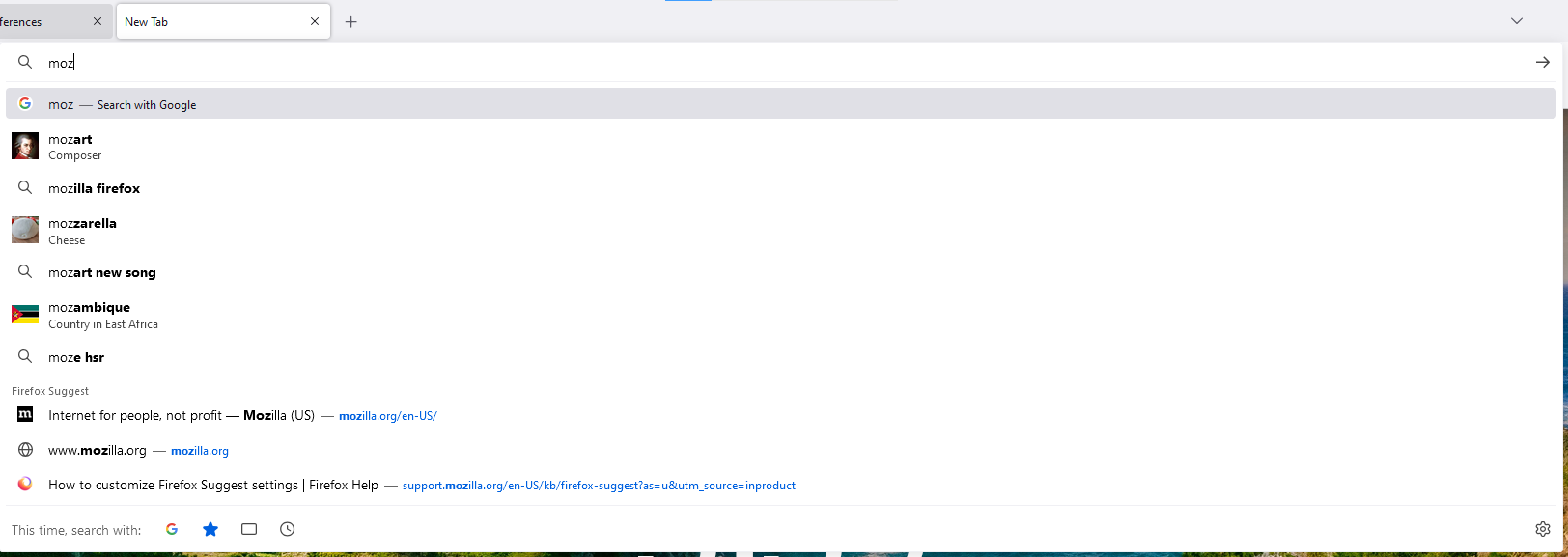
How to make links/search/suggestions opened in new tab (middle click) from the URL/Search bar to open in background and not switch immediately. I already toggled the following settings to "true" - browser.search.context.loadInBackground - browser.tabs.loadBookmarksInBackground - browser.tabs.loadDivertedInBackground - browser.tabs.loadInBackground Background new tabs only works for links in the page & bookmark bar. I would like to know how to make it work if links are opened in new tab from the URL/search bar.
Capturas de ecrã anexadas

Todas as respostas (2)

Are you middle-clicking the Go button in the address bar? You can hold the Shift key to open a link in the background (e.g. Alt+Shift+Enter).

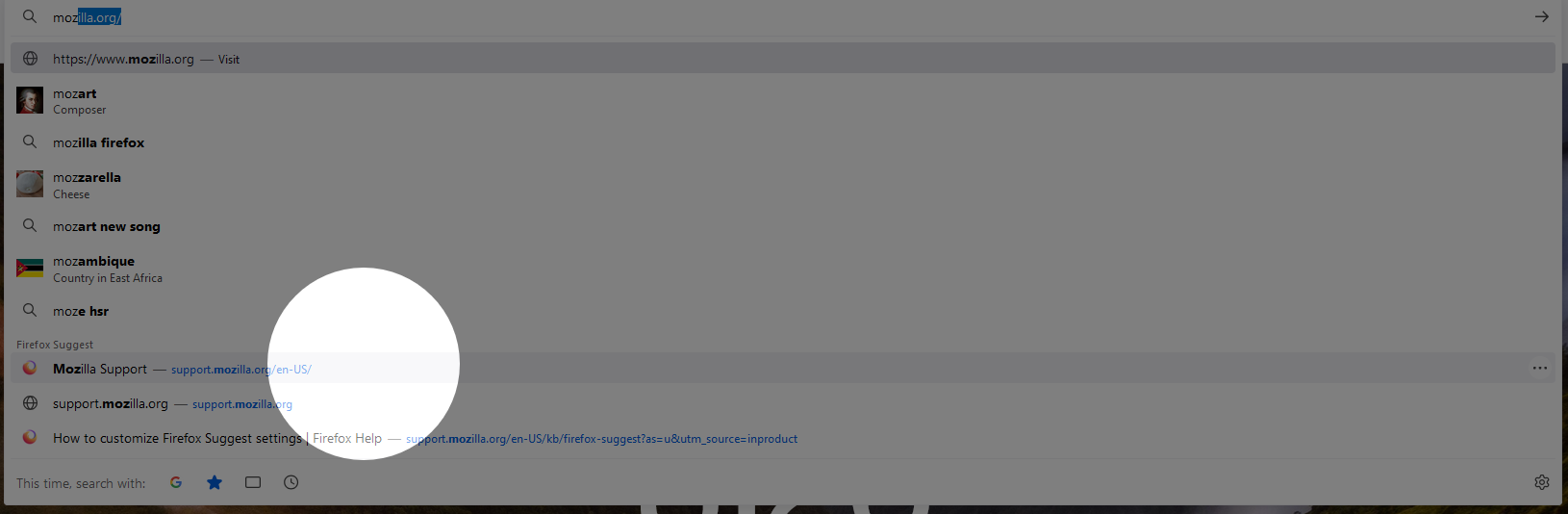
I'm middle clicking on the link/suggestion itself but it immediately switches to the new tab. I want it to just open in the background.
Modificado por dummyfakejack a