


In Thunderbird 128.0esr (64-bit), my menu bar shows as a blank gray strip!

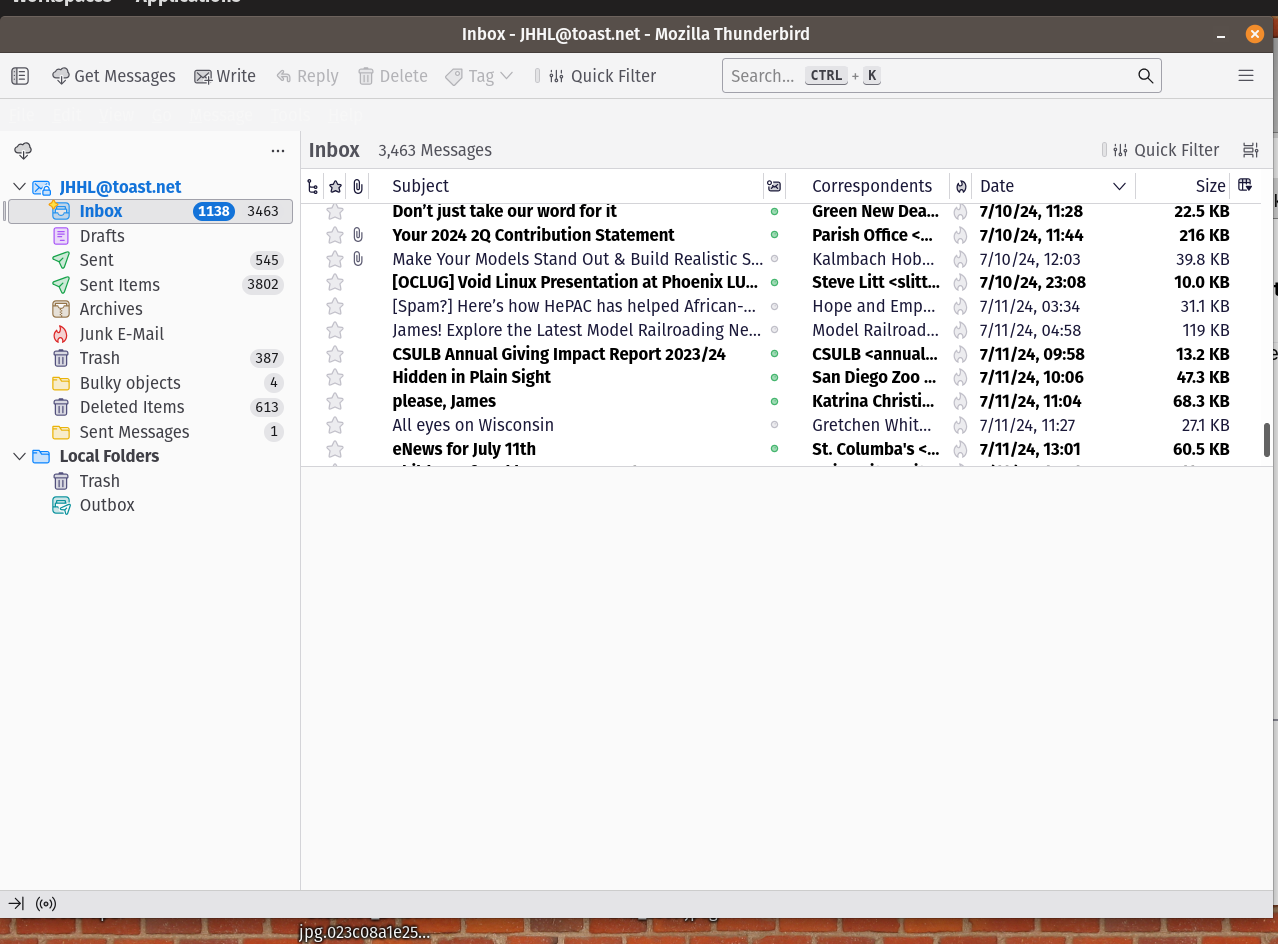
Running Thunderbird 128.0esr (64-bit), in a flatpack installation on Pop!OS (Ubuntu-derived), the menu bar shows as a blank gray strip if the Thunderbird window is active. It shows normal, however, if the Thunderbird window is not active.
The same is true for any composition window I open.
The attached picture shows the blank gray menu bar, just below the toolbar.
Todas as respostas (4)
All I can share is that I've seen several Linux users post the same issue for a Flatpak installation. I don't know if that is a LInux issue or a Flatpak issue. Maybe someone with more Linux expertise can advise here.
Please file a bug report https://bugzilla.mozilla.org/enter_bug.cgi?product=Thunderbird
Wayne Mery said
Please file a bug report https://bugzilla.mozilla.org/enter_bug.cgi?product=Thunderbird
Thanks. Done, including the same screen shot, and a link back to this thread.