Privacy Notice Keeps Appearing

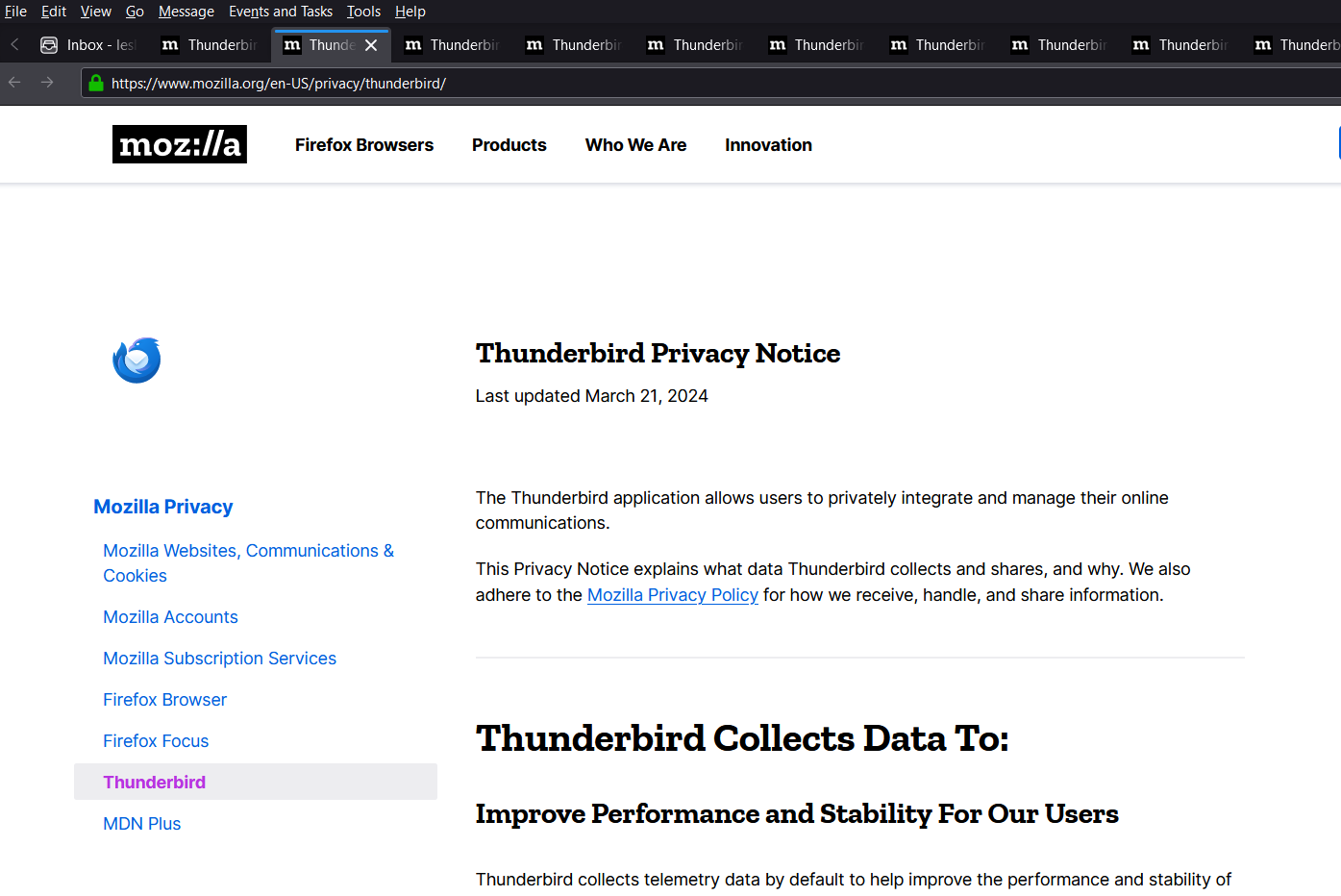
Every time I open up Thunderbird a tab opens up containing a Thunderbird Privacy Notice. As I'm working then every so often a number tab opens with the same information. If I'm in Thunderbird for long I can have a dozen on more identical tabs. How do I stop this?
Todas as respostas (2)
Perhaps you could post an image showing these "number" tags. It might actually offer some insight. Basically I have been using Thunderbird for well over a decade and I don't recall it ever opening a privacy tab, except when I click on a link to do so in Help > about and even then it opens in my web browser, not Thunderbird.
Could you please also do the following?
- Open the menu
 > Help > Troubleshooting Information, then click Copy text to Clipboard.
- Go to https://pastebin.mozilla.org/, paste the clipboard by right clicking in the large text area, select paste from the menu, change the retention period to expire in 28 days, use the Paste Snippet button to create a page containing your info, then copy the resulting URL (address) of the page created.
- Open a reply to this post, and paste the URL to your troubleshooting information you just copied.
- Does Thunderbird work as expected in Thunderbird troubleshooting mode?
Thanks Matt, Here's the link to the troubleshooting info https://pastebin.mozilla.org/sTKG79rF
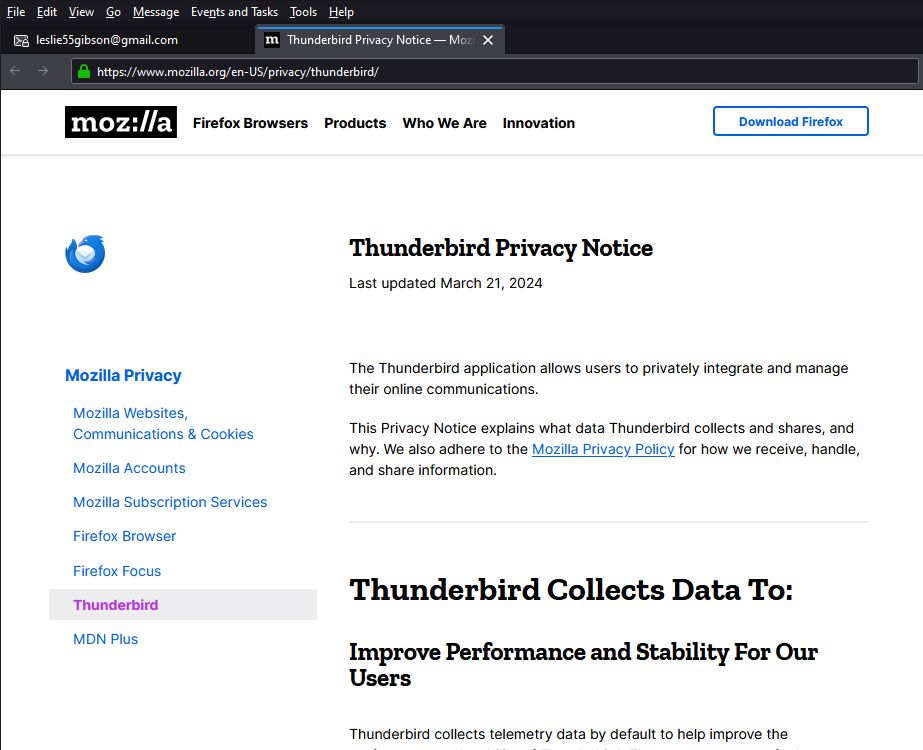
Picture attached showing 16 copies of the Privacy Notice tab, I think everytime I close and re-open Thunderbird, as I've been doing a lot in the last hour to try and resolve this, it creates another copy of the tab.
I've just closed all the tabs, and restarted in troubleshooting mode, and it's immediatey created a privacy notice tab again. So that doesn't fix it.