


Bookmark star is gone from menu bar/address bar
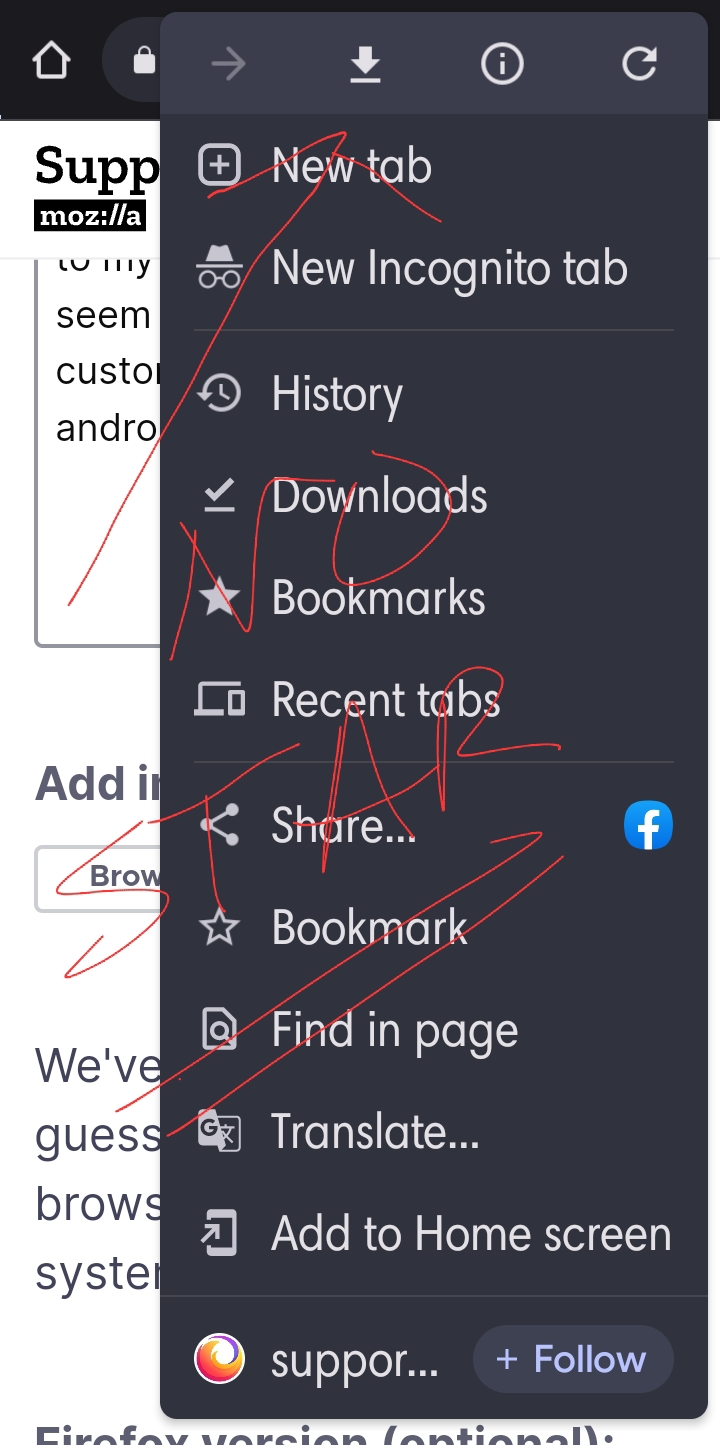
I recently lost my bookmark star on the address line at the top of my Samsung Galaxy. They appear in the drop down menu but it's easier to have the star right next to my download flag, etc. I can't seem to remember how to customize the top line of my android phone.
Todas as respostas (3)
Hi
What is the version number of the copy of Firefox for Android that you have installed?
You can find this of you enter about:support into the address bar in Firefox for Android.
I can't find a number, only that it's Firefox for Android and mentions Mozilla. However, I'm just trying to get my bookmark star back in place on the top address line, or toolbar of my cellphone. One study said to customize the menu by moving the order of each option. However, i can no longer find this option on the phone either. I have so many issues since my phone ungraded or updated to Android 12 about 2 - 3 months ago. Thank you for at least reading my post. I'm sure you have reasons for wanting to know which service # I'm registered in. But i seriously don't see how that matters. You were able to reach me. Thru my Emsil. Again thanks. It's a customization option problem on my phone. That much i learned already.
The screenshot that you have attached appears to be of the Google Chrome for Android browser, Mozilla Firefox for Android.
It is not possible to do the customisation you are looking for in either browser.