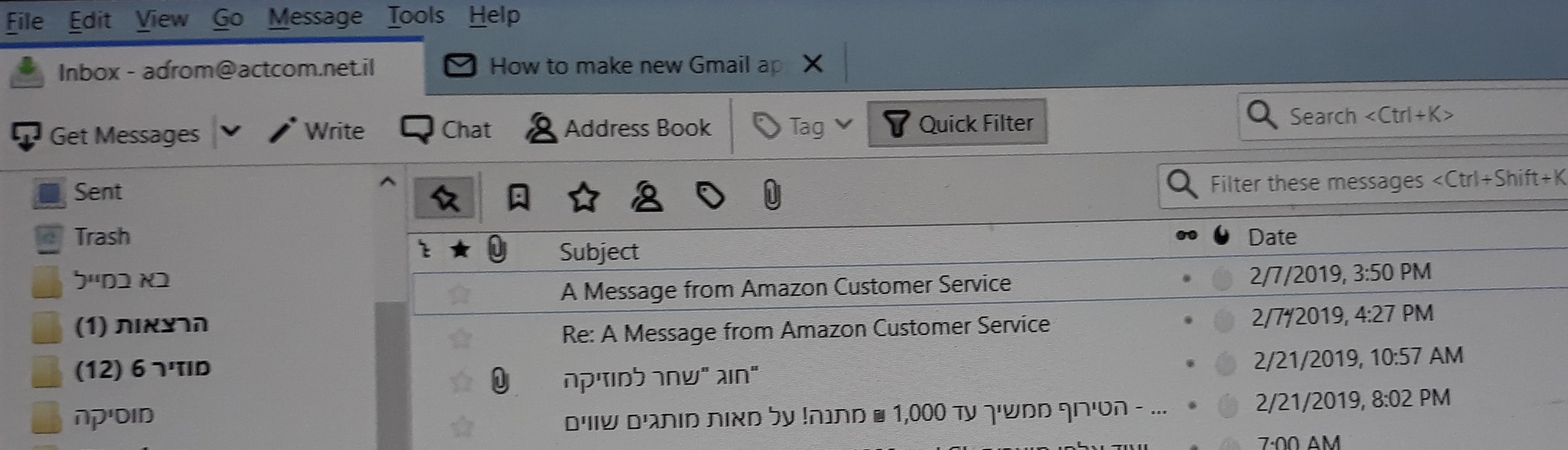
In the received mails I don't see the headers. For instance I don't see who is the sender
I have updated my thunderbird to the latest version In my incoming mail window I see all the subject field, but all the other columns are narrow. I can't see who the sender was, the date etc. I tried to broaden the column, but nothing doing. I went to tools, and all the rest of it, but couldn't solve the issue. Thanks Adam Rom
Todas as respostas (3)
I didn't get any attached picture. And anyway everything I tried according to what was suggested didn't work. Is there any other thing I could try ? Thanks Adam Rom
This is how my Thunderbird looks like The first columns are practically unseen
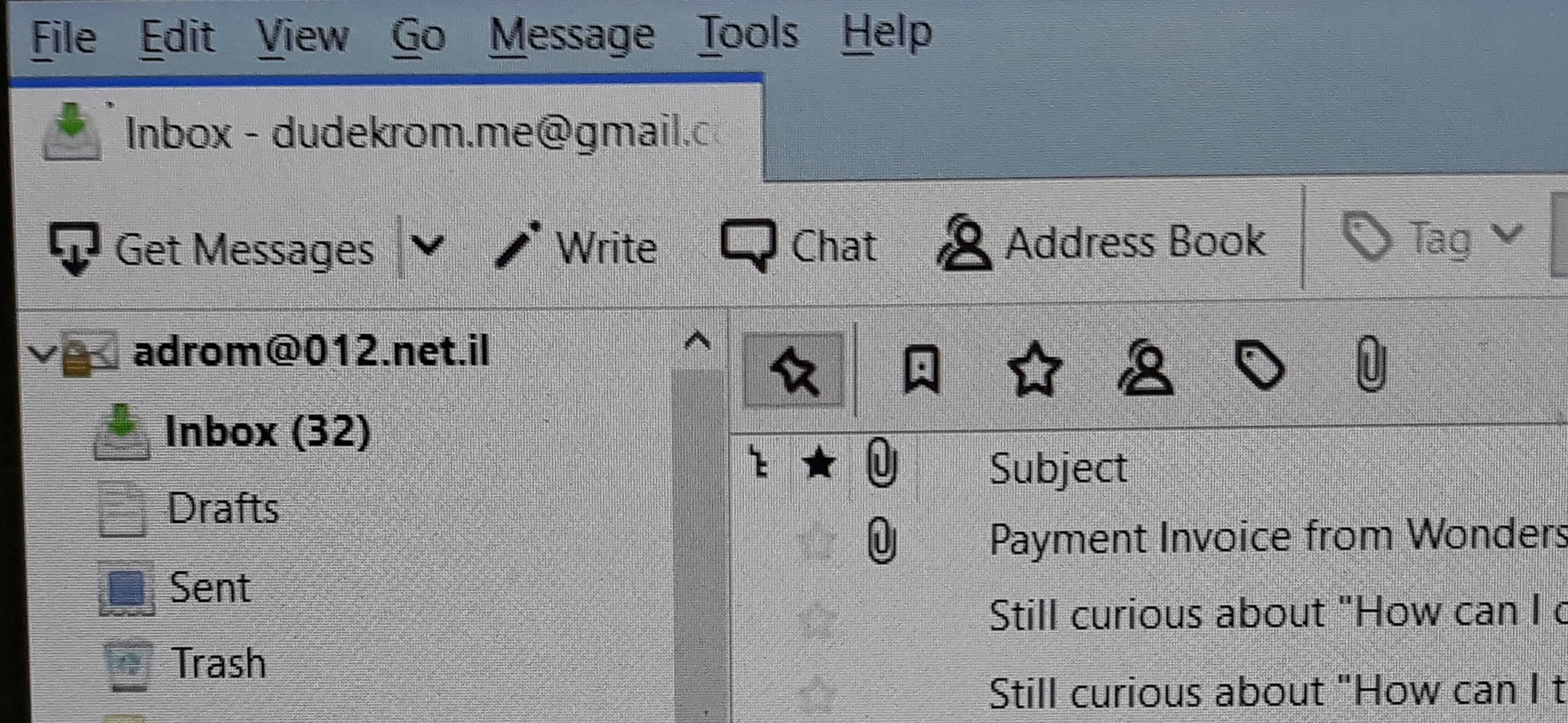
I made a mistake in the posting of my problem. Here is the correct version. I have three mail accounts . In the two first ones every thing is OK. But in the third one the " from " column is very narrow. Attached is a picture how it looks like. I can't make it wider.