


How do I reply with a different colored text than the received email?

Some received emails need to be answered inline. They could be HTML or text. The received email is almost always black text, so I want my reply to be in red, blue, maybe green, while the received text is in its original color. I've tried various setting changes in Tools/Options/Composition & Display. I also have my View/Text Encoding set to Unicode. thanks, Ron
Solução escolhida
OP reply-- I swtiched to version 45.7.1 and it now works. I guess something with my install of 52 was not correct. Thanks for the help
Todas as respostas (5)
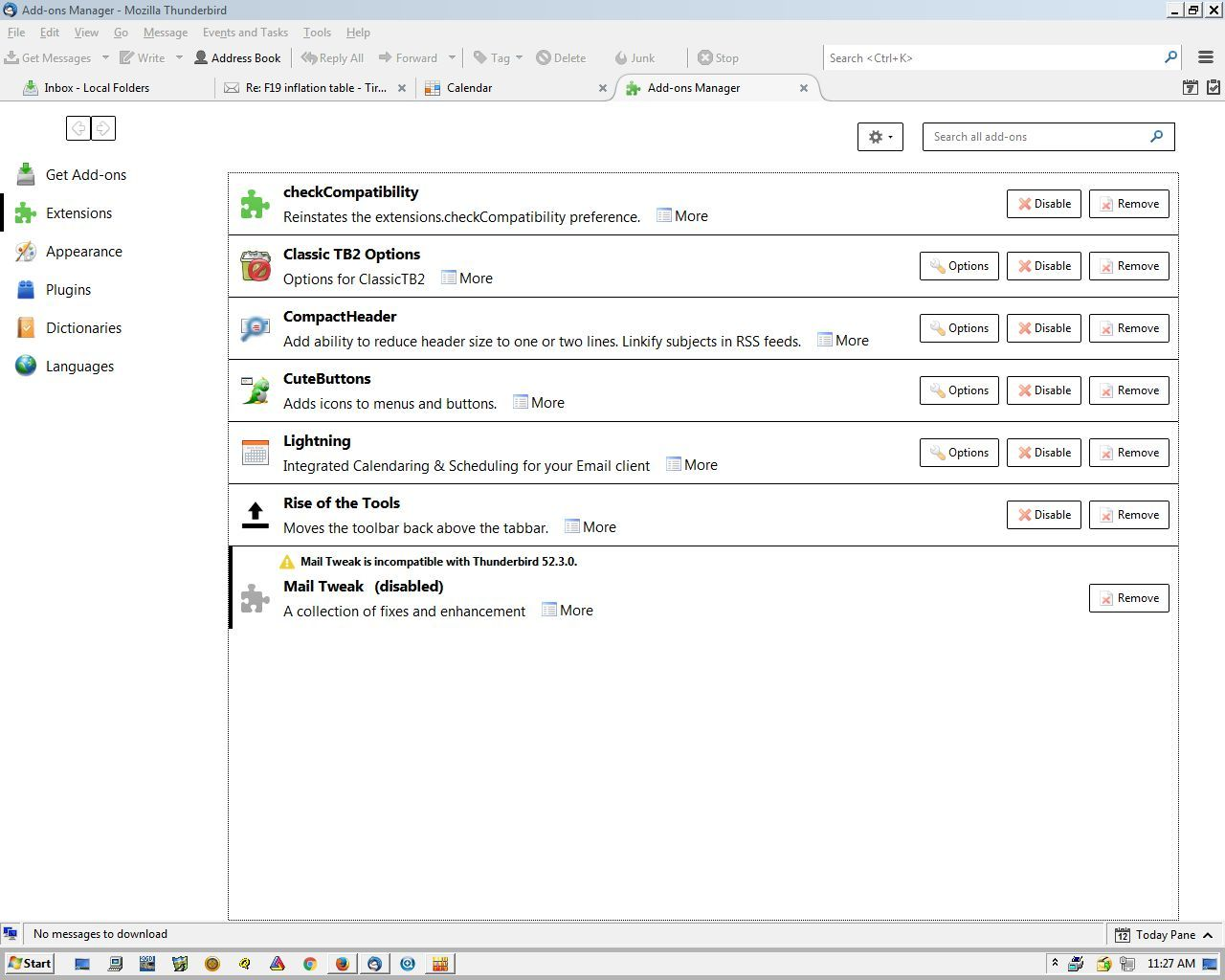
Thanks for your suggestions. I installed both, but the Add-on page kept saying it was incompatible, somehow the current version (for TB3) of Permanent Pen reverted to the older version (for TB2), so I deleted it and reinstalled the current version. I have the same problem--It is says disabled with the yellow warning triangle.
I checked about.config and extensions.check-compatibility.app-version is set to 52.3.0. extensions.check-compatibility.saved.52.3;false thru extensions.checkCompatibility.nightly;false are set to false. The extension.mailtweak do appear in about.config.
maybe I need to try an older version. This used to be a standard "feature" a few years ago. Ron
Your pix ia what is what shows ONLY after it is initially loaded. Once I close/open TB it is no longer showing. The checkCompatibility Add-on is enabled--there is no warning above it. See below or attached (I'm not sure which one--maybe both). I'll try the Highlighter and see what happens. Thx
The https://support.cdn.mozilla.net/media/uploads/images/2017-11-12-11-31-13-3b9050.png

I hate to be a pita--but my TB does not look like the one on the Highlighter web page. I don't have the toolbar shown, and all my toolbars are enabled.
I'll just live with >> and >>> etc.
Thanks for your help, Ron
No I wasn't using HTML--I was not sure I needed to be--dumb me. I changed the Account Setting to HTML and now I get the Toolbar and I can select the color. But nothing I do results in highlighted words. I write a few words, scroll over those words, click on the Highlighter pencil, choose Red. The icon has a Red line. But my highlighted words are not highlighted. Surely there is some combination I haven't tried, but I don't know what. Maybe I'm too used to Word. Highlight drag across what you want to highlight, click the button with the color chosen--and bang--you selection is highlighted.
Solução escolhida
OP reply-- I swtiched to version 45.7.1 and it now works. I guess something with my install of 52 was not correct. Thanks for the help