


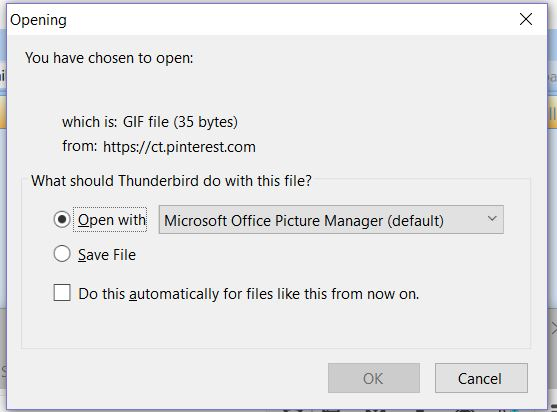
When I open Thunderbird I get box asking if I want Microsoft Picture Manager to open a GIF from https://ct.pinterest.com. I cancel. How can I make this stop?

When I begin writing a message, a box pops up saying I have chosen to open a GIF from https://ct.pinterest.com and asks if I want to open it with Microsoft Picture Manager or save the file. I always cancel. How can I get this to stop?
Todas as respostas (6)
Perhaps an email you received has such an attachment or embedded file.
Use the global search to find "https://ct.pinterest.com" (message body search), or simply pinterest.com in From: fields, remove them.
Found only one message containing a link to pinterest. Deleted it. Problem persists. The problem occurs when I open a window to write a new message.
Thanks for your feedback.
Your screenshot is very helpful, I took a closer look and noticed the size and format (35 byte gif) of the "image" - it reminded me of tracker code or pixels and that's what this is:
- https://optinmonster.com/docs/add-pinterest-conversion-tracking-pixel/
- https://help.pinterest.com/sites/help/files/pinterest_tag_instructions.pdf
So, some website or HTML email is trying to get you to load a tracker code.
Look in your signatures or check if you're replying to a message that has such an embedded image or HTML code, perhaps something from a mailing list or SPAM.
Although I am not familiar with using templates, perhaps you have an extension or when you reply something is included in your email automatically that makes it a requirement to load that "image".
Failing to find the source, you could also block all ct.pinterest.com network traffic by modifying your hosts file, here is a way to do this:
For me it started early December with a request to select the application to open a GIF file from facebook. I don't use facebook.com and don't receive emails from facebook, so that I cancelled and could use Thunderbirds fine for the day. Since then, every time I start Thunderbirds I have got the same request and I simply cancelled. Overtime though, I had to cancel not one request but 2, then 3, ... Early January, along with the facebook.com GIF request, I started to have to cancel requests from ct.pinterest.com. This morning I had to cancel about 6-8 facebook.com GIF requests and 2 ct.pinterest.com GIF requests... I have stopped counting but it does become very annoying...
It seems that I am not alone facing this issue and I have read with interest the posts above. Fabián's post seems to point at a promising direction (thanks for it btw), however I am not skilled enough to see how to modify my hosts file.
I'll definitely keep an eye on the forum in case a solution comes up.
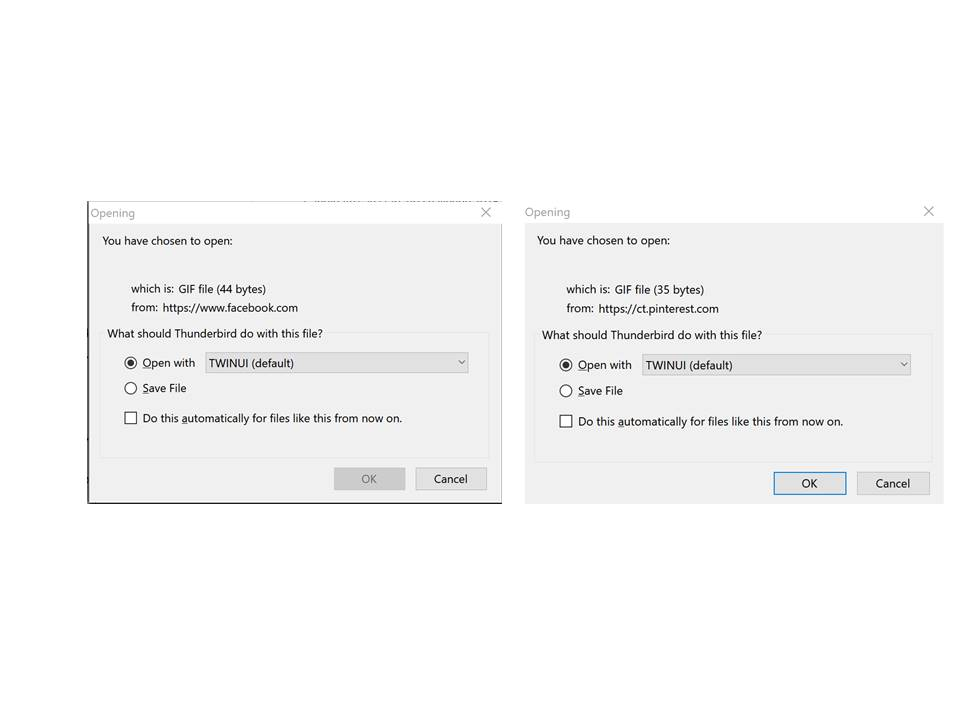
The same thing is happening to me now. Ever more pop-ups to cancel and if I have Firefox open I get multiple tabs opening with a black screen as shown in the image.
Does anyone know how to stop this?
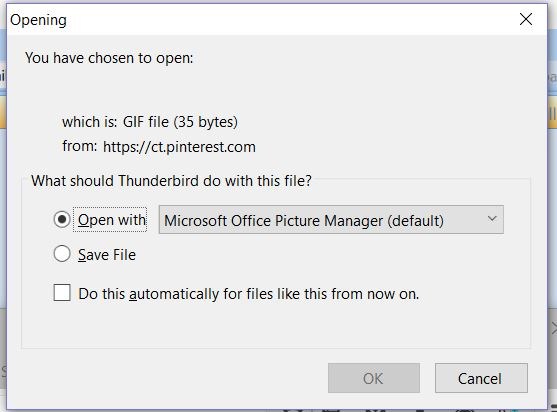

Maybe a hint of a partial fix... I have been dragging this issue for a while (see above) and noticed that the number of pop-ups varied from one day to another even if lately it was usually 3 pop-ups every times I open Thunderbird.... obviously at some point I wrongly clicked OK instead of cancel and from that day onward I had to click only twice on cancel while the 3rd request was automatically opening Firefox and a web page I blocked. Yesterday morning I decided to test each email account I had associated with Thunderbird by unticking "Settings/Server Settings/ Check for new messages at startup" for this you need to right-click on the account folder. With a few email accounts to test one after the other, it happened that at some point I also left clicked on an account folder before closing Thunderbirds. I then restarted Thunderbird not on an Inbox but on the page containing "Email, Accounts, Advanced Features"... It was exceptional as there was no popups...
Remembering Fabian's comments about some websites or HTML emails trying to get you to load a tracker code, I thought that maybe the issue was not the emails contained in the inboxes but the Start Page which is not loaded when in the situation described above. The next step was then to go to "Tools/Options/General" where I unticked "When Thunderbirds launches, show the Start Page in the message area"...
The result is that the popups have stopped since then. I have tried ticking again the same Start Page (a news website) and the popups came back again... Interestingly when the webpage is loaded from Thunderbirds as a Start Page then come the pop-ups, but if the same webpage is opened from Firefox then no popups... I could be that Thunderbirds does not have the popup control that Firefox has, but I will not try to lower the settings of Fiferox just to test that reasoning further.
In my case the problem is solved. - the issue comes from a combination between the way Thunderbirds open the Start Page and the Start Page that the user had chosen. - the quick fix was to remove the Thunderbirds Start Page or to select another one... not entirely satisfying but definitely an opportunity to change Start Page. I hope it helps...