


Where are the Icon vs Text in email display settings?

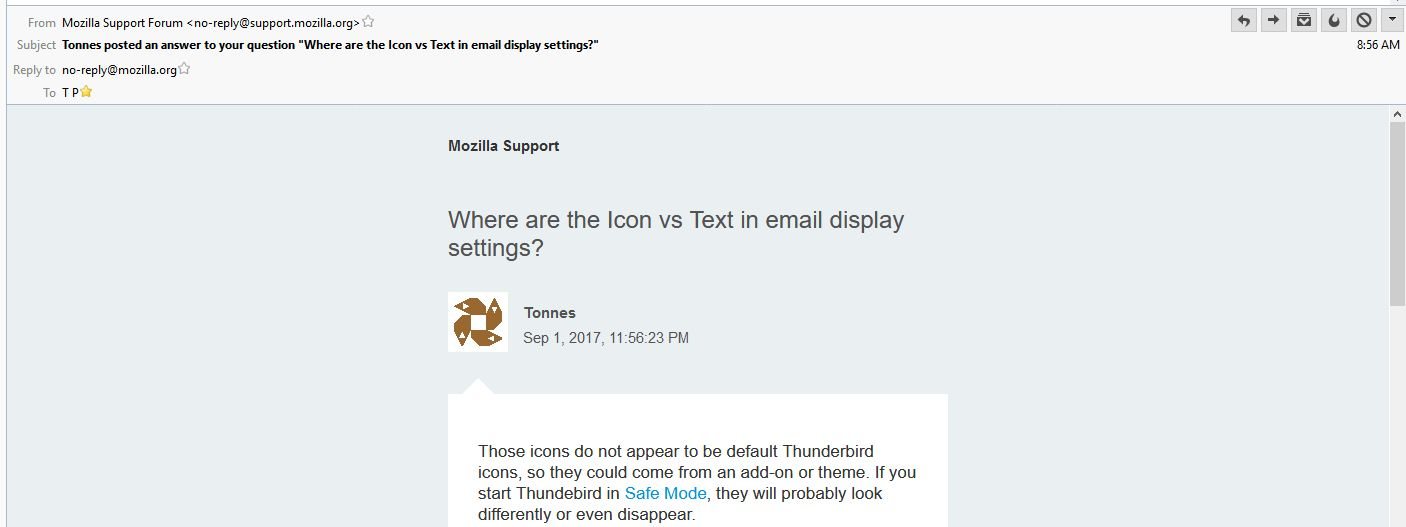
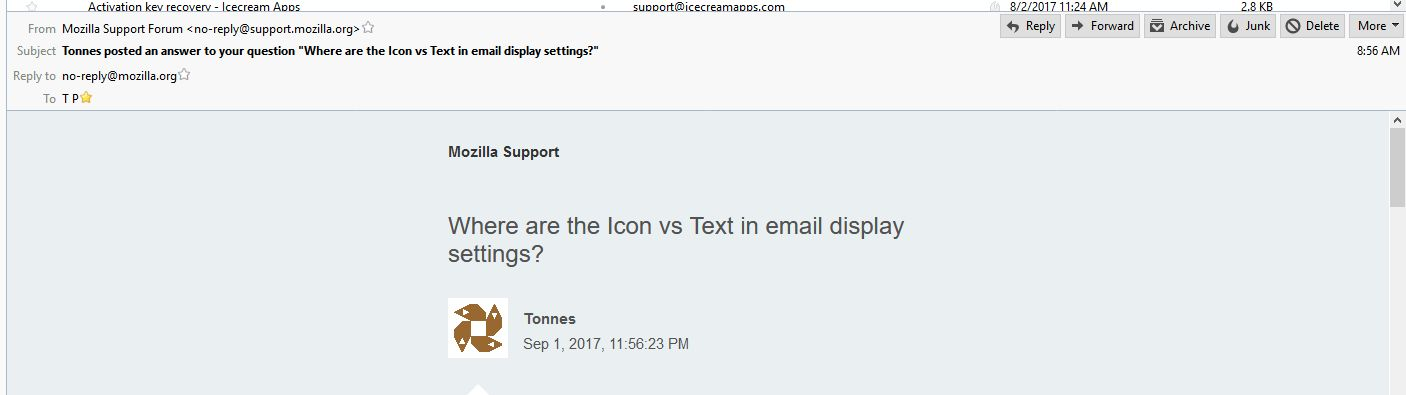
Thunderbird has started displaying icons instead of text in the email top line - Why? How to change?

Solução escolhida
Ouch, sorry, I overlooked the message pane icons and thought you referred to the toolbar ones.
Similar to customizing the toolbar icons, right-click any of the message pane icons and select Customize... > "Icons beside Text" at the bottom left.
Ler esta resposta no contexto 👍 1Todas as respostas (3)
Those icons do not appear to be default Thunderbird icons, so they could come from an add-on or theme. If you start Thundebird in Safe Mode, they will probably look differently or even disappear.
I would suggest to check your add-ons and non-default themes for settings to change them back to how they were. They could have been updated recently, causing the change.
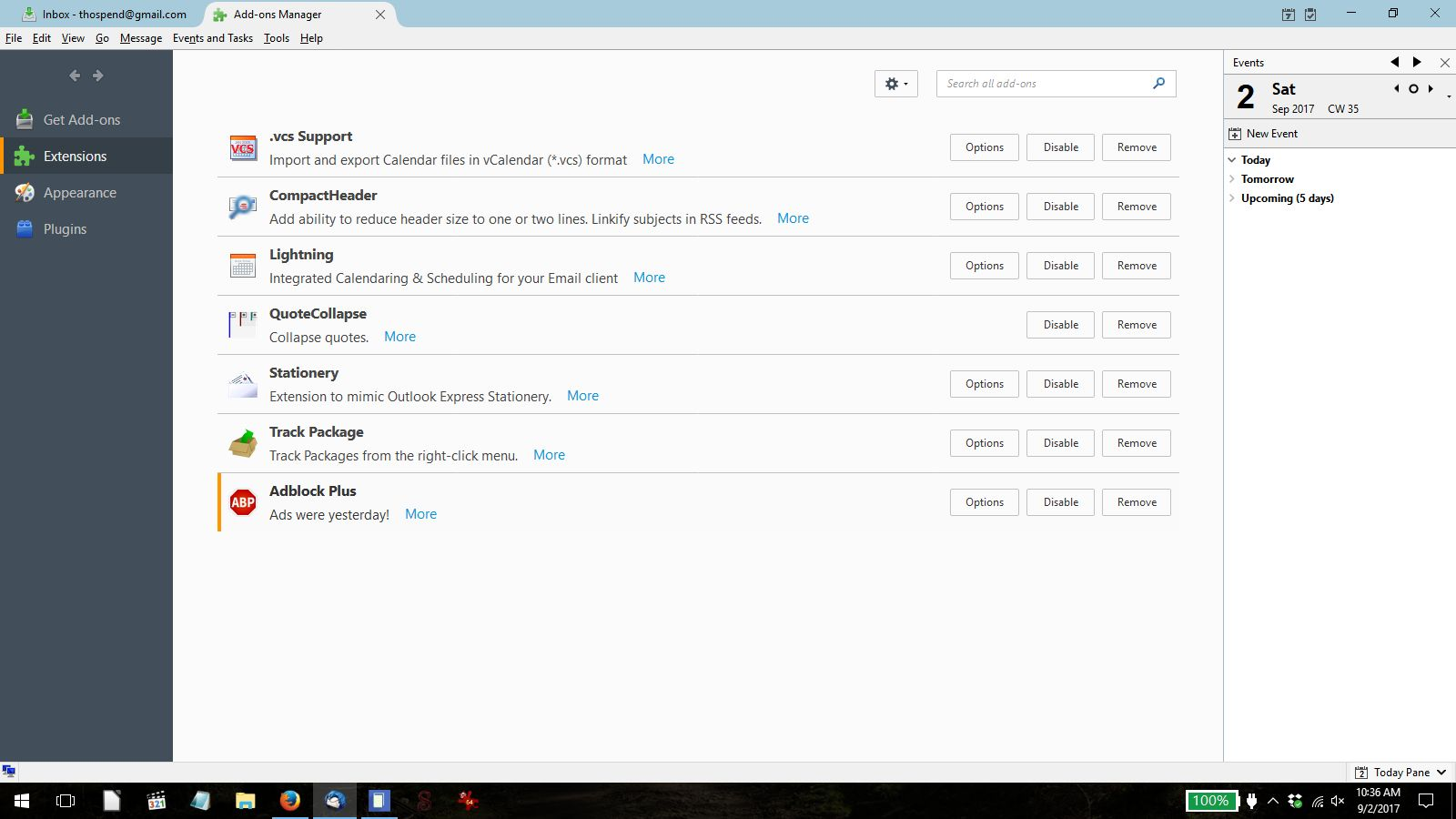
I have played with Thunderbird..., disabling addons one by one, all addons disabled manually, and in Safe Mode. results are questionable. Only Safe Mode shows Text albeit with icons.
The Theme used is the default of the current version. A List of Addons is included.
Solução escolhida
Ouch, sorry, I overlooked the message pane icons and thought you referred to the toolbar ones.
Similar to customizing the toolbar icons, right-click any of the message pane icons and select Customize... > "Icons beside Text" at the bottom left.