


Sent messages are showing up in Thunderbird Folders. Why?

I am using Thunderbird for Gmail. Gmail folders now seem to include my sent messages as well as the incoming messages. It only used to be incoming messages. Not all folders are doing this. Not threaded view.
Any suggestions why this is happening? Any solutions to display only incoming messages?
Thanks
Image attached.
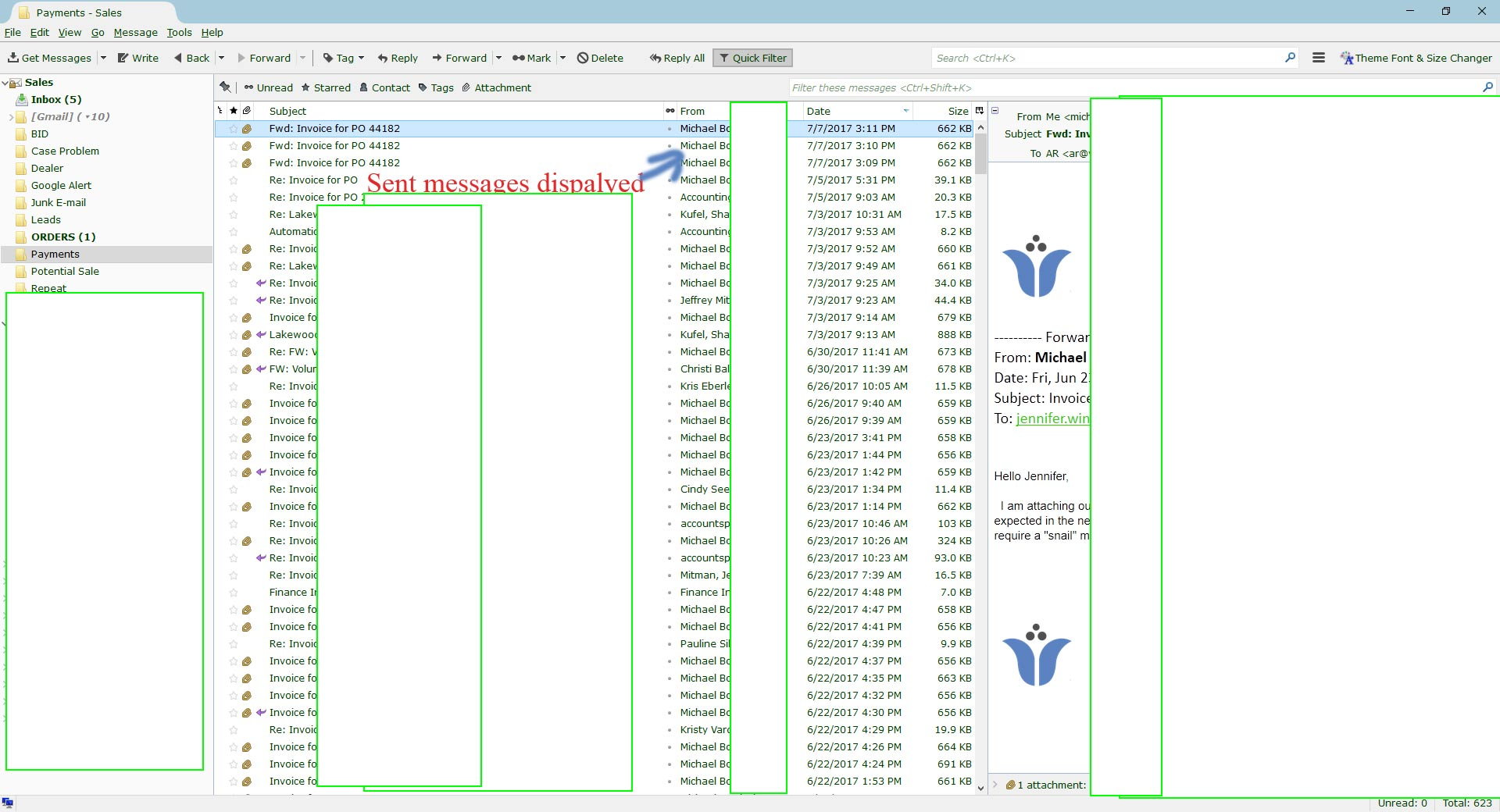
Modificado por mikeinfl a
Solução escolhida
When using Gmail’s SMTP-server, by default that server copies your sent message and puts it in the Sent folder on the server, after which Thunderbird will synchronize that folder by copying back back that message to your local Sent folder.
Are you sure - you have unchecked Place a copy in: in the account settings, and if it was set, - the folder below that specified by Other: is not set to Inbox, and - Place replies in the folder of the message being replied to is not ticked?
Ler esta resposta no contexto 👍 1Todas as respostas (2)
Solução escolhida
When using Gmail’s SMTP-server, by default that server copies your sent message and puts it in the Sent folder on the server, after which Thunderbird will synchronize that folder by copying back back that message to your local Sent folder.
Are you sure - you have unchecked Place a copy in: in the account settings, and if it was set, - the folder below that specified by Other: is not set to Inbox, and - Place replies in the folder of the message being replied to is not ticked?
Thanks, the problem seems to have resolved itself.
-MB