


Can't delete "special account'
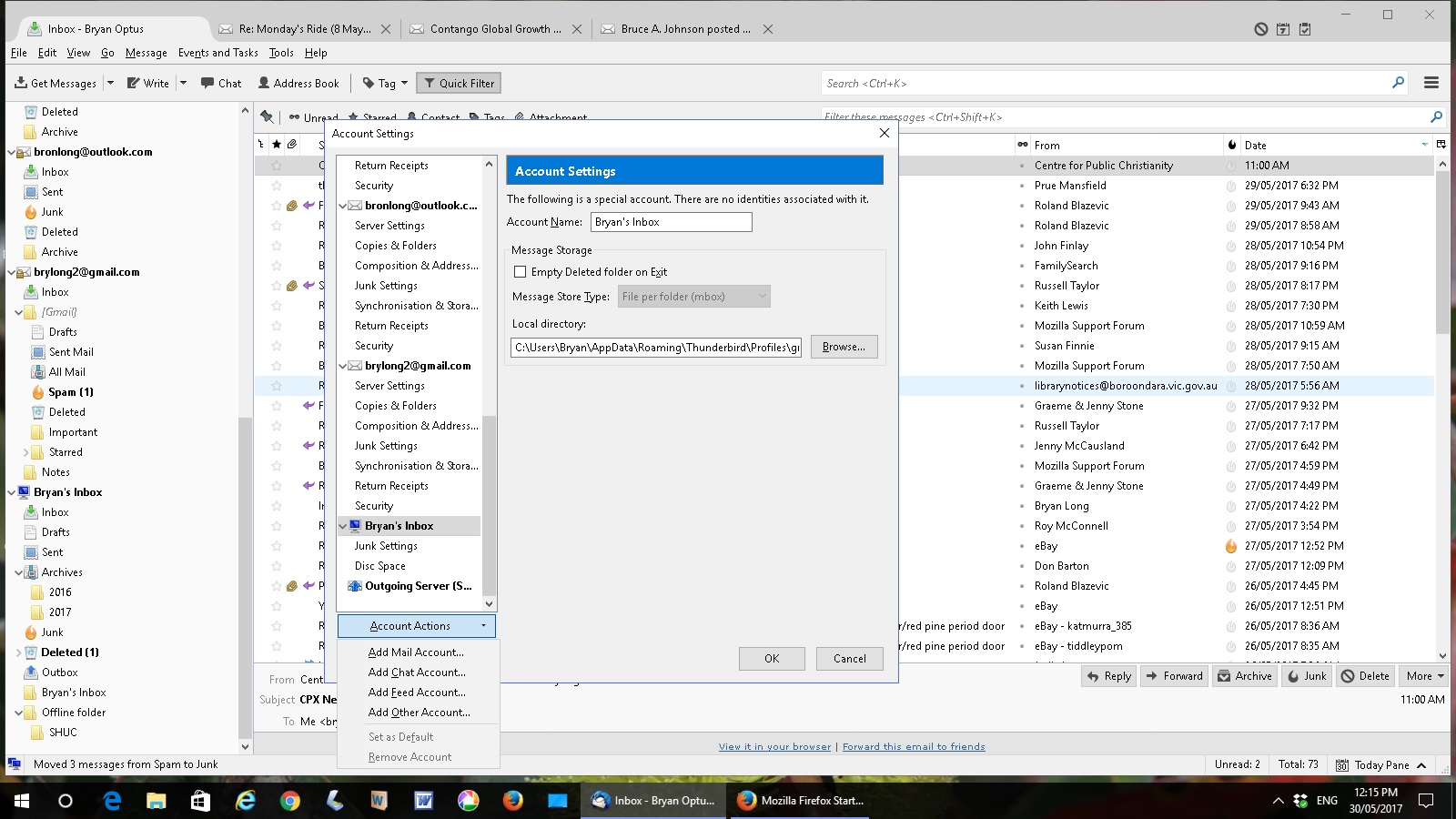
I have several IMAP accounts in Thunderbird but an extra acct has popped up "The following is a special account. There are no identities associated with it."
I think it is a global account but I don't want it and can't delete it. It has no server settings and no folders - just 'junk settings' and 'disk space' and the option to delete is grayed out.
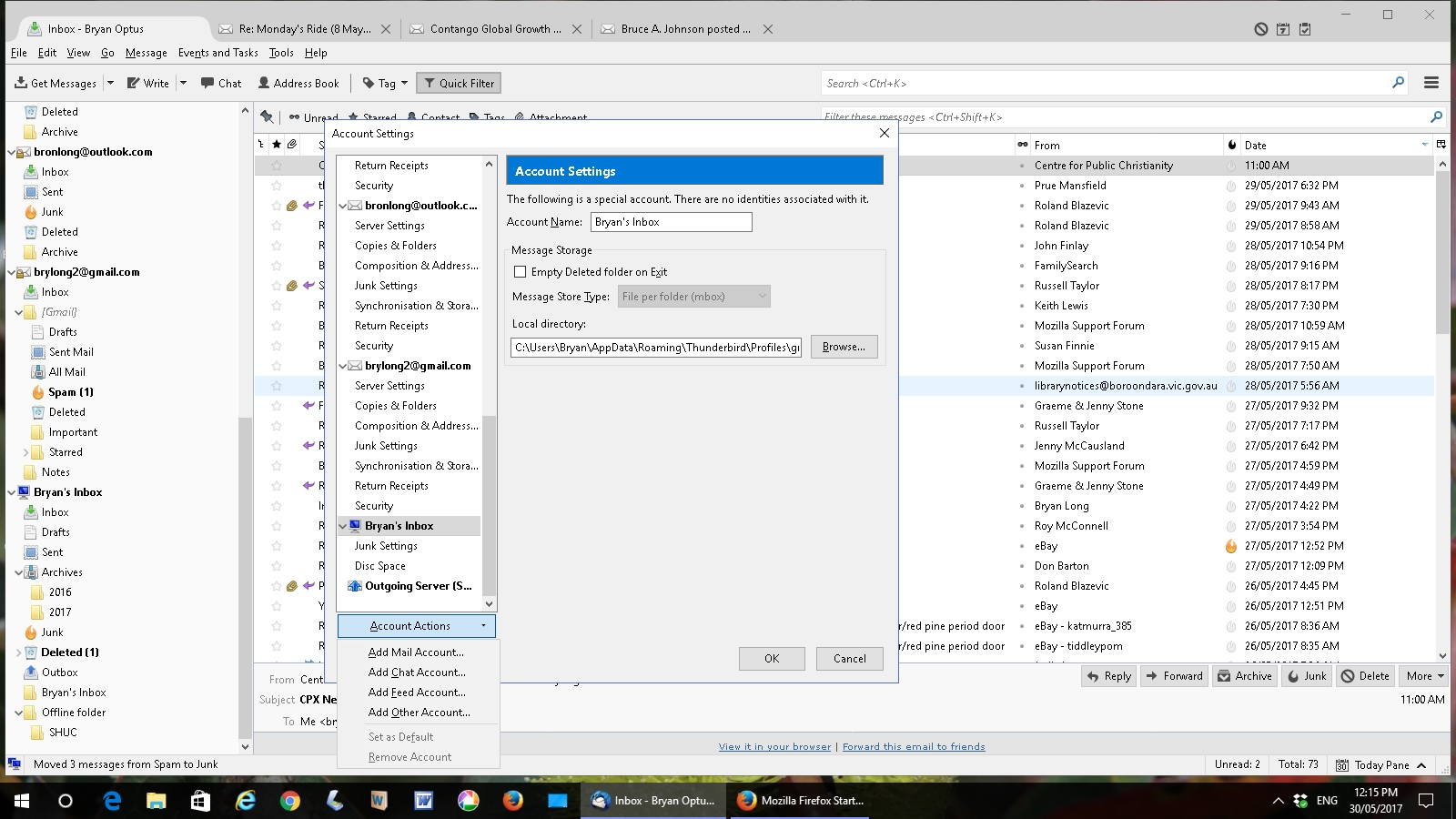
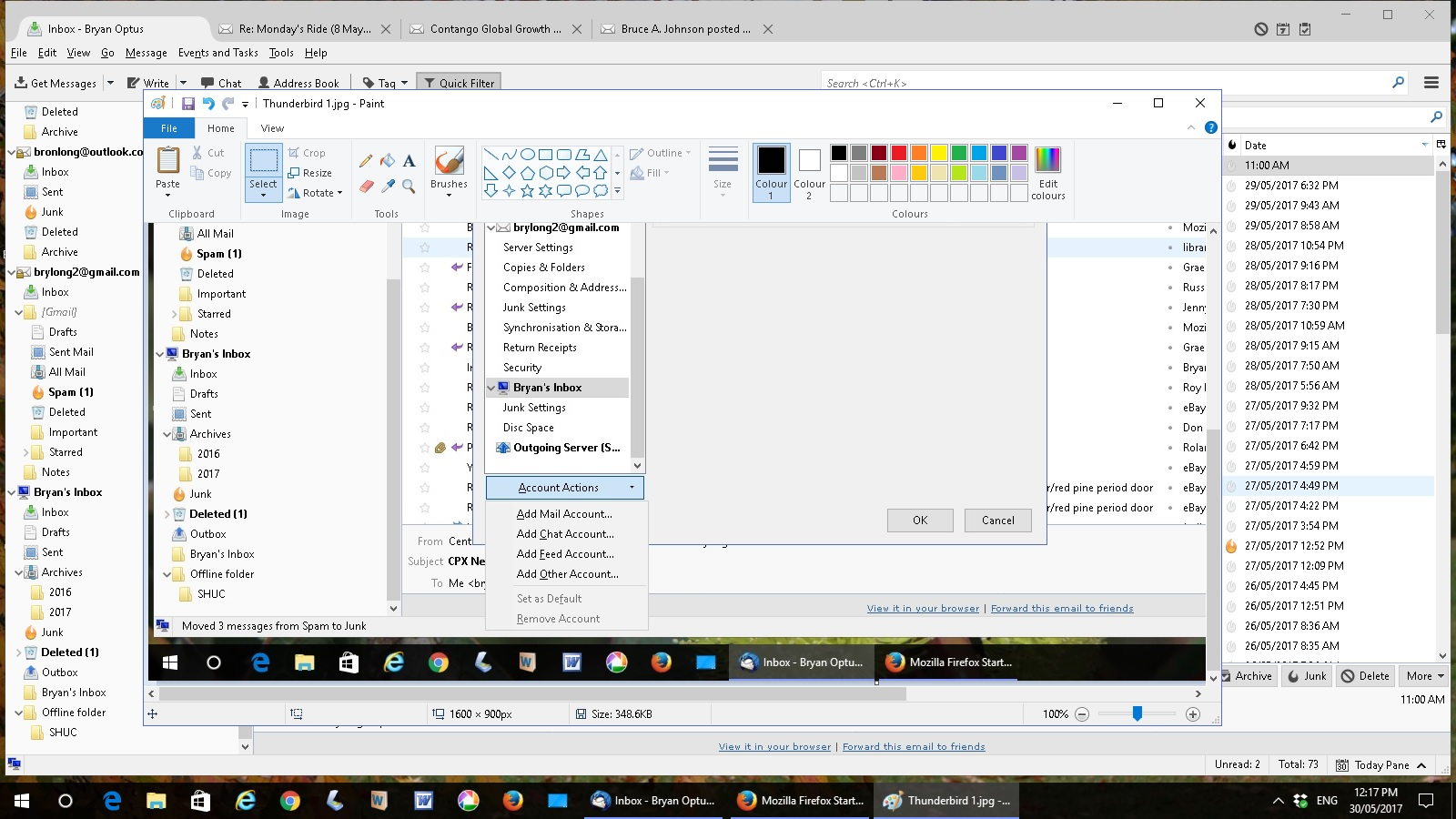
I've added two print screens to show. How do I delete this account?
I have several IMAP accounts in Thunderbird but an extra acct has popped up
"The following is a special account. There are no identities associated with it."
I think it is a global account but I don't want it and can't delete it. It has no server settings and no folders - just 'junk settings' and 'disk space' and the option to delete is grayed out.
I've added two print screens to show.
How do I delete this account?

Todas as respostas (2)

Since I do not see the special account Local Folders listed I can only assume that for some reason you decided to rename it to Bryan's Inbox. The Local Folder account is default to Thunderbird and cannot be deleted.
Modificado por user01229325 a
It most certainly is (or was) Local Folders.